Skip to content
Mixany

Video Watermark Remover

Upload one MP4 you own or are authorized to edit. Mixany reconstructs the covered area across frames so you can review and download a cleaner video without cropping the shot.

Private result
Remove a visible logo, caption, or watermark while keeping the original video frame.

Video watermark removal examples

These examples show how a centered watermark or corner logo can be removed while the original video framing, motion, and visible content stay in place.

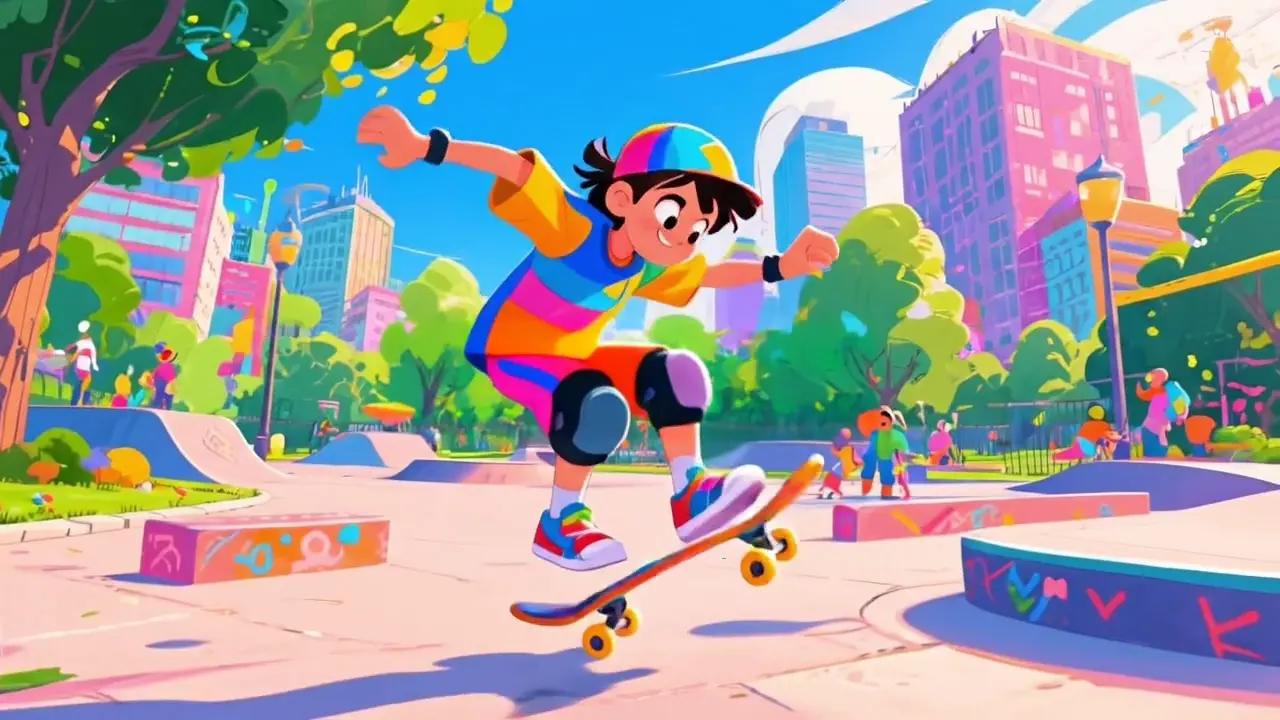
Skate-park animation with a sample watermark placed across the center.BeforeSample watermark
After

Remove a centered watermark

Video Watermark Remover

Use a video you own or are allowed to edit. Mixany removes the visible mark and keeps the skateboarder, background, and camera motion in the same frame.

MP4 sourceCentered textMotion preserved

Portrait video frame with a sample watermark in the lower-right corner.BeforeSample watermark
After

Remove a corner logo from a portrait video

Video Watermark Remover

Remove a small corner mark from an approved portrait clip without changing the person, original aspect ratio, or visible background.

MP4 sourceCorner logoPortrait framing

How to remove a watermark from a video

    01
    Upload the approved source video
    Choose one MP4 you own or have permission to modify. Use the cleanest available export so the area behind the overlay has the best detail to reconstruct.
    02
    Check the credit quote
    Mixany reads the clip duration, applies the five-second minimum, and shows the credit cost before you start the cleanup task.
    03
    Review the cleaned result
    Check the removed area while the video is moving, then download the private result when the frame, detail, and motion are ready for your next edit.

Video watermark remover FAQ

Use it on an MP4 you own or are authorized to edit when you need to remove an unwanted visible logo, watermark, caption, lower-third, or other text overlay. Review the finished clip before publishing.

Remove a watermark from your video

Upload one MP4 you own or are allowed to edit, check the credit quote, and download the cleaned video from your private account.