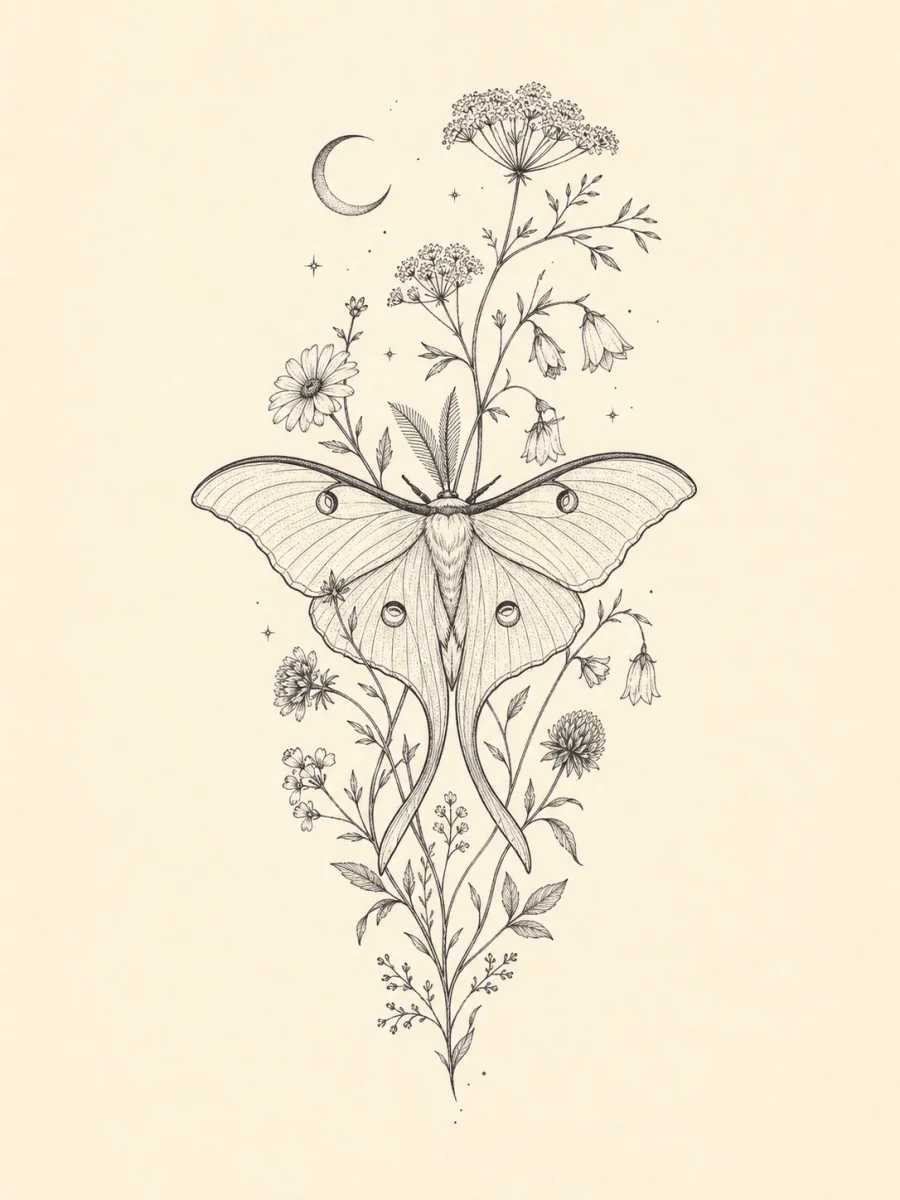
Keep delicate botanicals readable
GPT Image 2
Fine line work benefits from a clear vertical silhouette, intentional spacing, and enough margin to judge every botanical detail as a standalone drawing.
Fine lineBlack inkVertical 3:4
Describe what the design should mean, choose a tattoo style, ink direction, and canvas, then download a standalone concept you can refine in a conversation with a tattoo professional.
Explore distinct tattoo languages as complete artwork: delicate botanical linework, bold blackwork, and traditional color direction.
GPT Image 2
Fine line work benefits from a clear vertical silhouette, intentional spacing, and enough margin to judge every botanical detail as a standalone drawing.
GPT Image 2
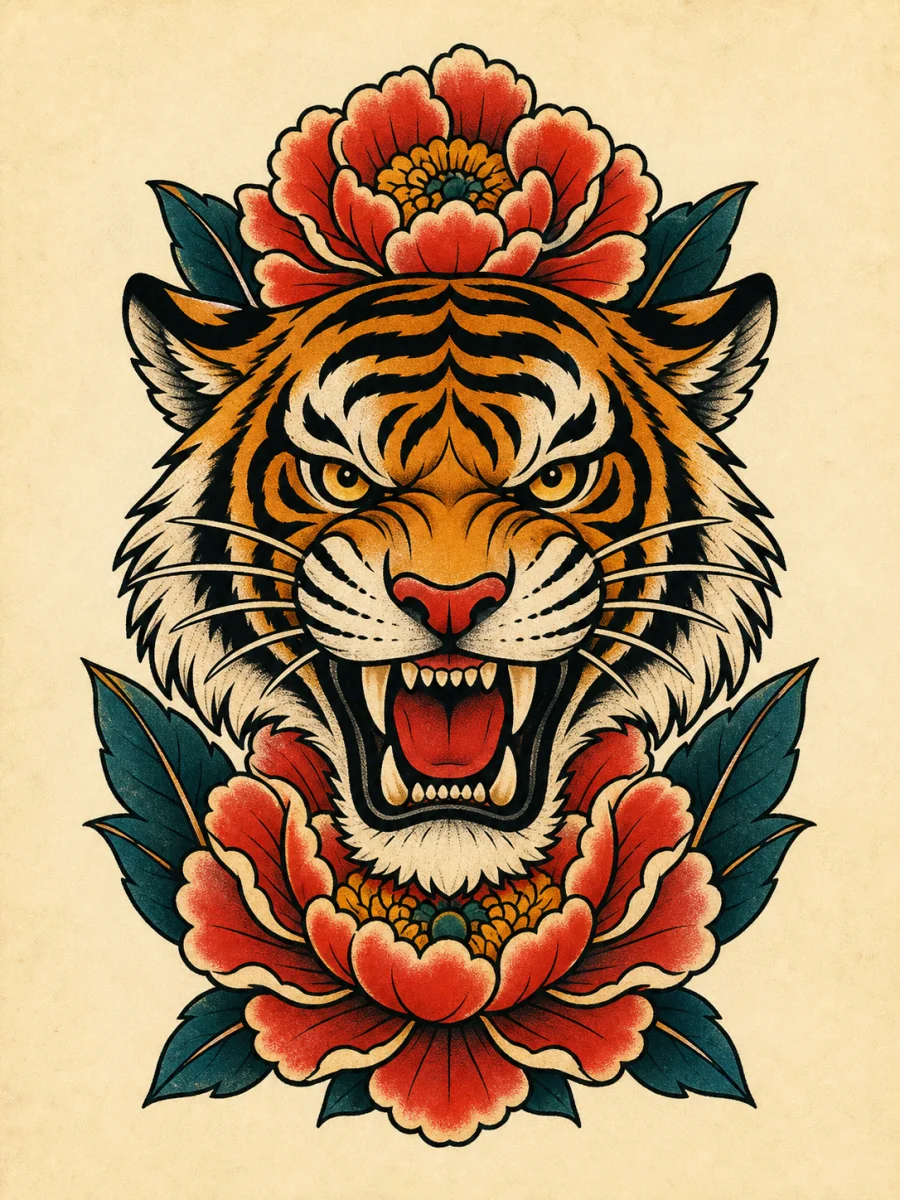
A tiger and peony concept uses bold outlines, limited warm accents, and a compact vertical arrangement that stays legible as one complete design.
GPT Image 2
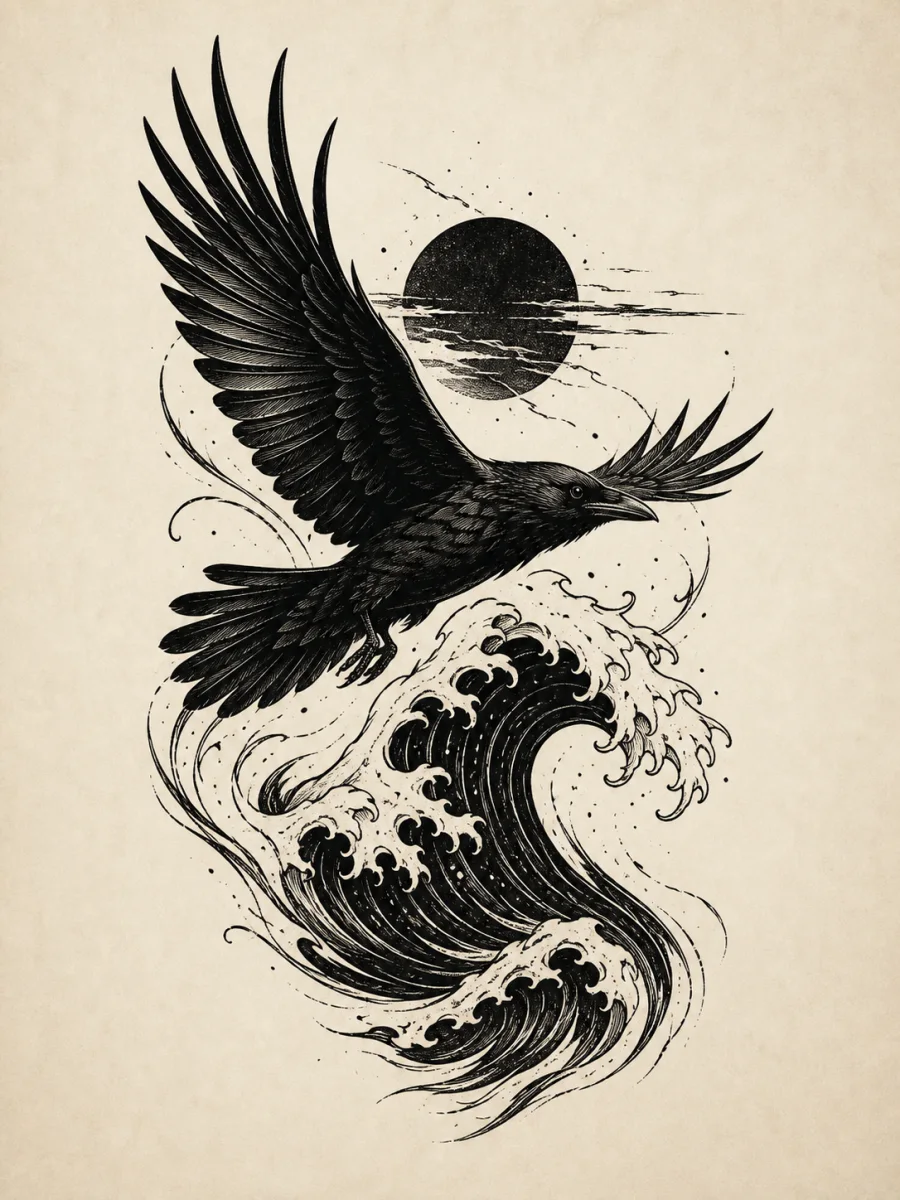
High-contrast shapes and controlled negative space make the raven and wave direction easy to review before taking the concept into the next design conversation.
Choose an available image model in Create. Mixany shows the supported settings and credit quote before you generate.
Open the tool that matches the file or result you need.
Turn a visual brief into campaign, event, or editorial poster artwork with a clear hierarchy.
ExploreCreate decorative artwork for a room or print when the goal is wall art rather than tattoo concept development.
ExploreCreate a broader full-color image from text when you need an illustration outside tattoo linework.
ExploreDescribe what the design means, choose its style and ink direction, review the current quote, and download one complete concept from Create.


