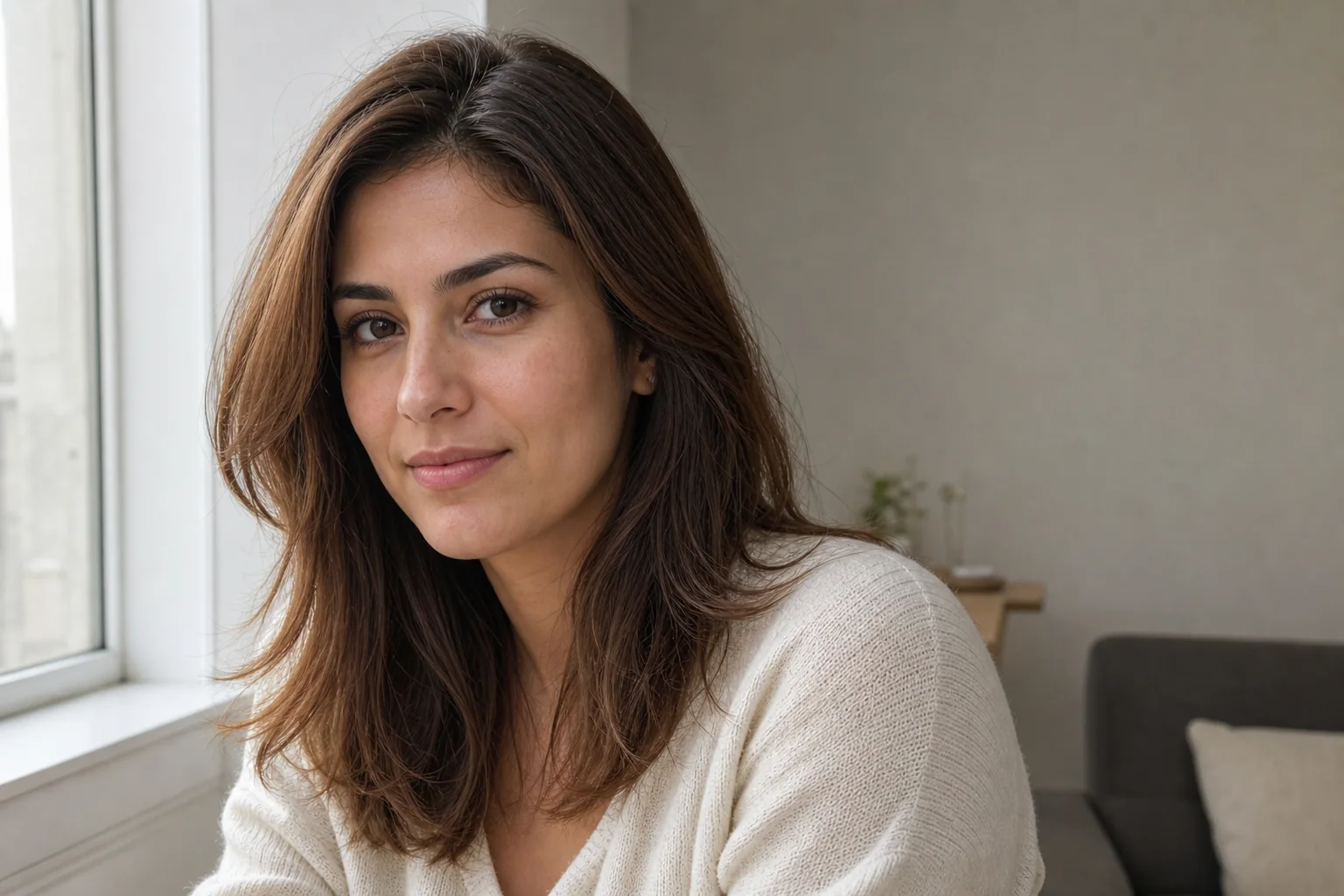
 Before
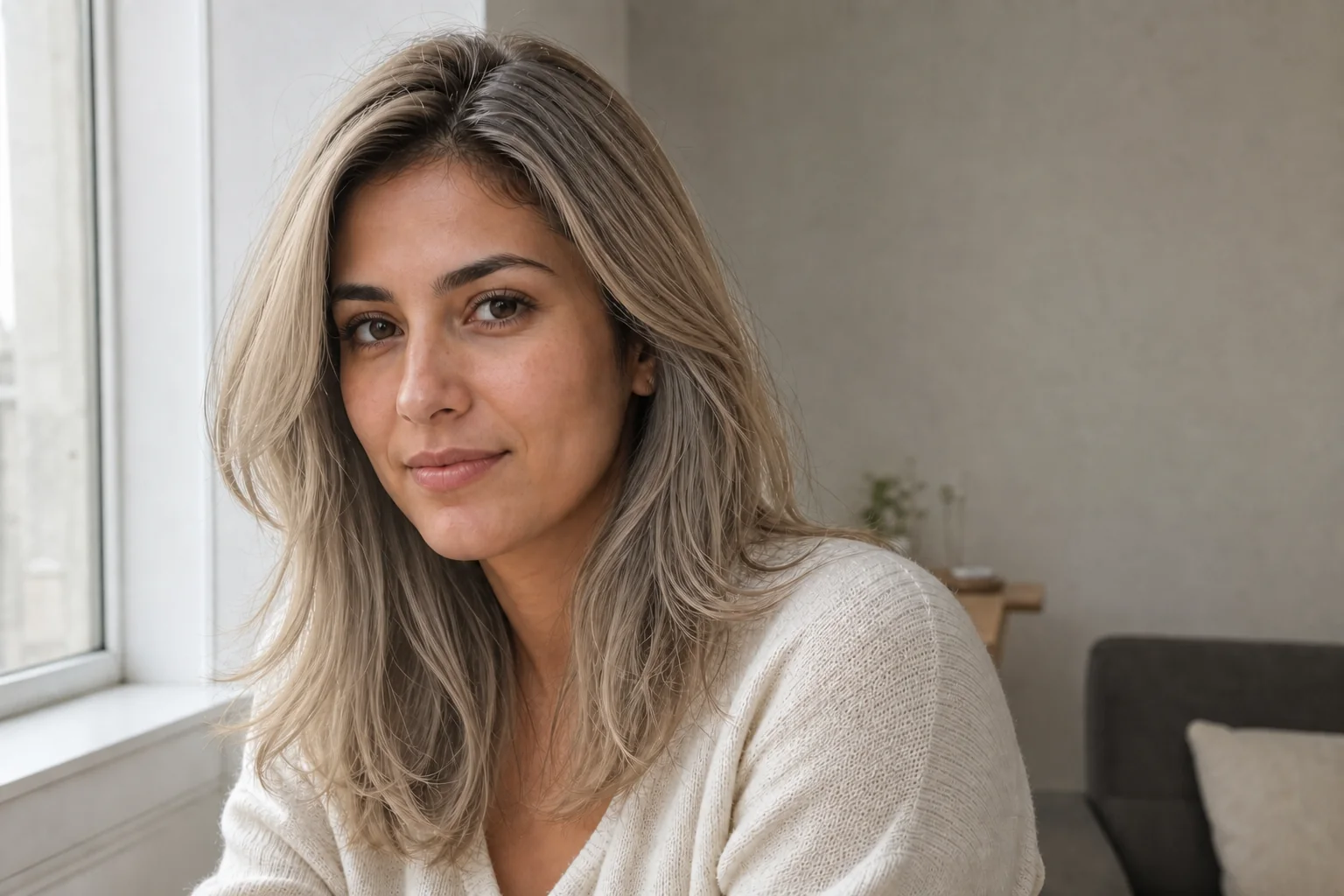 After
AfterPreview ash blonde with the same haircut
GPT Image 2
For a lighter color direction, inspect the hairline, visible strands, facial features, and lighting alongside the unchanged hairstyle.
Ash blondeSame haircutPortrait review
Upload a clear portrait, name the color you want to try, and preview a new hair color while keeping your identity and the exact hairstyle you already have.
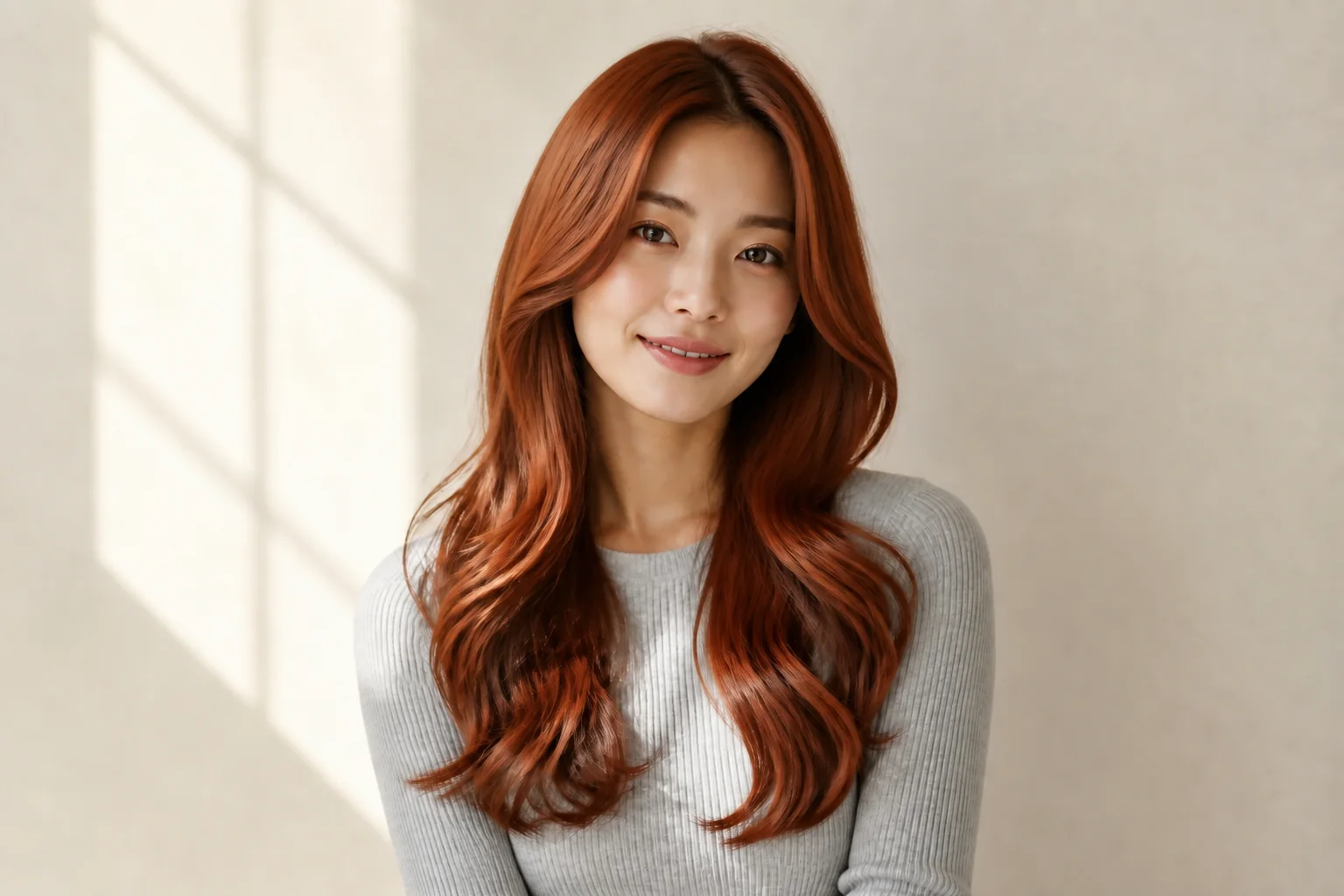
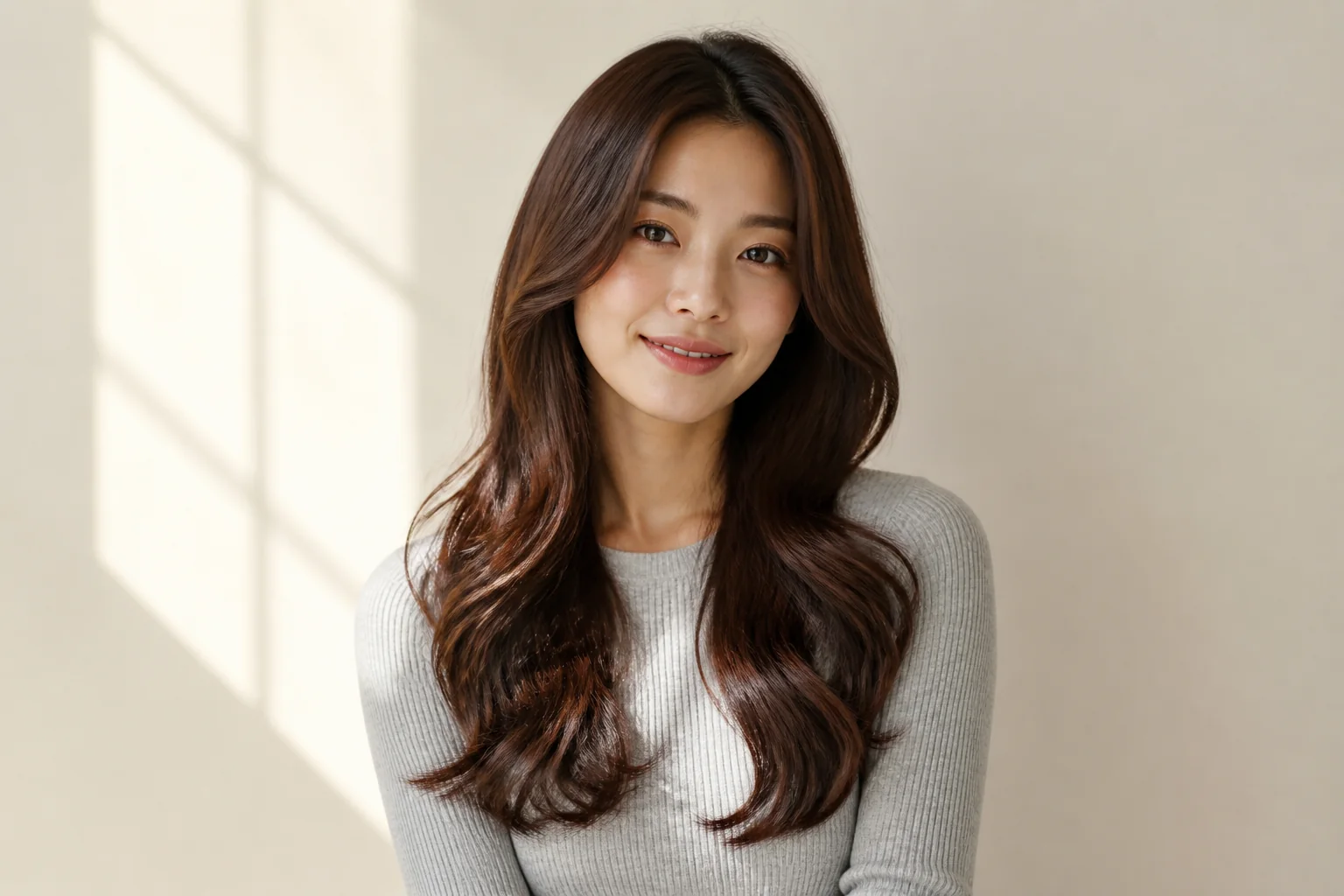
Compare two portrait color directions while checking that the face, haircut, texture, and surrounding portrait still look familiar.
BeforeAfterGPT Image 2
For a lighter color direction, inspect the hairline, visible strands, facial features, and lighting alongside the unchanged hairstyle.
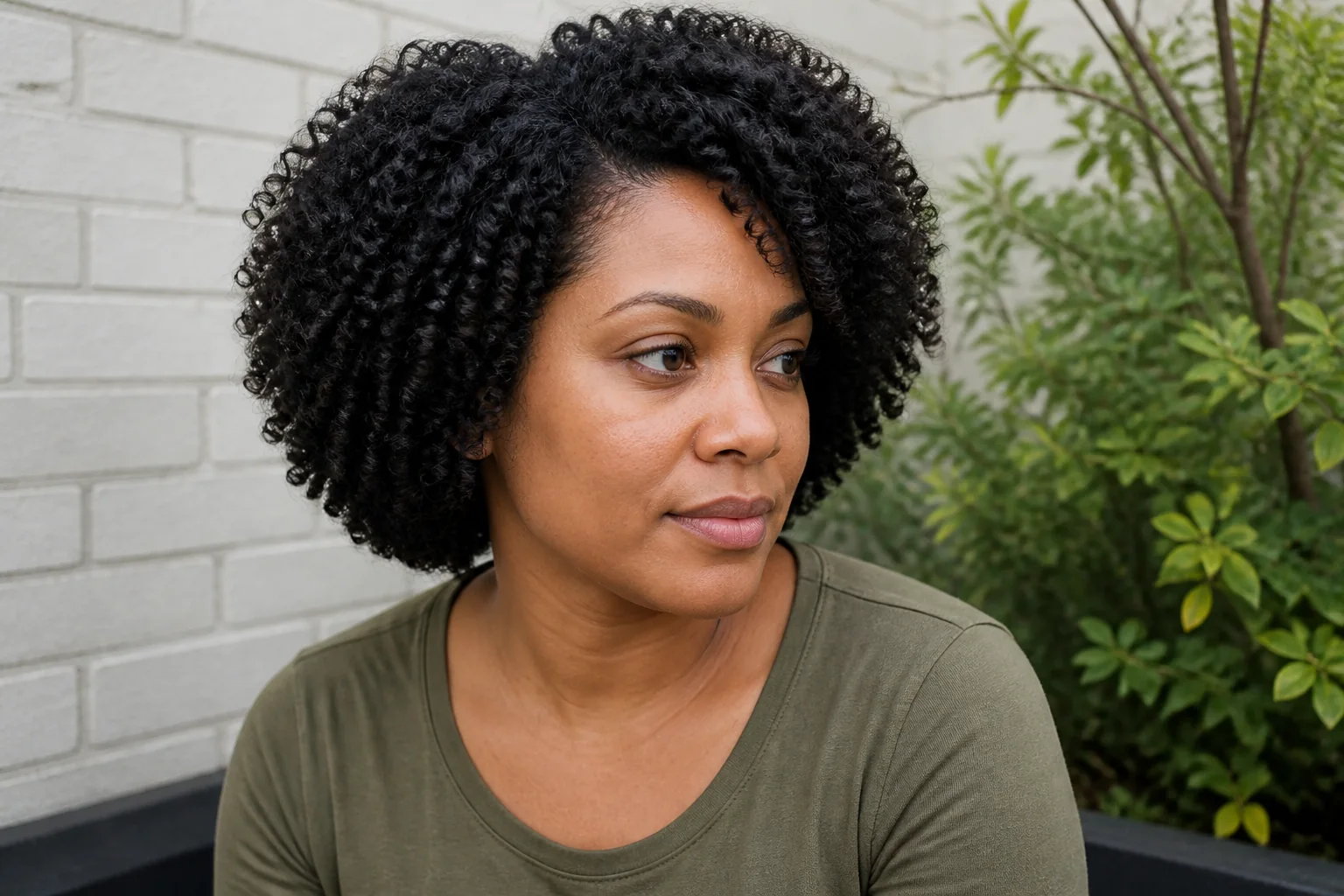 Before
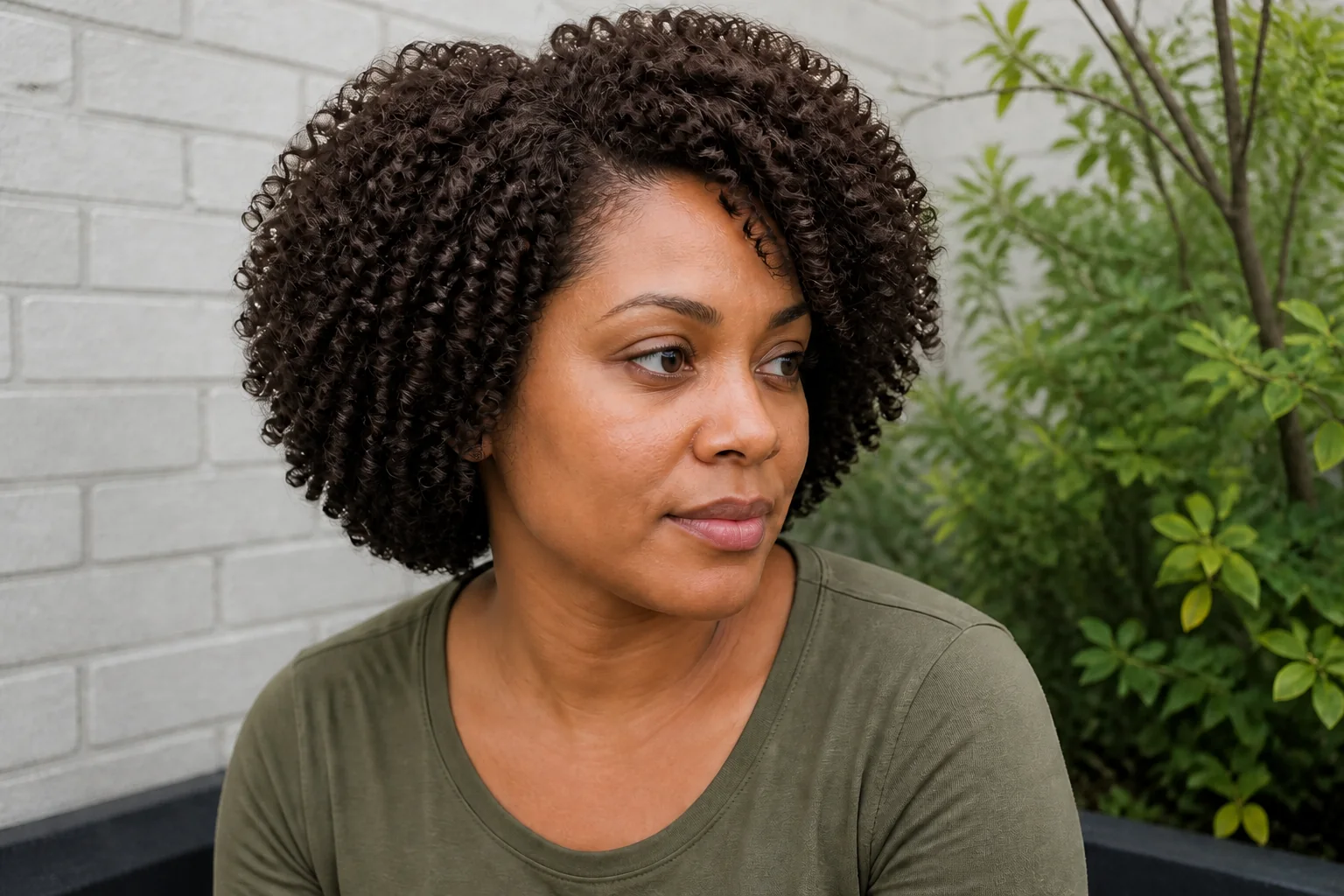 After
AfterGPT Image 2
For textured or curly hair, inspect the hairline, curl shape, face, and light around the portrait before deciding whether the color direction fits.
Open the tool that matches the file or result you need.
Try a different haircut, length, or styling direction when you want to change more than the color.
ExplorePreview a different outfit while preserving the person, pose, and surrounding portrait scene.
ExploreCreate a polished professional portrait once you have a color direction you want to use.
ExploreContinue to Create, upload a clear portrait, choose a color direction, and inspect the face and hairstyle before generating.