

Skip to content
Mixany

AI Hairstyle Changer

Upload a clear portrait, describe a haircut or styling direction, and preview a new hairstyle while keeping your face, expression, clothing, and background familiar.

Preserve intent presets
Exact quote in Create
Portrait with a polished chin-length French bob hairstyle preview
Portrait with long hair before a French bob hairstyle preview
Current hairFrench bobUse left and right arrow keys to reveal the before and after images.
Drag the divider to compare the original portrait with a French bob hairstyle preview.

Hairstyle preview directions

Use the same clear portrait to compare different haircut and styling directions, then inspect the hairline, texture, face, and surrounding image before deciding.

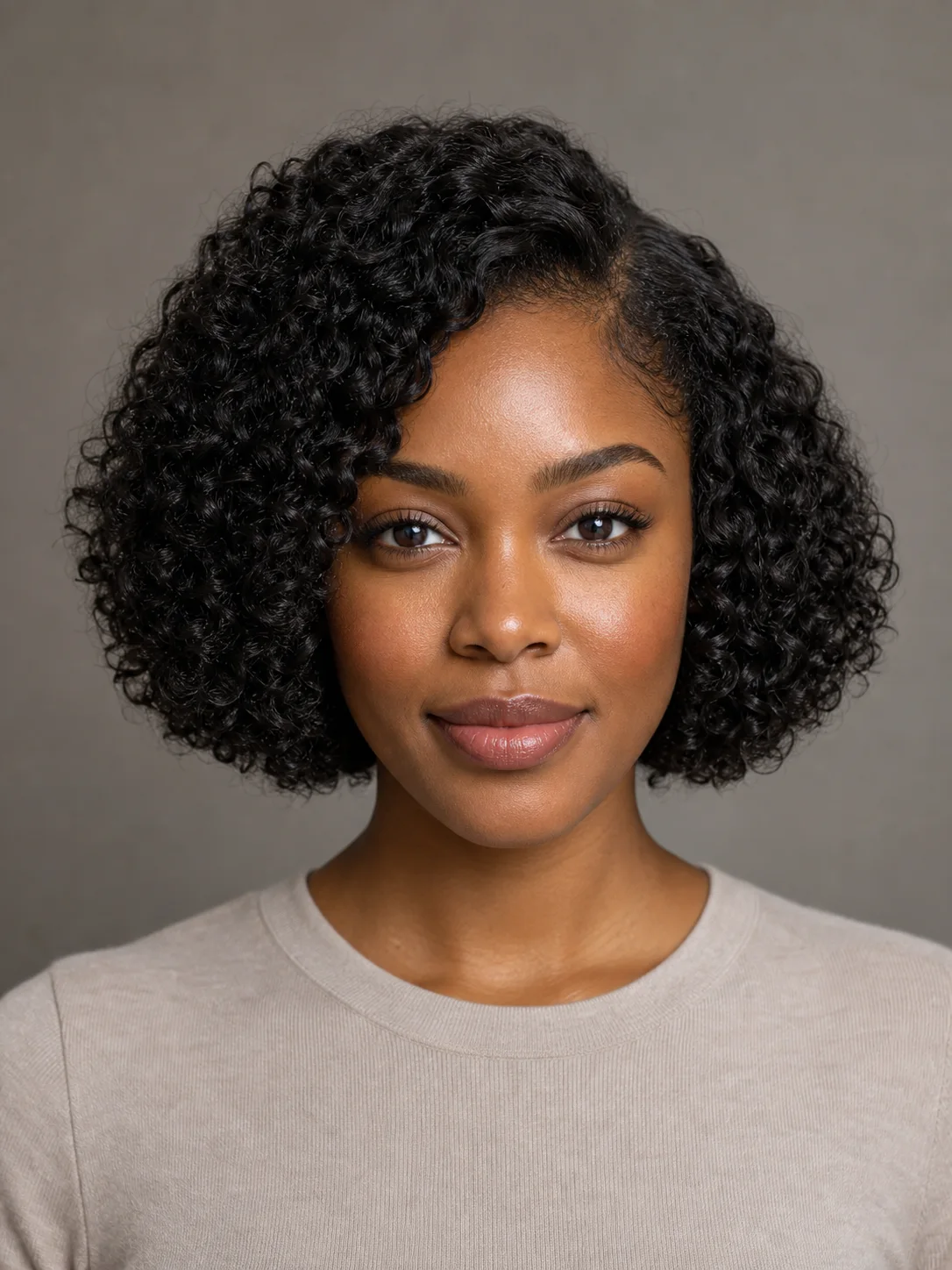
Source portrait before a curly bob hairstyle previewBefore
Portrait with a defined chin-length curly bob hairstyle previewAfter

Preview a curly bob with visible texture

GPT Image 2

For a shorter textured direction, inspect the curl shape, volume, hairline, and face alongside the original portrait before choosing a style to discuss with a stylist.

Curly bobHair textureFace review
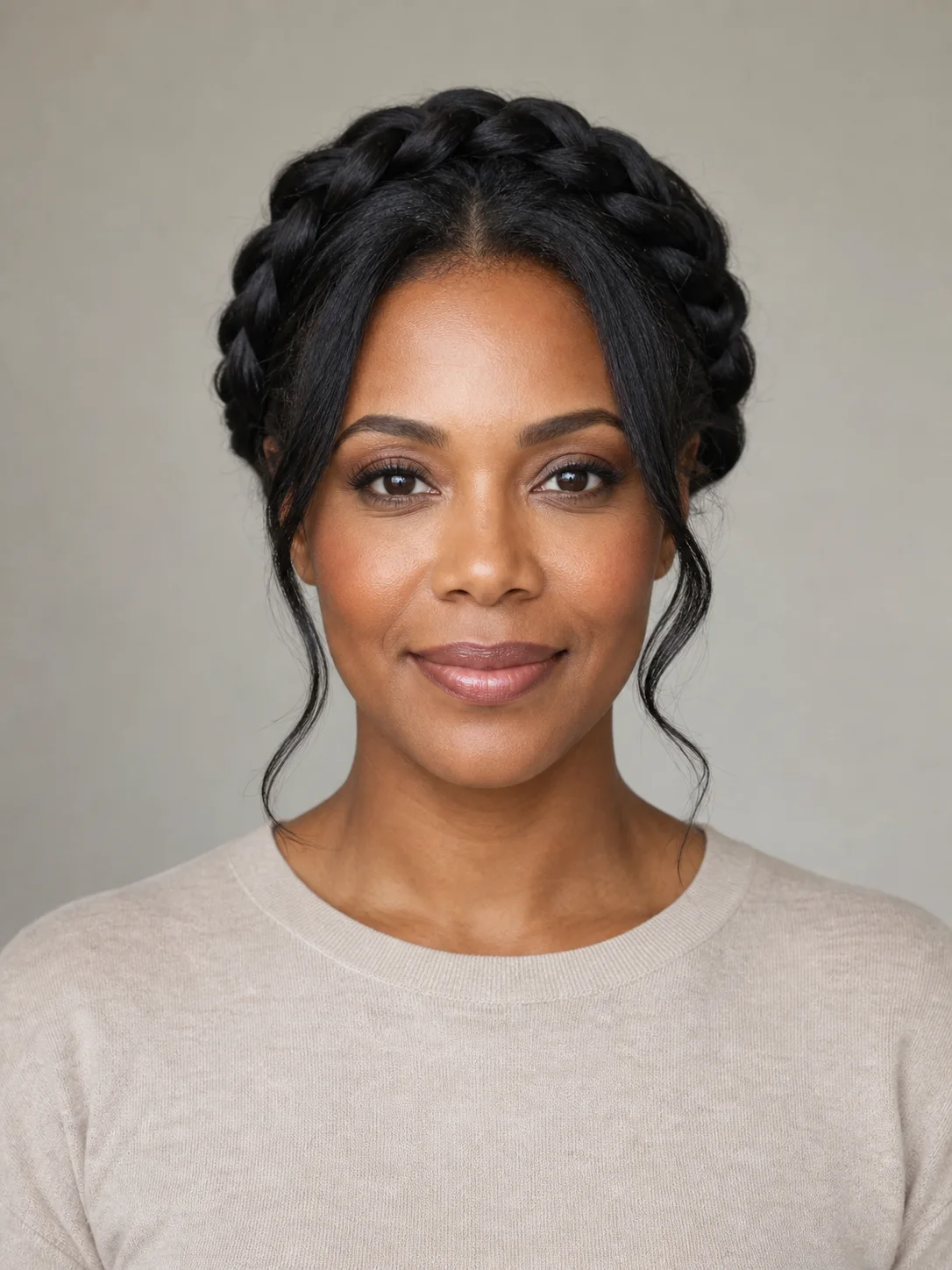
Source portrait before a braided updo hairstyle previewBefore
Portrait with a refined braided updo hairstyle previewAfter

Explore an updo while keeping the portrait familiar

GPT Image 2

A styled updo changes the hair direction, but the review should still focus on the face, hairline, expression, clothing, camera angle, and background around it.

Braided updoHairlinePortrait review

How to try a hairstyle on your photo

    01
    Upload a clear portrait with visible hair
    Choose a PNG, JPG, or WebP portrait where the hairline, face, and shoulders are visible. Avoid hats, heavy shadows, hands, or objects covering the hair.
    02
    Describe the haircut or styling direction
    Start with a French bob, long waves, or braided updo, then refine only the length, parting, texture, fringe, volume, or finish you want to assess.
    03
    Review the preview in Create
    Continue to Create to review the available settings and credit quote, then check the hairline, roots, texture, face, clothing, and background before using the preview as a visual direction.

AI Hairstyle Changer FAQ

Use a clear front-facing or three-quarter portrait with the full hairline, face, and shoulders visible. Avoid hats, heavy shadows, hands, and objects covering the hair so you can inspect the finished direction clearly.

Preview a new hairstyle on your photo

Continue to Create, upload a clear portrait, describe the hairstyle you want to try, and inspect the familiar details before generating.