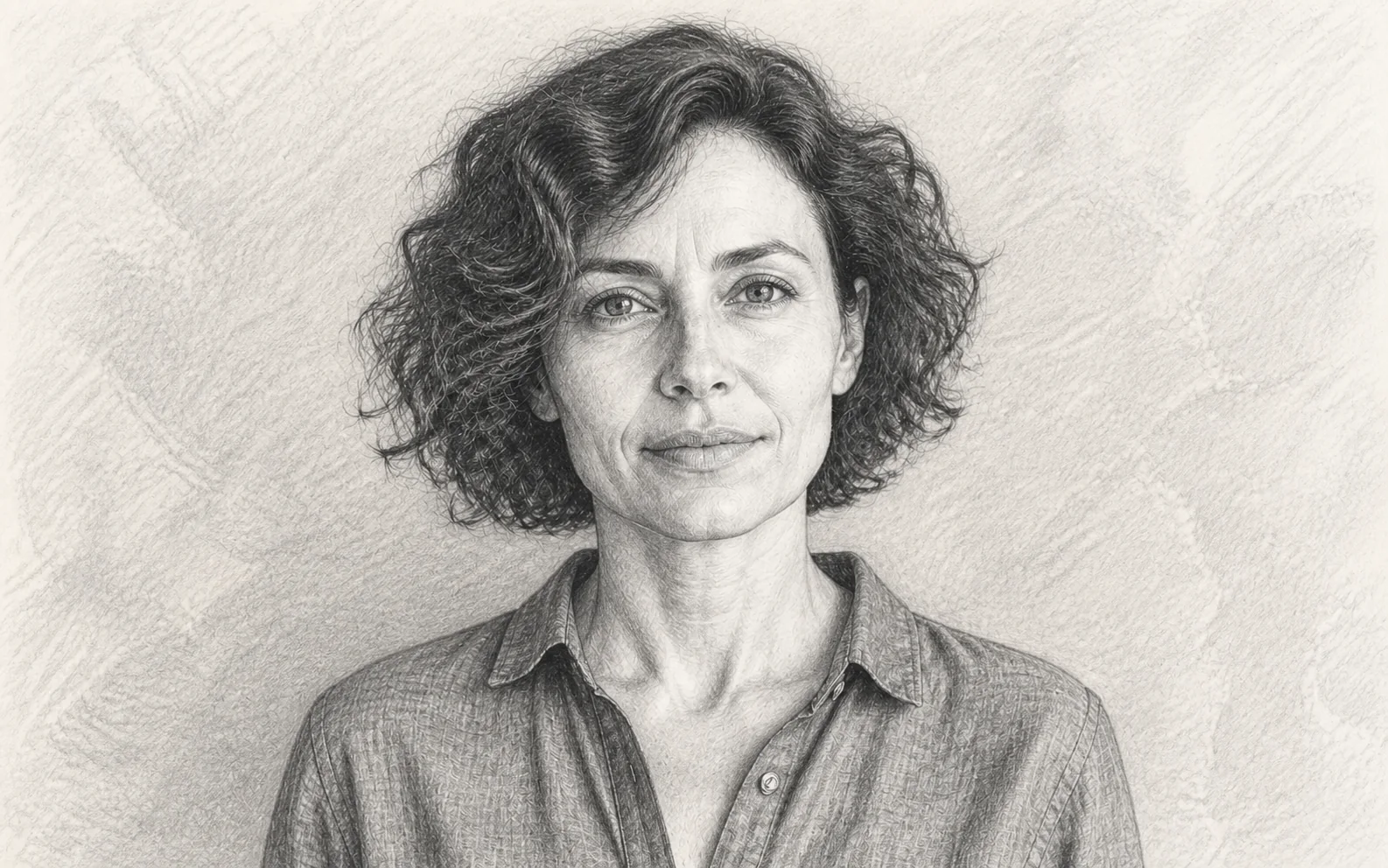
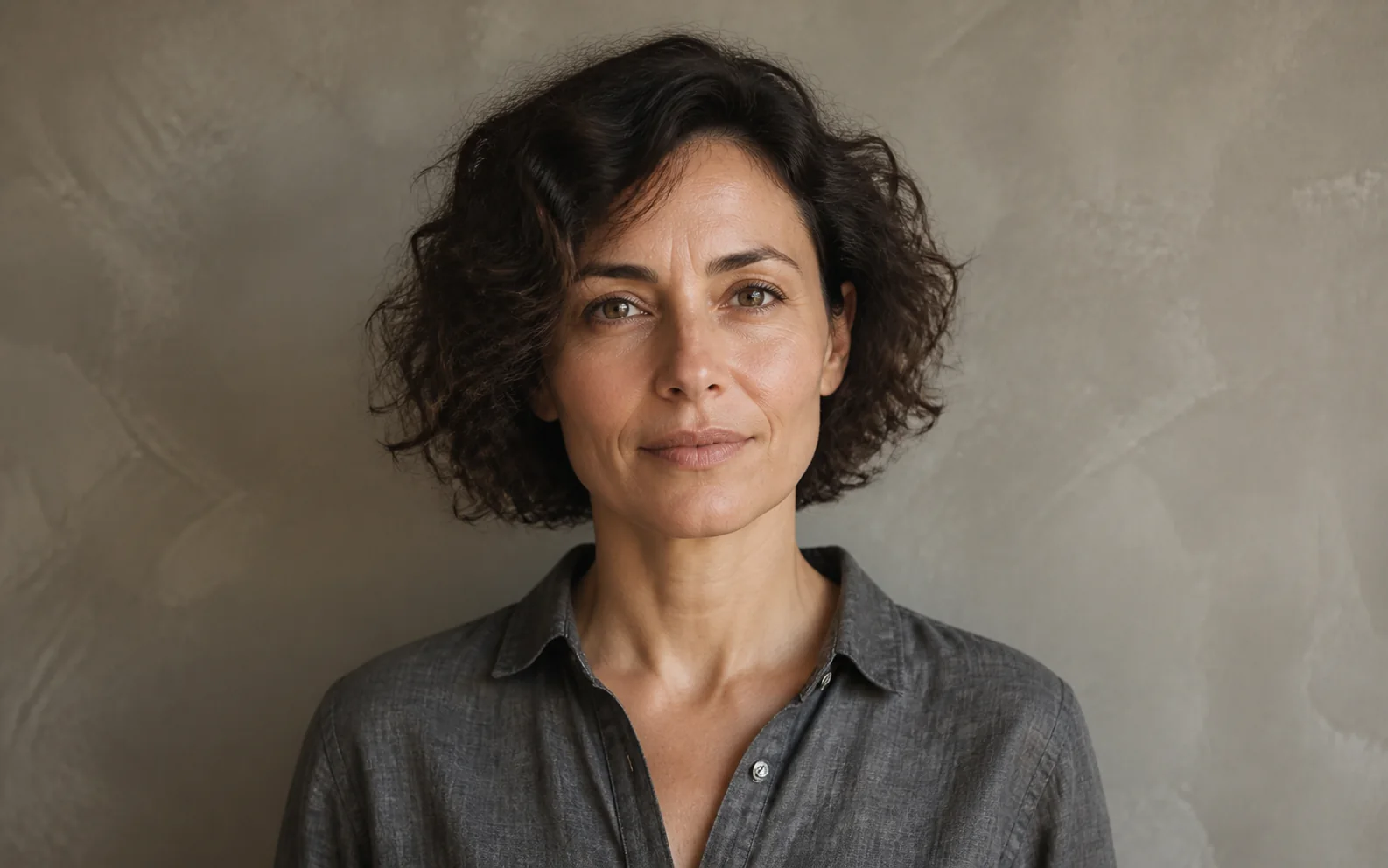

Before
AfterKeep a portrait recognizable in graphite
GPT Image 2
The face, eyes, expression, hairline, and shoulder framing stay visible while graphite shading and cross-hatching change the surface into a hand-drawn portrait.
Upload one clear photo, choose Pencil, Charcoal, Ink, or Line Art, and optionally guide the marks with a short direction. Create uses the source composition as the reference so you can review the subject and drawing together.


Compare each source with its drawing so you can judge the subject, edges, expression, and perspective before you create your own.
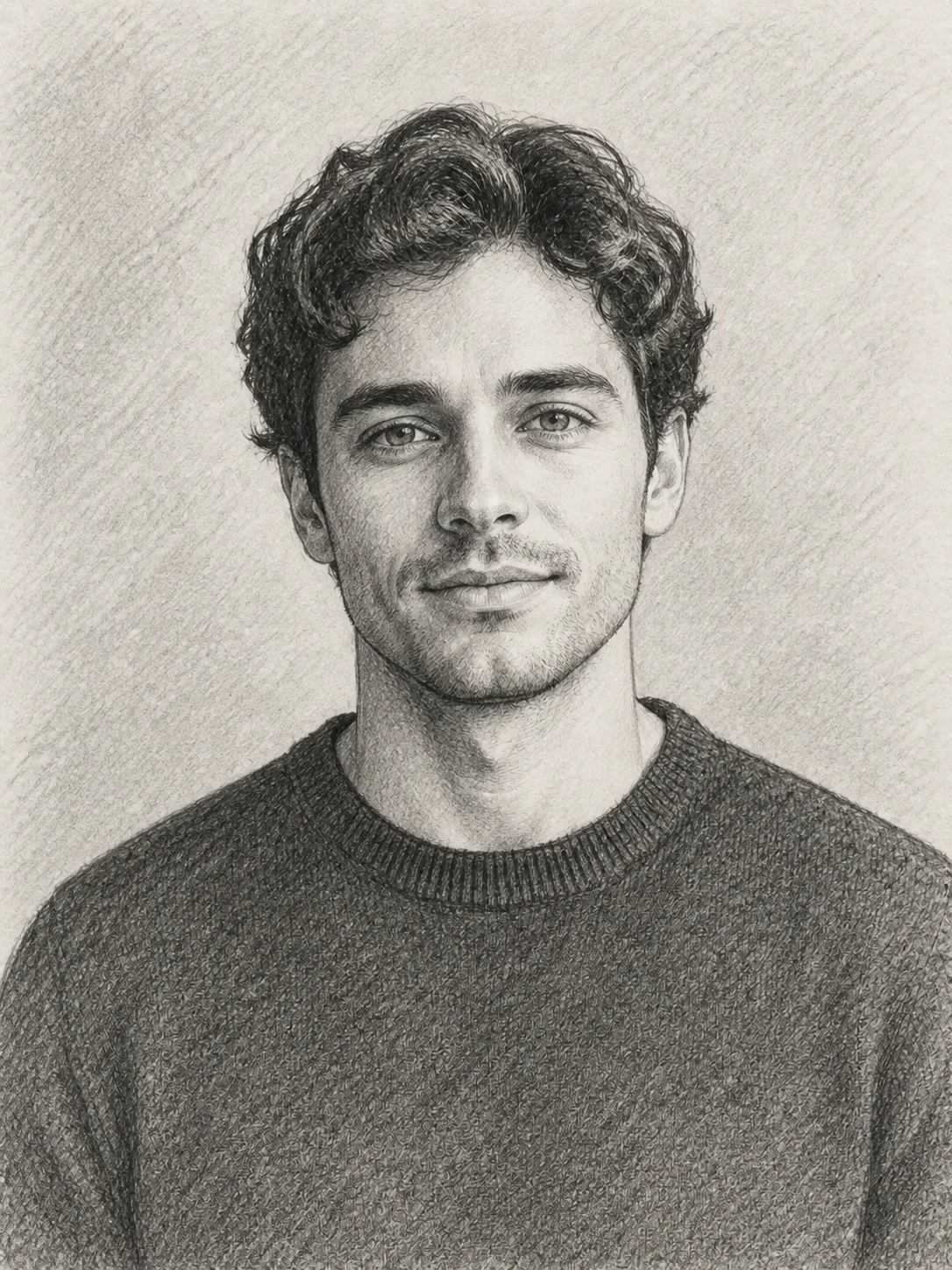
Before
AfterGPT Image 2
The face, eyes, expression, hairline, and shoulder framing stay visible while graphite shading and cross-hatching change the surface into a hand-drawn portrait.
Before
AfterGPT Image 2
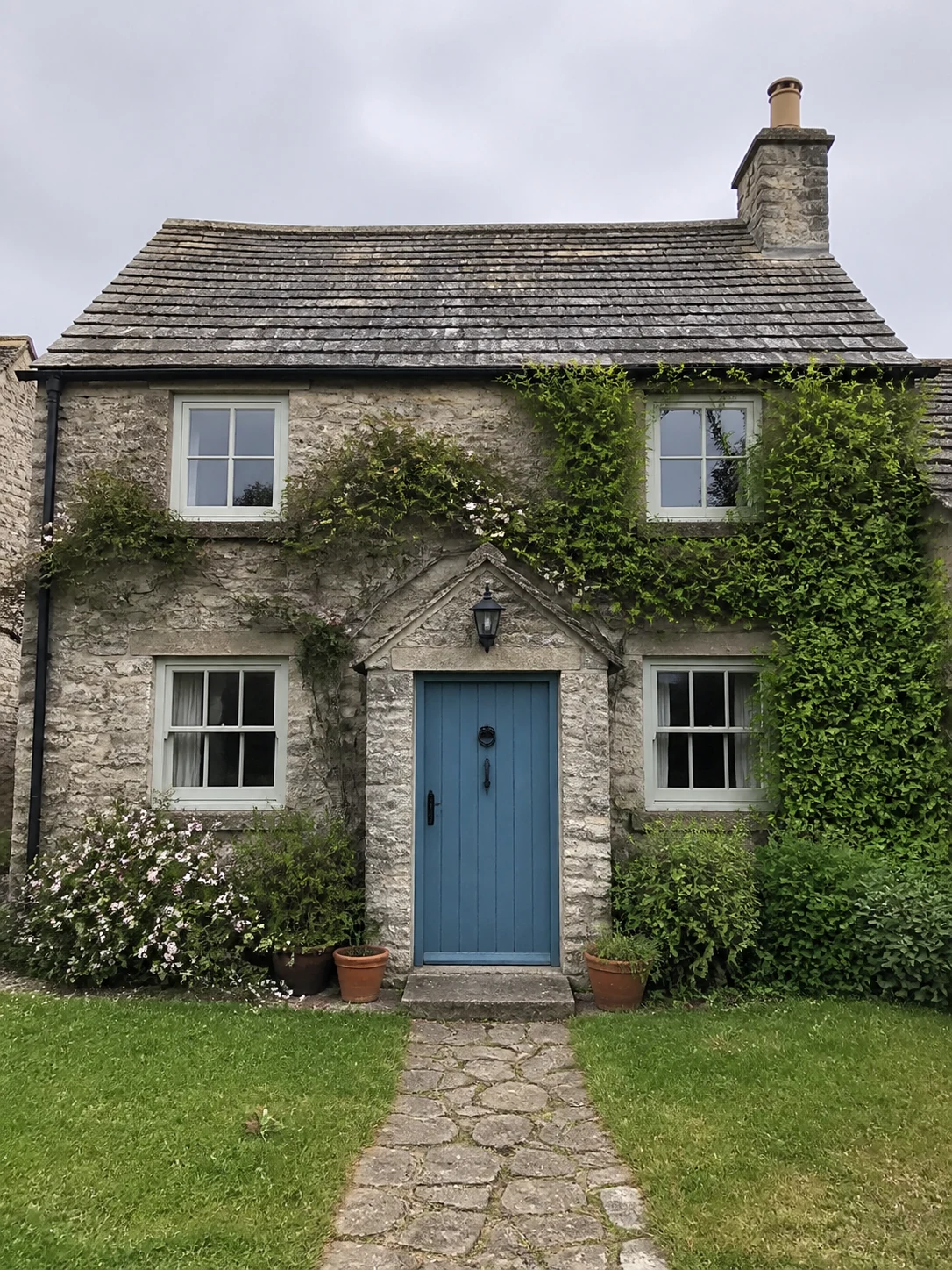
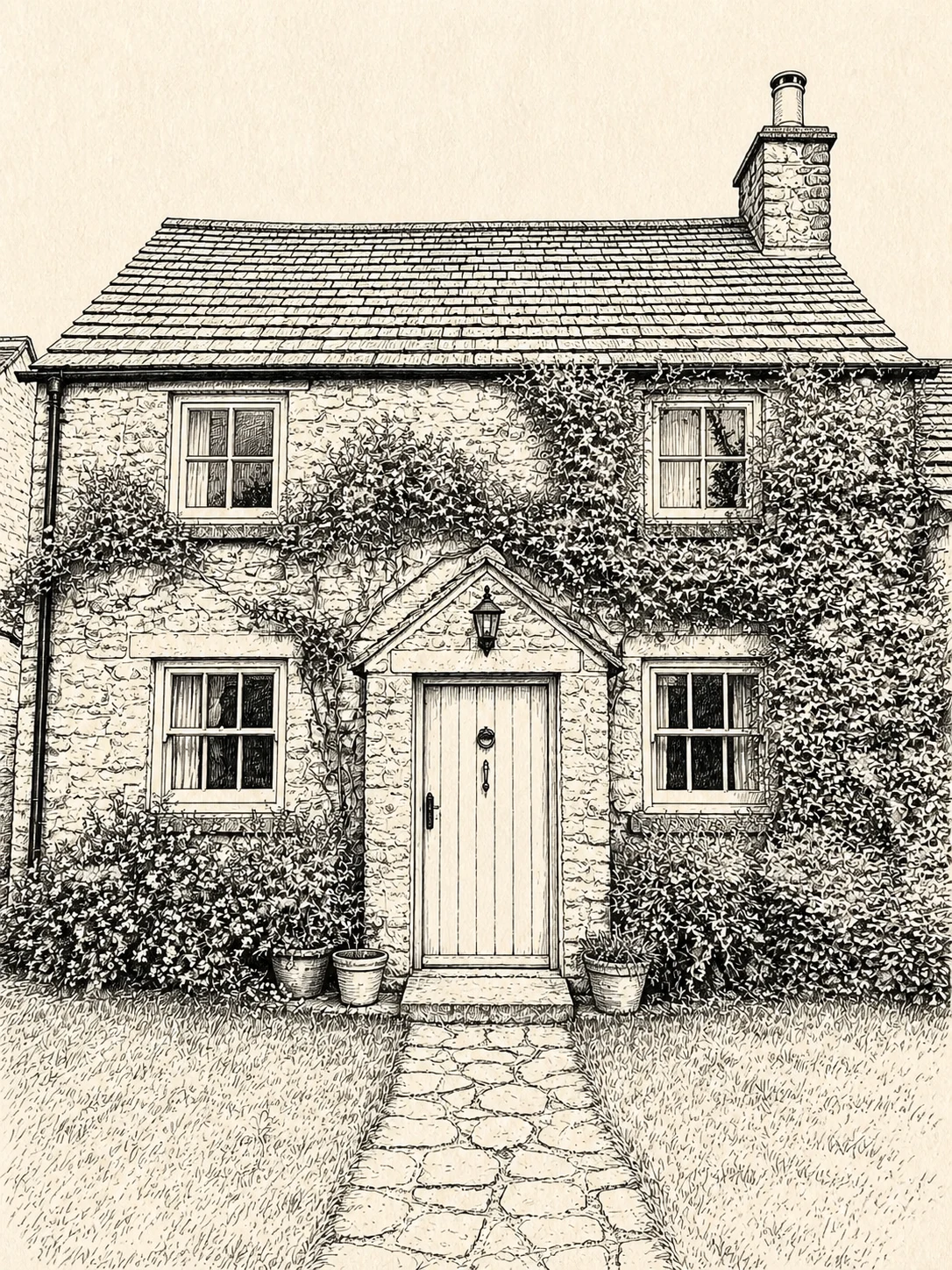
The door, windows, roofline, path, and perspective stay in place while controlled line weight turns the same cottage into an ink drawing.
Before
AfterGPT Image 2
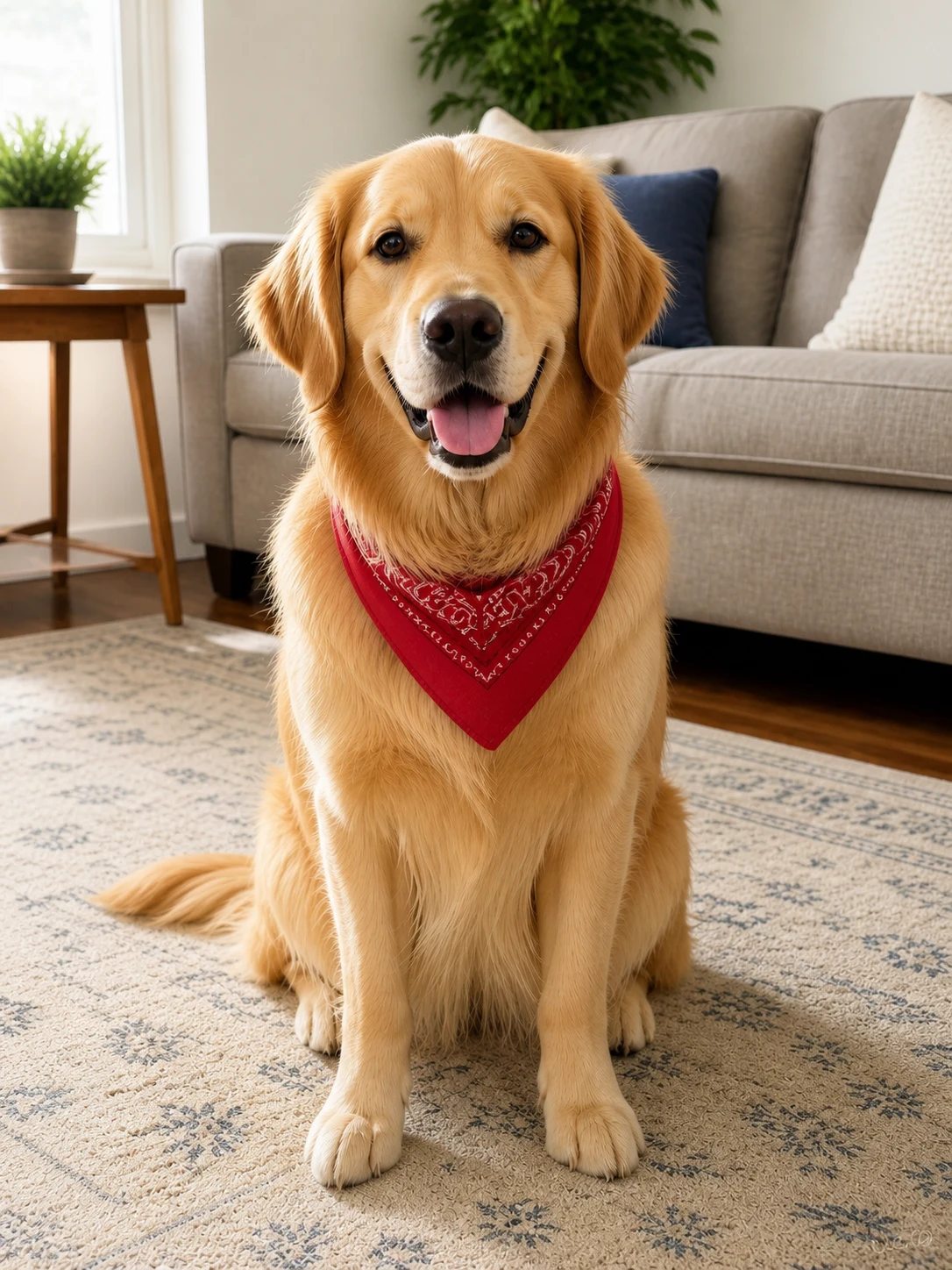
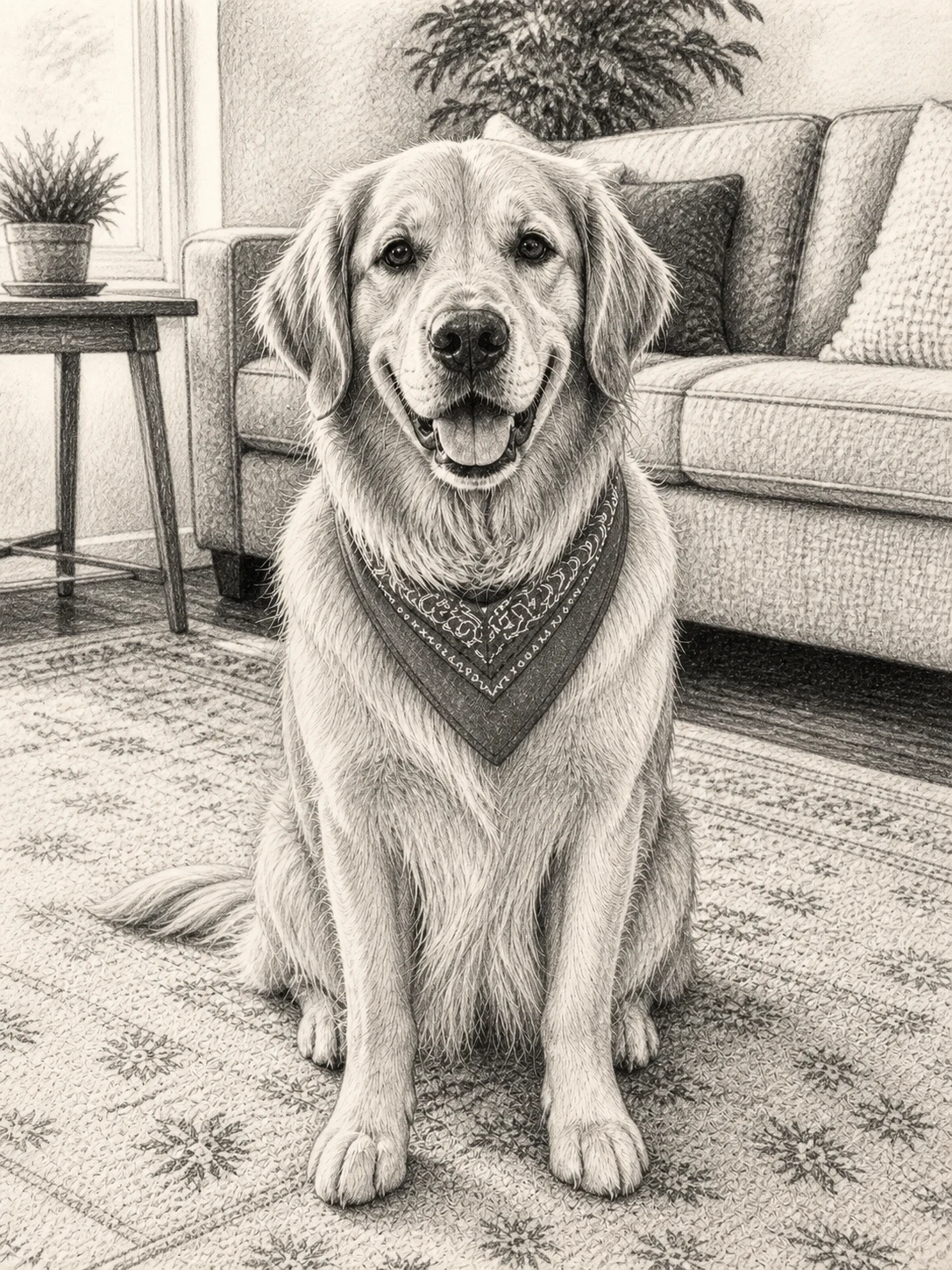
The pet’s face, ears, fur silhouette, pose, and expression remain readable while charcoal strokes add deeper tones and energetic edges.
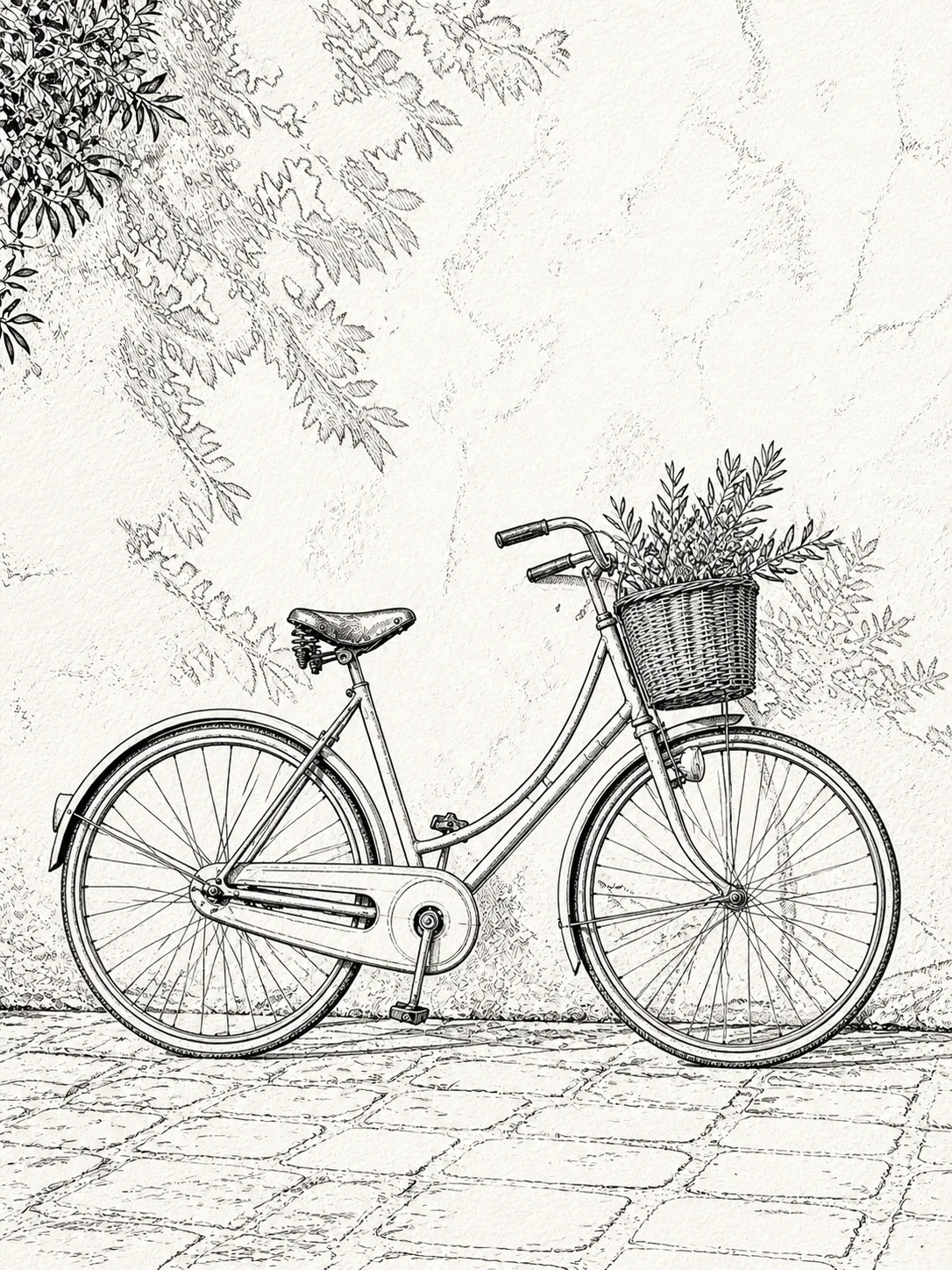
Before
AfterGPT Image 2
The frame, wheels, basket, leaves, and wall stay legible while Line Art focuses the result on readable contours and light hatching.
Open the tool that matches the file or result you need.
Simplify a portrait, pet, object, or place into closed black-and-white outlines made for coloring rather than drawing texture.
ExploreKeep the source composition recognizable while changing the medium to a softer watercolor treatment.
ExploreTransform a portrait into painterly, editorial, illustrated, or vintage artwork when you want more than line or charcoal marks.
ExploreContinue to Create, upload one source photo, choose Pencil, Charcoal, Ink, or Line Art, and compare the result with the original before downloading.