Build a quiet world for ambient music
GPT Image 2
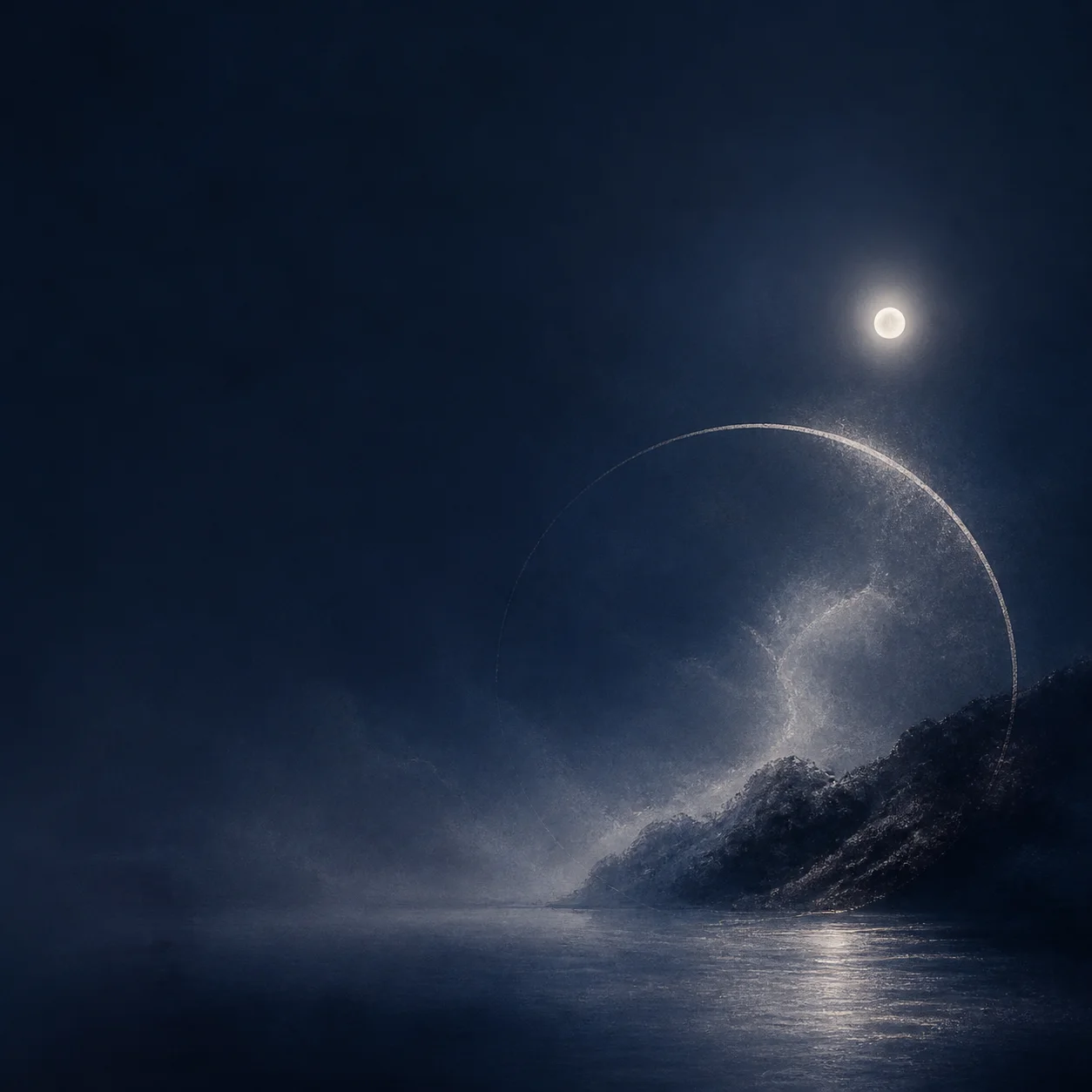
Use a restrained palette, tactile atmosphere, and one central horizon or symbol to establish an ambient visual direction in a square composition.
1:1 squareQuiet paletteCentral symbol
Describe your genre, mood, title, and visual direction, then create a 1:1 album cover with a focused composition and intentional negative space.
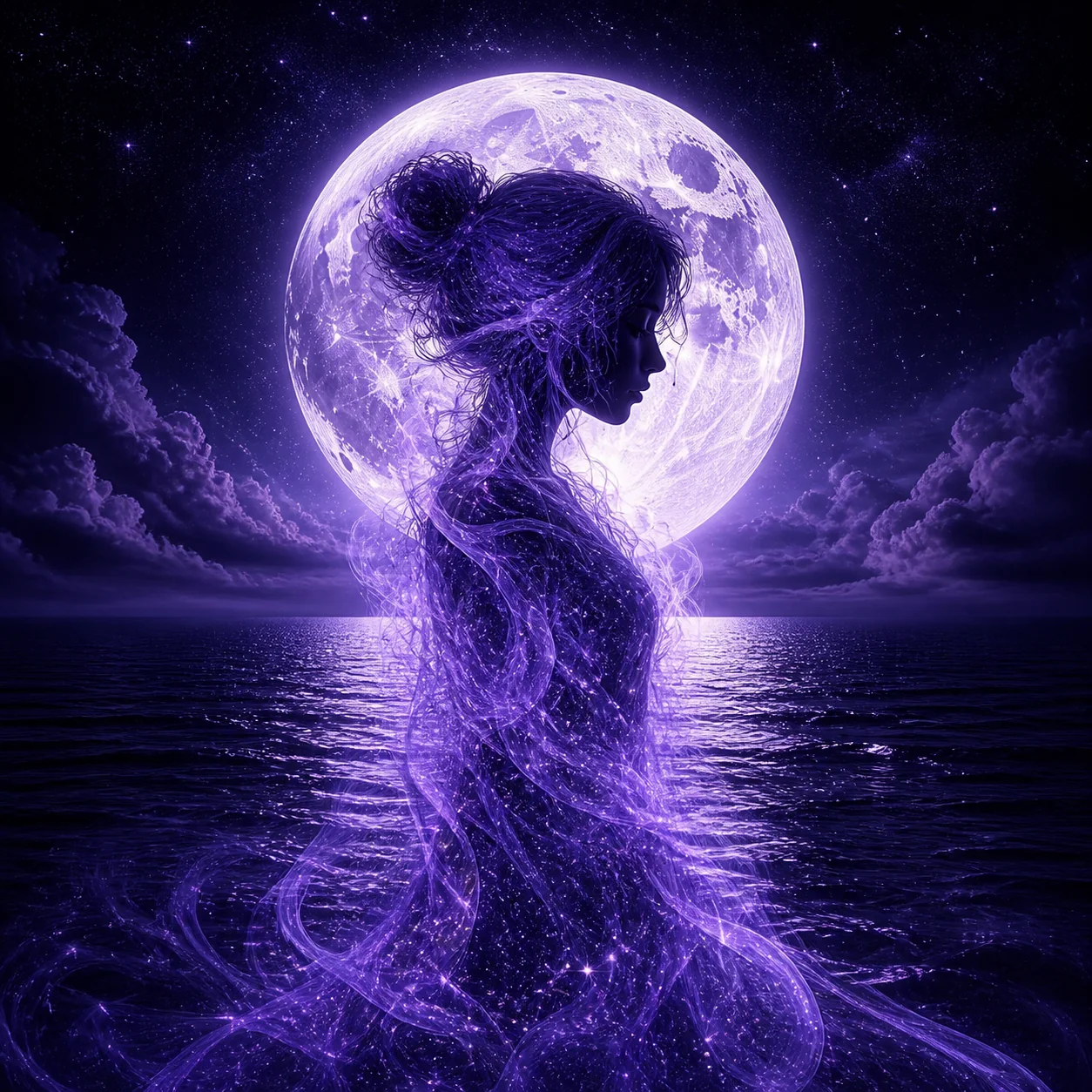
See three square cover directions built from genre, mood, palette, and one focused visual idea.
GPT Image 2
Use a restrained palette, tactile atmosphere, and one central horizon or symbol to establish an ambient visual direction in a square composition.
GPT Image 2
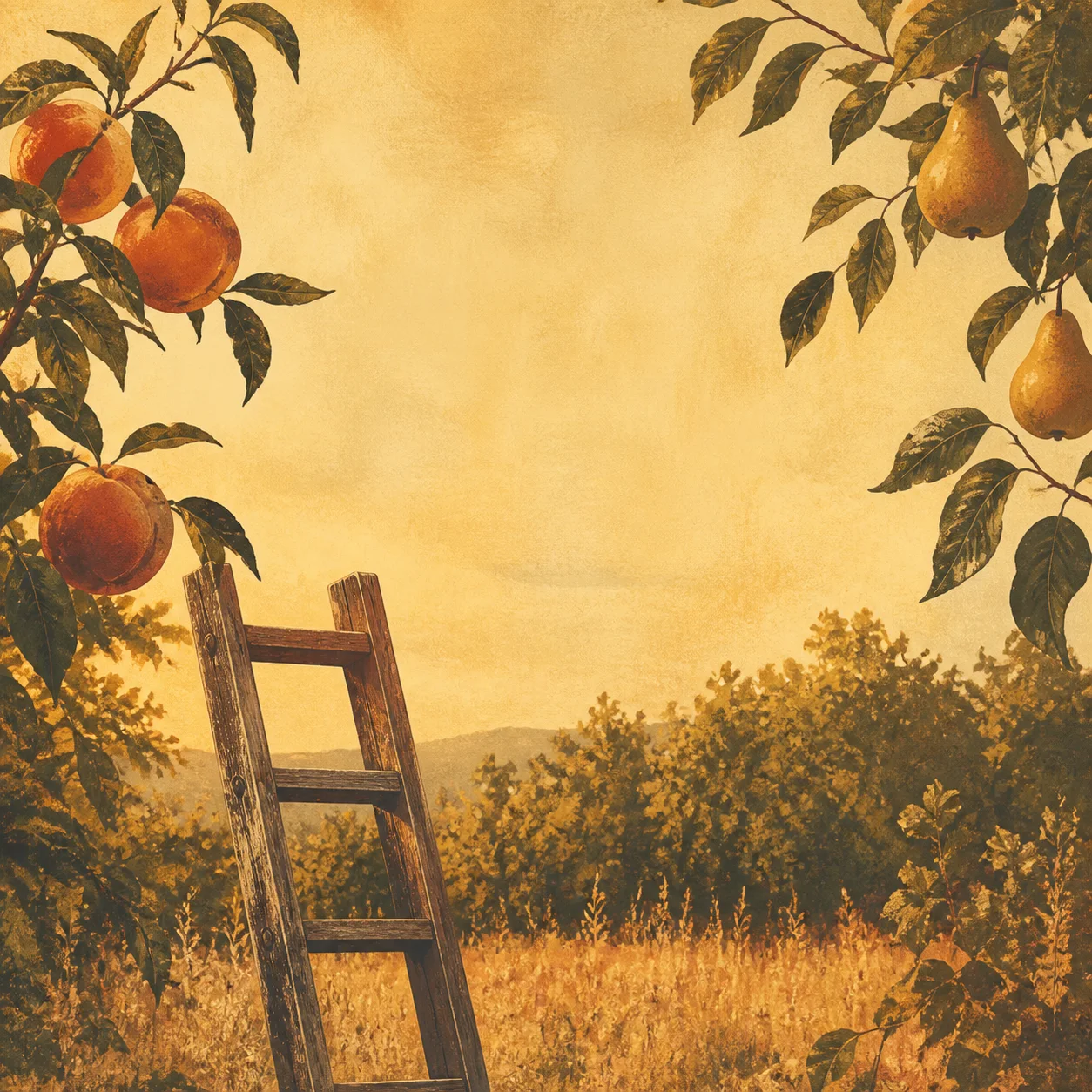
Ground an indie-folk cover in a real-feeling setting, an earthy palette, and a solitary focal subject rather than competing decorative elements.

GPT Image 2
For darker electronic music, establish the mood through controlled light, material texture, and a single bold symbol in the square composition.
Open the tool that matches the file or result you need.
Create a title-led poster when the music project needs event, tour, or release promotion beyond the cover.
ExploreExplore a broader image direction for campaign stills, release visuals, and related artwork.
ExploreCreate a readable 16:9 thumbnail to support a music video, track visualizer, or release announcement.
ExploreContinue to Create with your genre, mood, and visual direction, then generate a square 1:1 cover concept for your release.