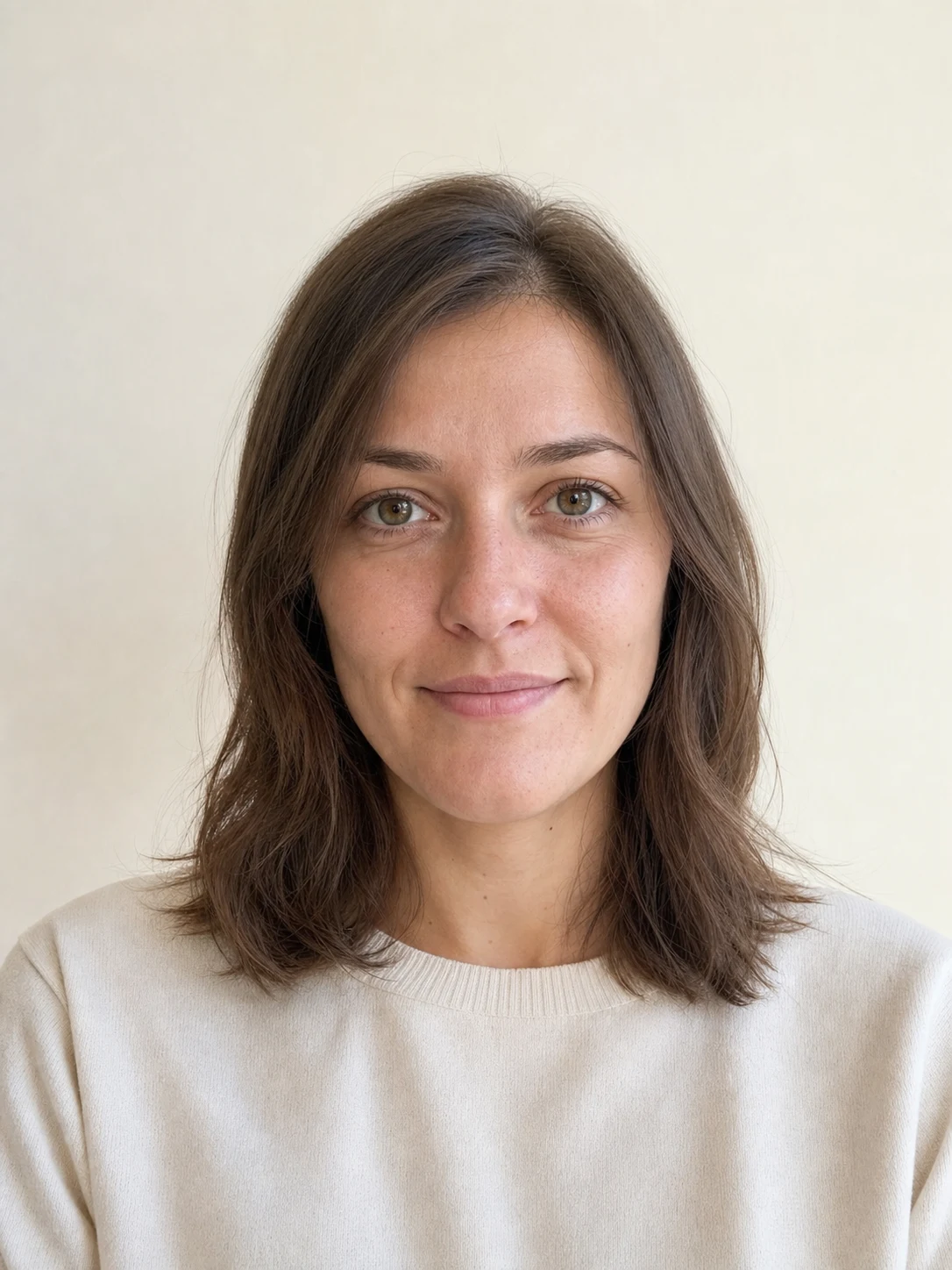
 Before
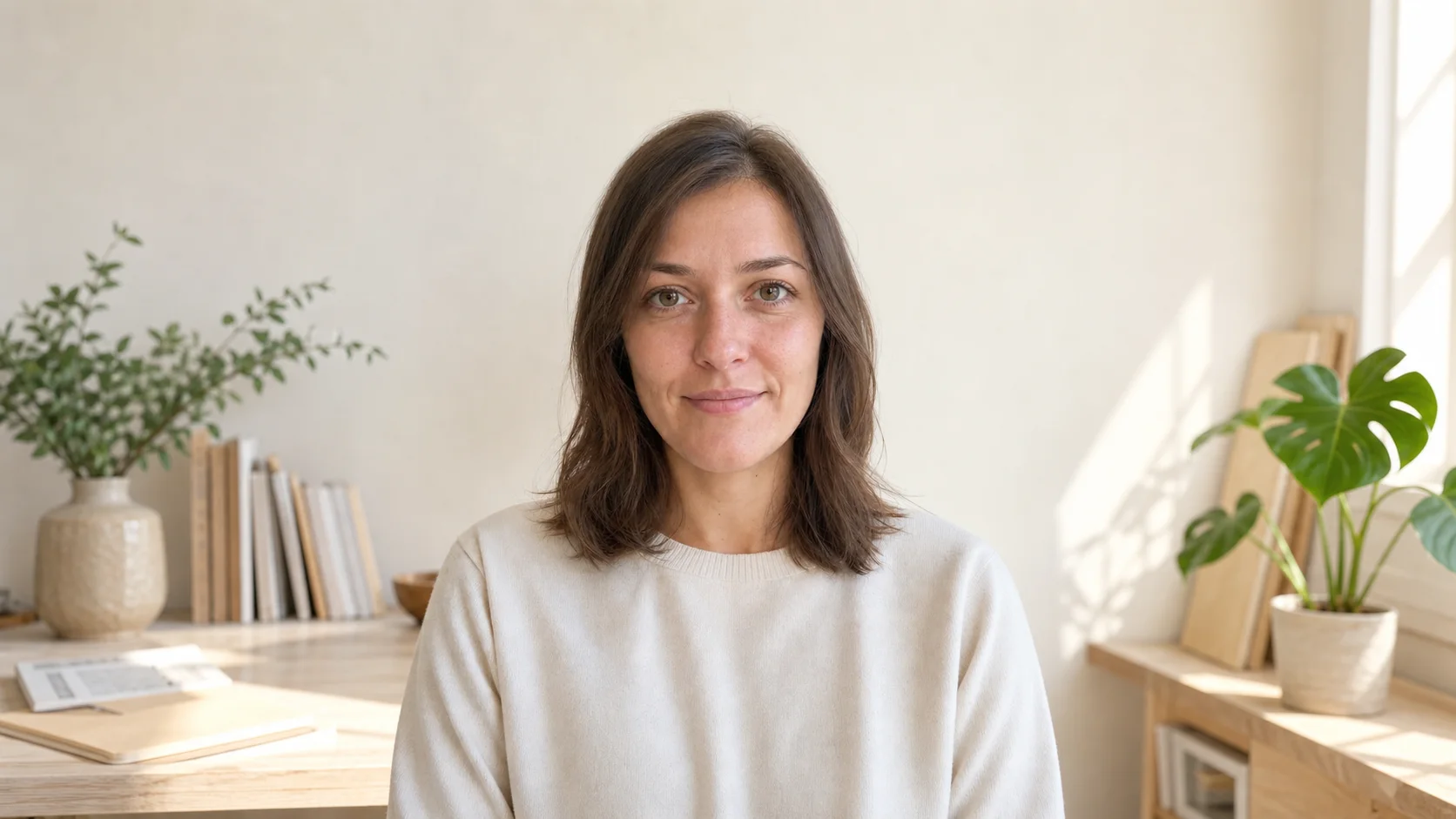 After
AfterTurn a portrait into a wide layout
GPT Image 2
The person, pose, clothing, and light stay in the original region while the studio environment continues into a wide frame with usable negative space.
Portrait sourceWide 16:9Negative space
Upload one photo, choose the final canvas shape, and optionally describe the new space. Mixany keeps the supplied image as a protected region and generates only the surroundings needed to fit the new frame.
Original frameExpanded canvasCompare complete source and expanded images at their real dimensions. The examples cover a portrait layout and a product composition without stretching either one.
BeforeAfterGPT Image 2
The person, pose, clothing, and light stay in the original region while the studio environment continues into a wide frame with usable negative space.
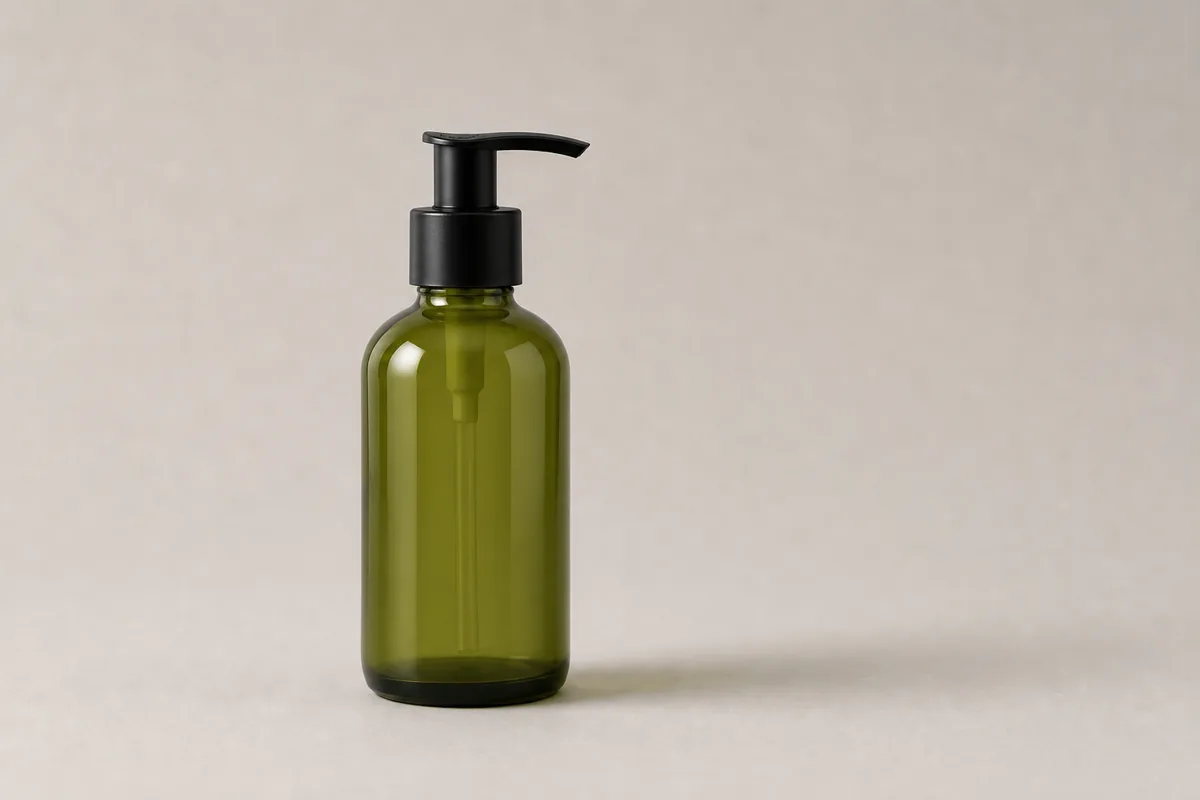 Before
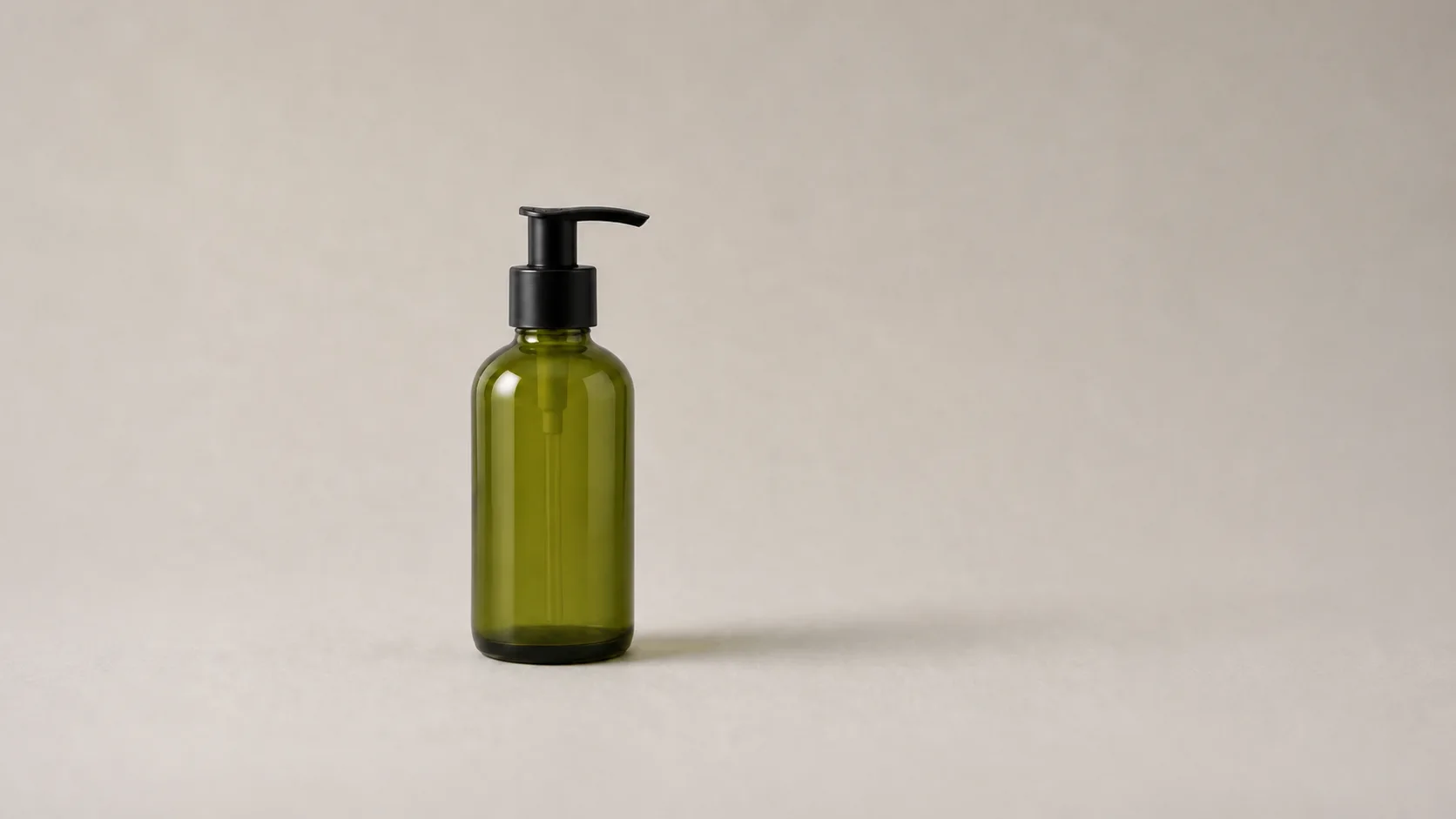 After
AfterGPT Image 2
The bottle geometry, material, scale, label area, and studio light remain fixed while the surrounding surface expands for a campaign or banner layout.
Open the tool that matches the file or result you need.
Create a new device-shaped wallpaper from text or a photo when you need a designed scene rather than extra canvas around the source.
ExploreReplace the environment around a subject when the task is a new setting rather than a continuation beyond the frame.
ExploreMake a focused object, lighting, weather, or composition change with a natural-language image instruction.
ExploreUpload the original image, choose the final canvas shape, review the current quote, and inspect the generated edges before downloading the private result.