Give an event brief a readable visual system
GPT Image 2
Name the event, audience, headline, mood, focal image, and information zones. Keep the hierarchy intentional so a viewer can understand the announcement at a glance.
Describe the audience, headline, focal visual, and art direction for a campaign or event. Mixany creates one standalone poster artwork in the shape you choose, with an optional key visual available in Create.

Compare text-led poster directions with a reference-led campaign case, then inspect composition, subject treatment, and the intended output shape.

GPT Image 2
Name the event, audience, headline, mood, focal image, and information zones. Keep the hierarchy intentional so a viewer can understand the announcement at a glance.
Before
AfterGPT Image 2
Use the supplied running image as a visual anchor for subject, color, and energy, then review the finished standalone poster for composition and visual direction.

GPT Image 2
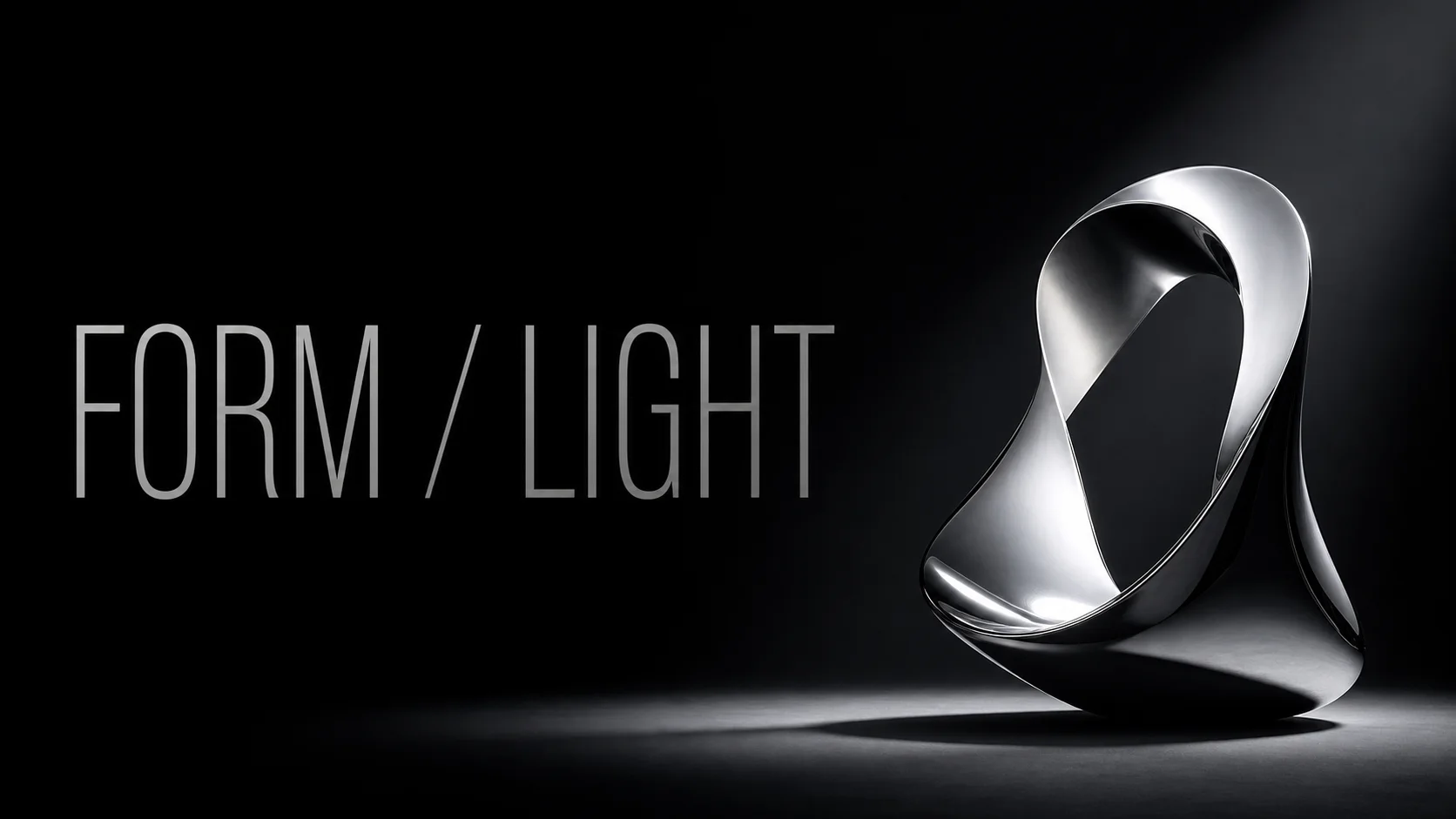
A minimal direction can still feel specific when the object, negative space, lighting, and type area are described as one deliberate system.
Open the tool that matches the file or result you need.
Create the key visual from a text brief when the poster needs an original product, scene, or illustration first.
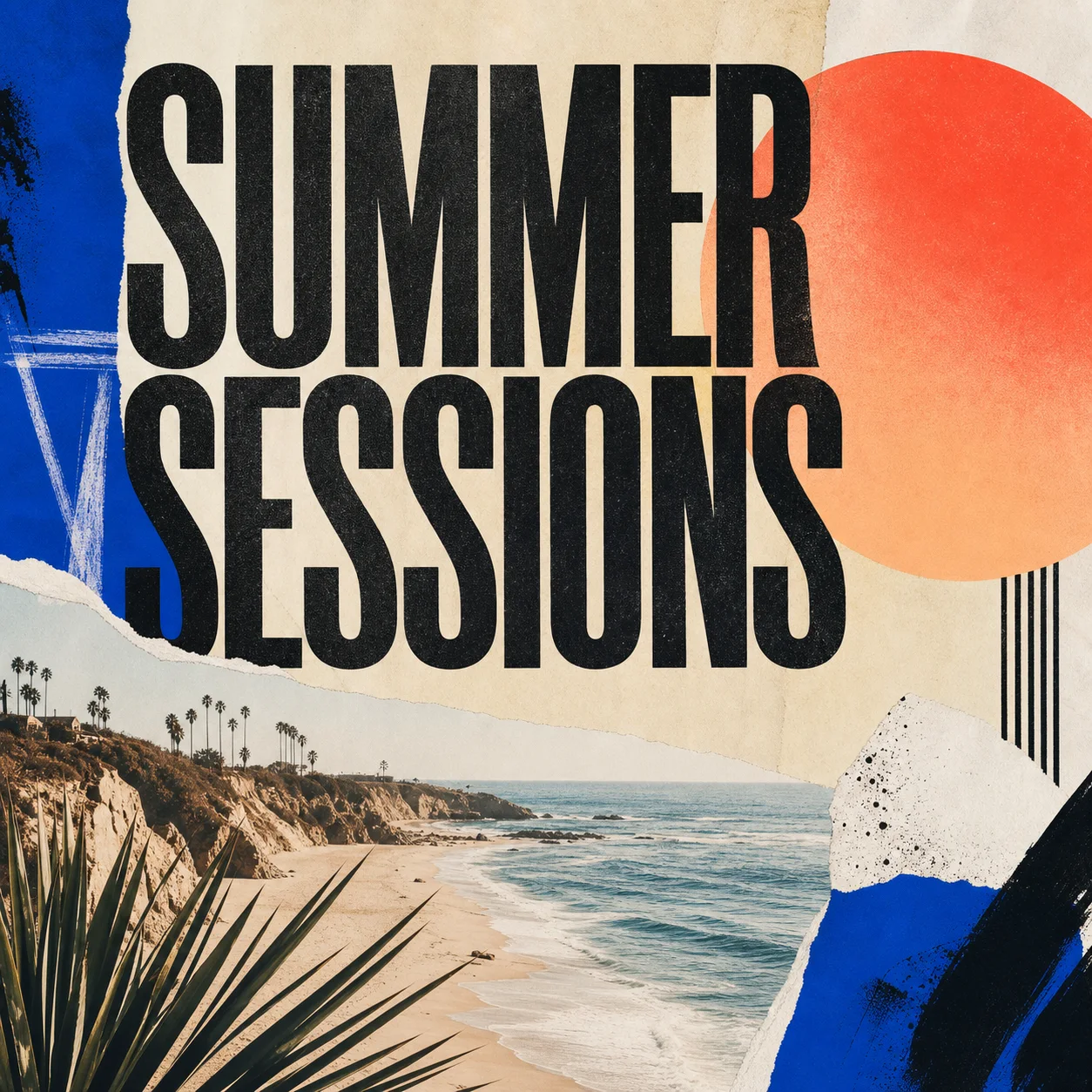
ExploreUse a square music-focused direction when the artwork belongs to a release rather than an event poster.
ExploreCreate a thumbnail-shaped visual when the announcement is meant for a video feed rather than a poster placement.
ExploreContinue to Create, write the brief and headline, choose the visual direction and ratio, then inspect the finished hierarchy before using it.