Nano Banana Pro
Choose the premium Gemini model for complex design, grounded context, and demanding brand work.
Nano Banana 2 AI Image Generator
Nano Banana 2 is a fast generalist for new images, reference-led edits, readable text, and spatial ideas. Start from a clear brief or up to three reference images in Mixany Create.
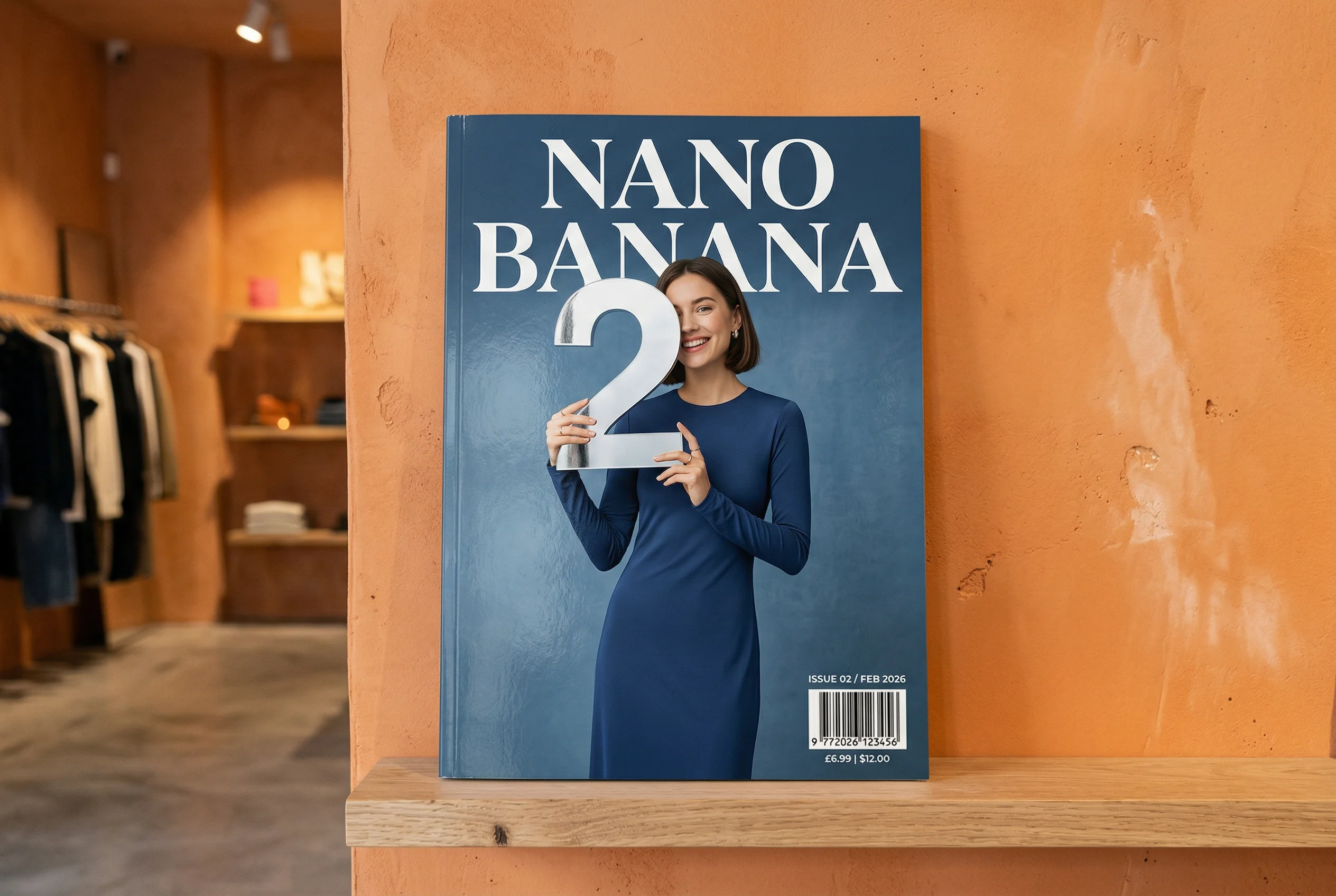
See official Nano Banana 2 examples for readable text, grounded references, wallpaper composition, and precise spatial ideas.
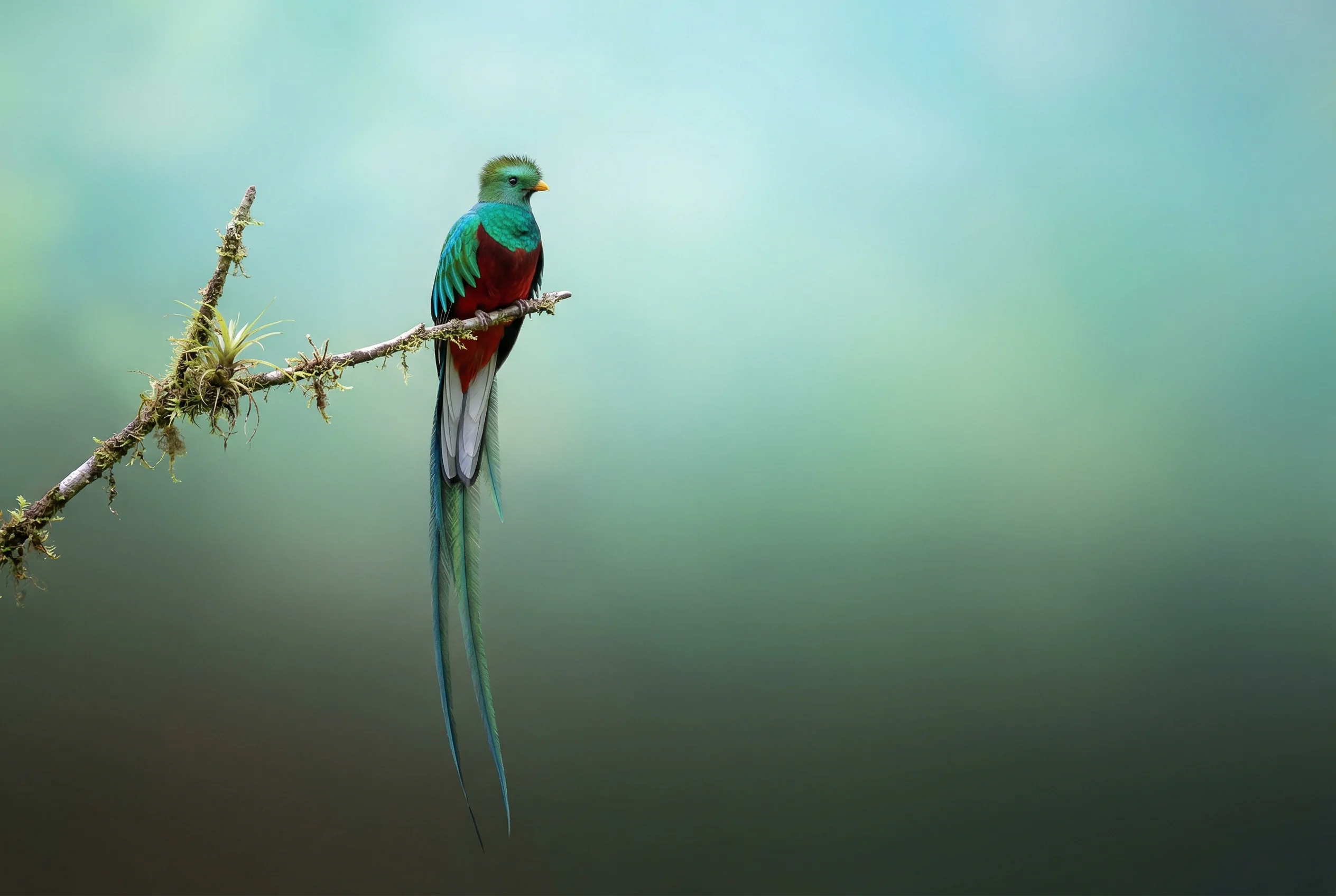
Grounded subject
The official example uses image search to find accurate source imagery, then turns the subject into a calm wallpaper with a restrained composition and clean gradient.
Source · Google Google Gemini Nano Banana image-generation guide and examples
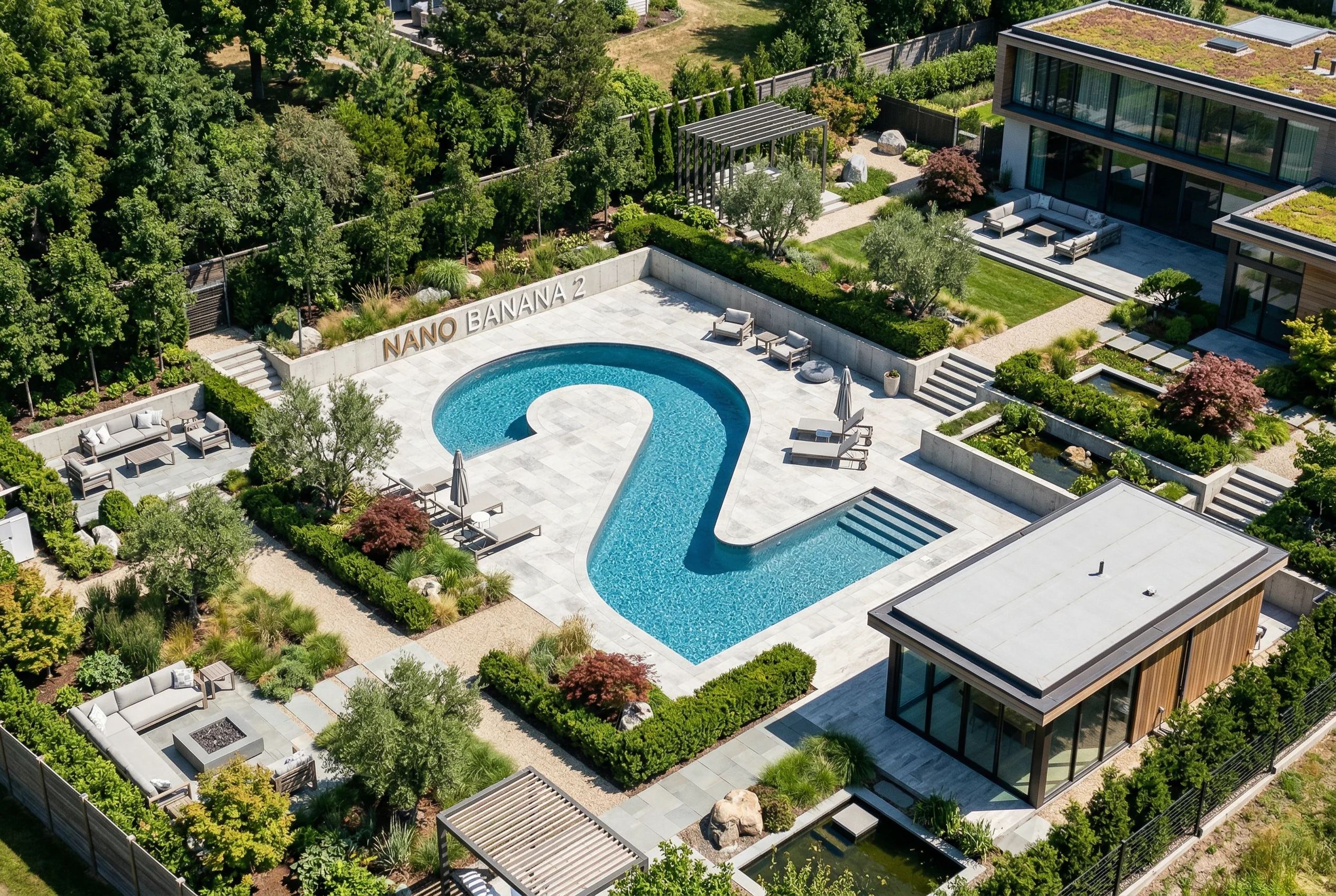
Spatial composition
The isometric-pool example follows a precise camera concept, a custom numeral-shaped pool, and exact words while keeping the result photographic rather than miniature.
Source · Google Google Gemini Nano Banana image-generation guide and examples
Scan the current Mixany facts, best-fit tasks, and limits before you choose a model in Create.
Mixany input
Text brief or up to 3 references
Mixany tasks
Generate or edit
Create resolutions
1K, 2K, or 4K
Model position
Fast generalist
Starting credits
80 credits / 1K
Use the generalist model for covers, product stills, wallpapers, diagrams, and campaign concepts that need a useful first pass quickly.
Assign each source a role—identity, product shape, palette, or composition—and state what the generated image must not change.
Describe exact words, camera concepts, physical relationships, and visual hierarchy together when the image has to communicate more than a subject.
Write the subject first, then add the visual purpose, references, exact copy, spatial relationships, and protected regions.
Learn what Nano Banana 2 is suited for, how it handles references and text, and what Mixany currently exposes in Create.
Compare Nano Banana 2 with the premium Pro model or move into a focused image editing workflow.
Choose the premium Gemini model for complex design, grounded context, and demanding brand work.
Choose it when exact instruction following, typography, or controlled edits are the main priority.
Compare the available image models and start a new image from a text brief.
Write a production brief or add a reference, choose generate or edit, review the settings and credit cost, then inspect the result in Create.