

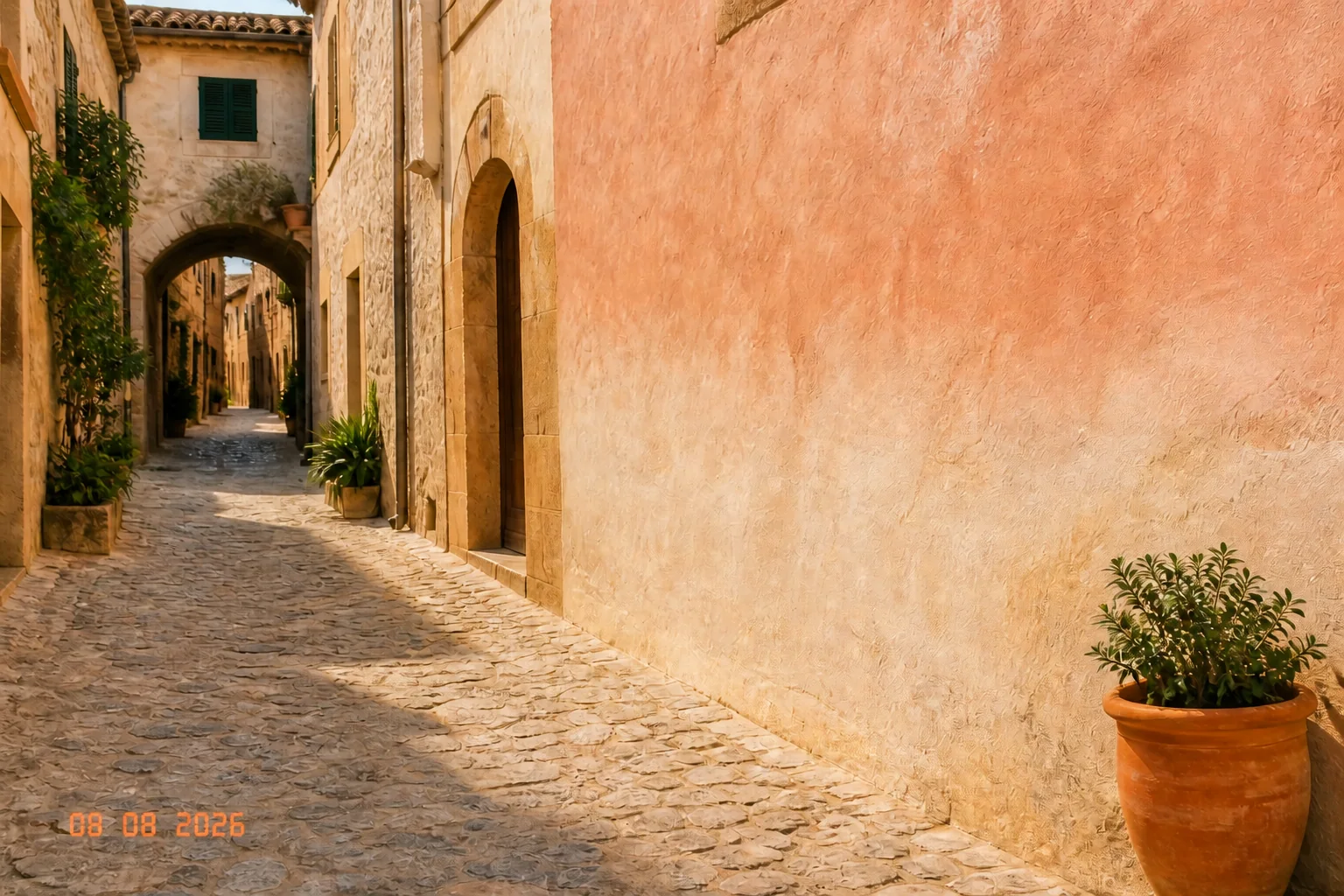

Before
AfterRemove a date stamp while preserving the photograph
GPT Image 2
For a date in a corner or along an edge, describe the nearby sky, wall, fabric, or scenery that should remain continuous, then inspect the rebuilt area before reuse.
Upload an image with ordinary text, say what should disappear, and rebuild the background, texture, light, and perspective into one natural-looking image.


Inspect two ordinary text-removal cases and the nearby materials that should remain coherent after the edit.
Before
AfterGPT Image 2
For a date in a corner or along an edge, describe the nearby sky, wall, fabric, or scenery that should remain continuous, then inspect the rebuilt area before reuse.
Before
AfterGPT Image 2
For text on packaging or a photographed object, check the surface texture, shape, lighting, and edge detail around the cleaned area.
Open the tool that matches the file or result you need.
Remove distracting objects from a photo while keeping the intended setting and main subject in place.
ExploreClean unwanted people from a travel or street image and rebuild the scenery behind them.
ExploreUse a broader image-editing workspace for targeted changes beyond a text cleanup.
ExploreContinue to Create, upload the image, describe the ordinary text to clean up, and review the rebuilt background before generating.