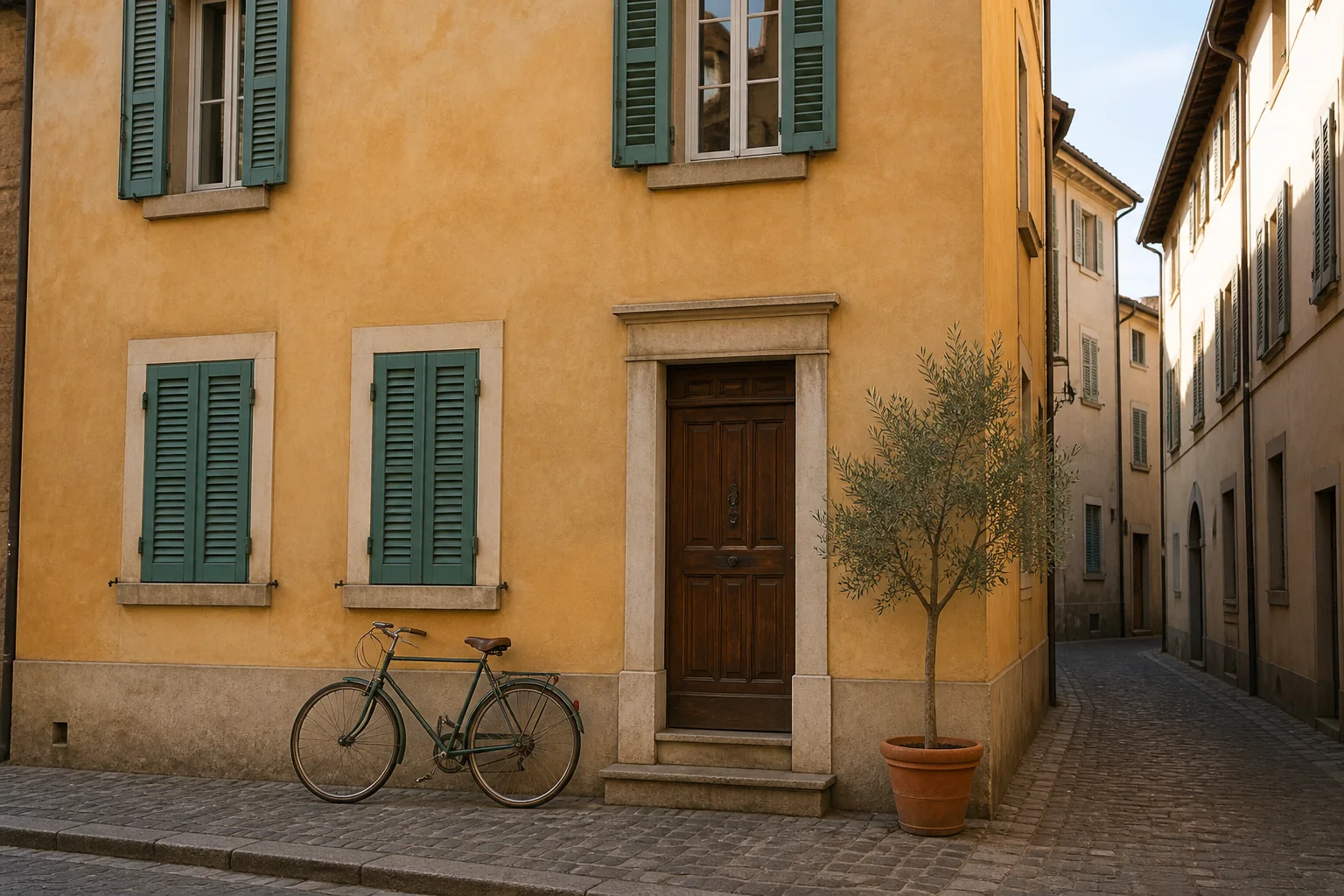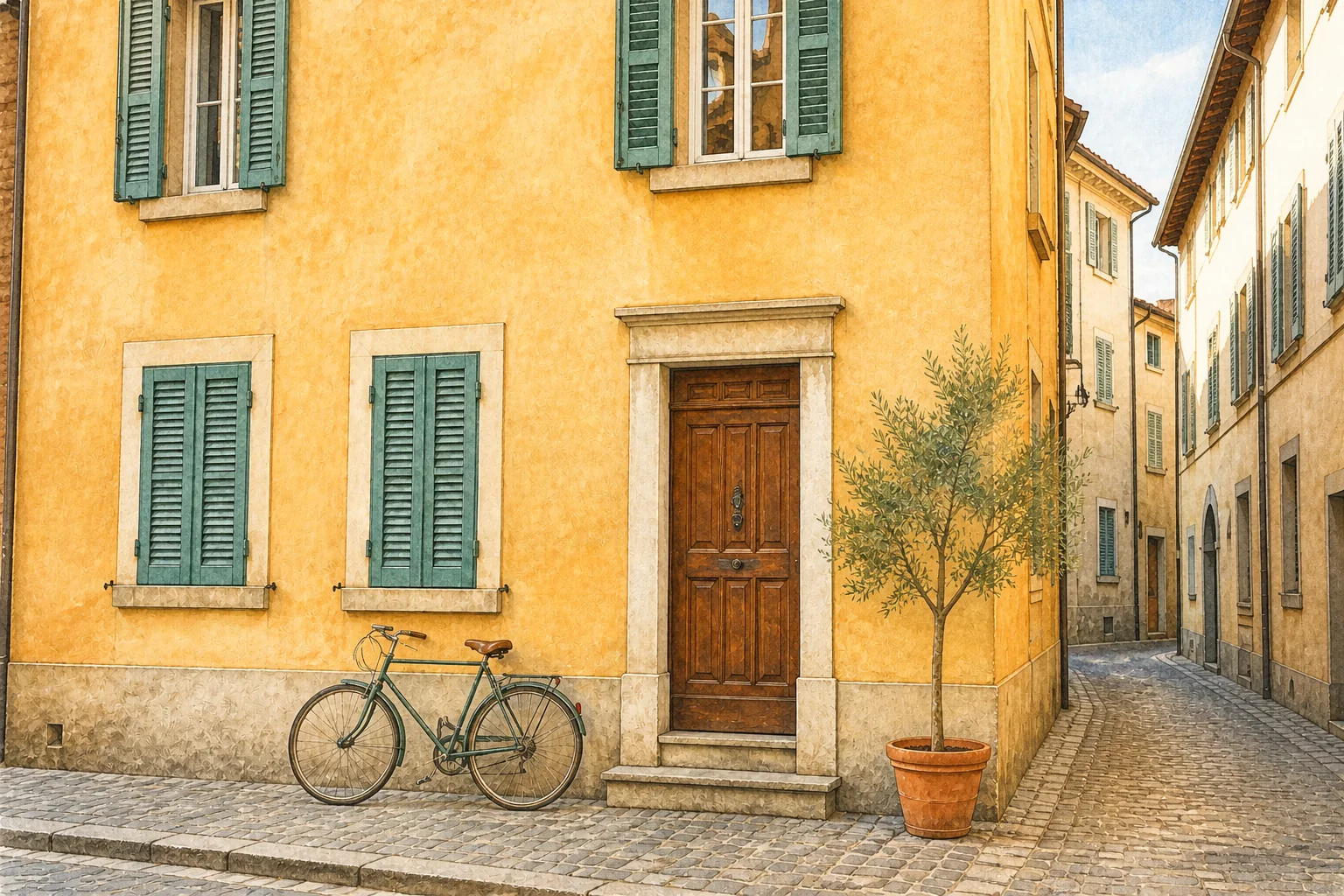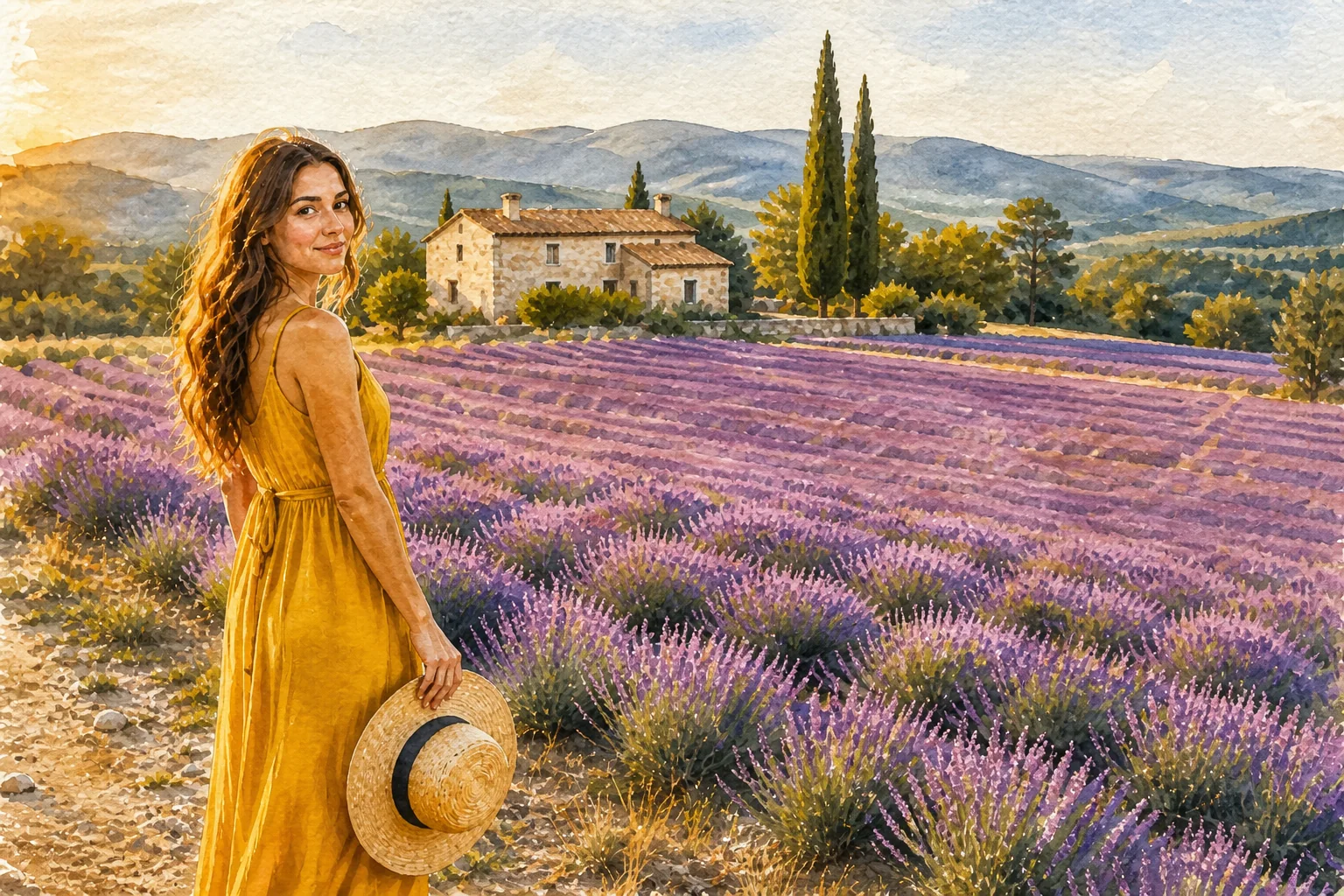
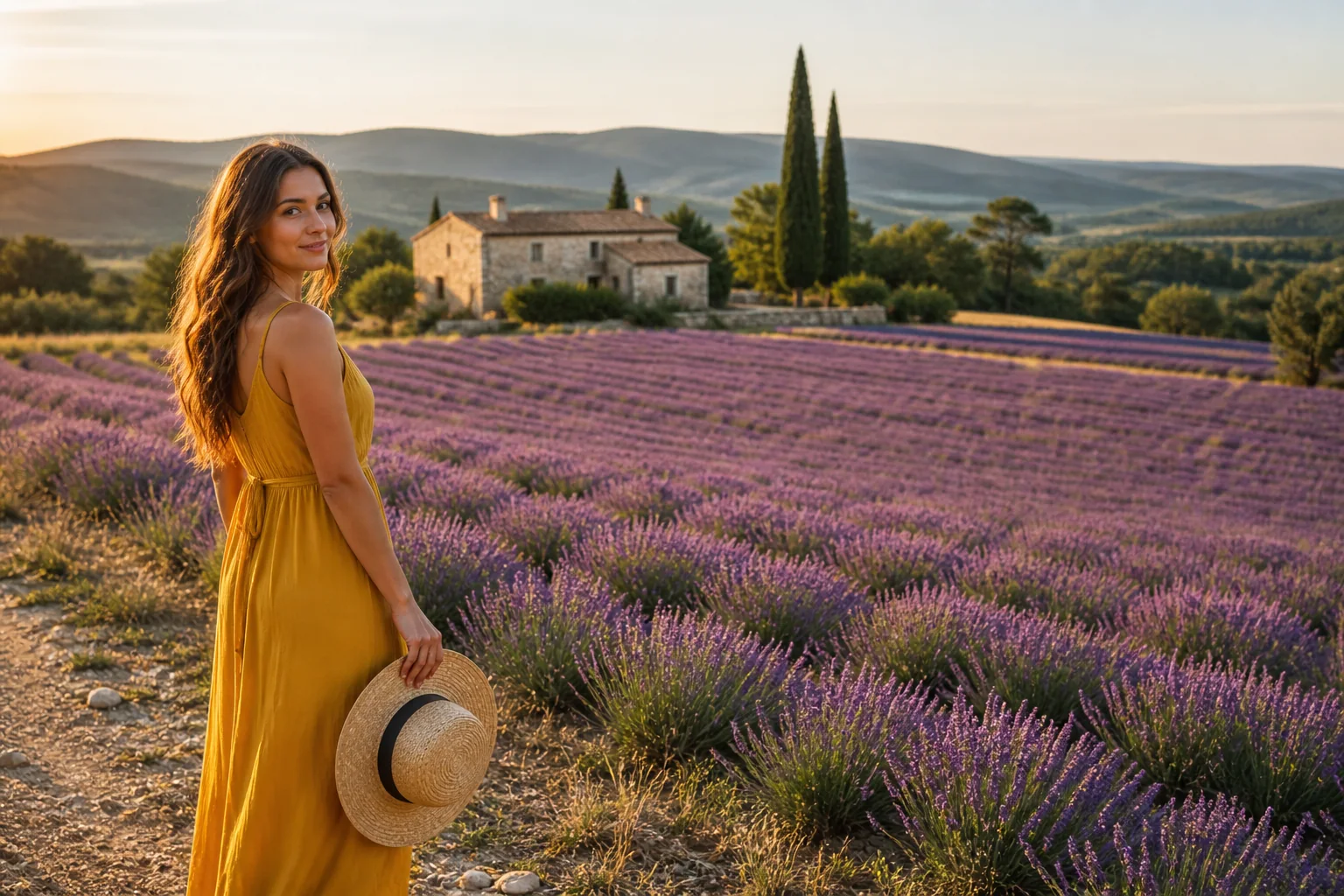
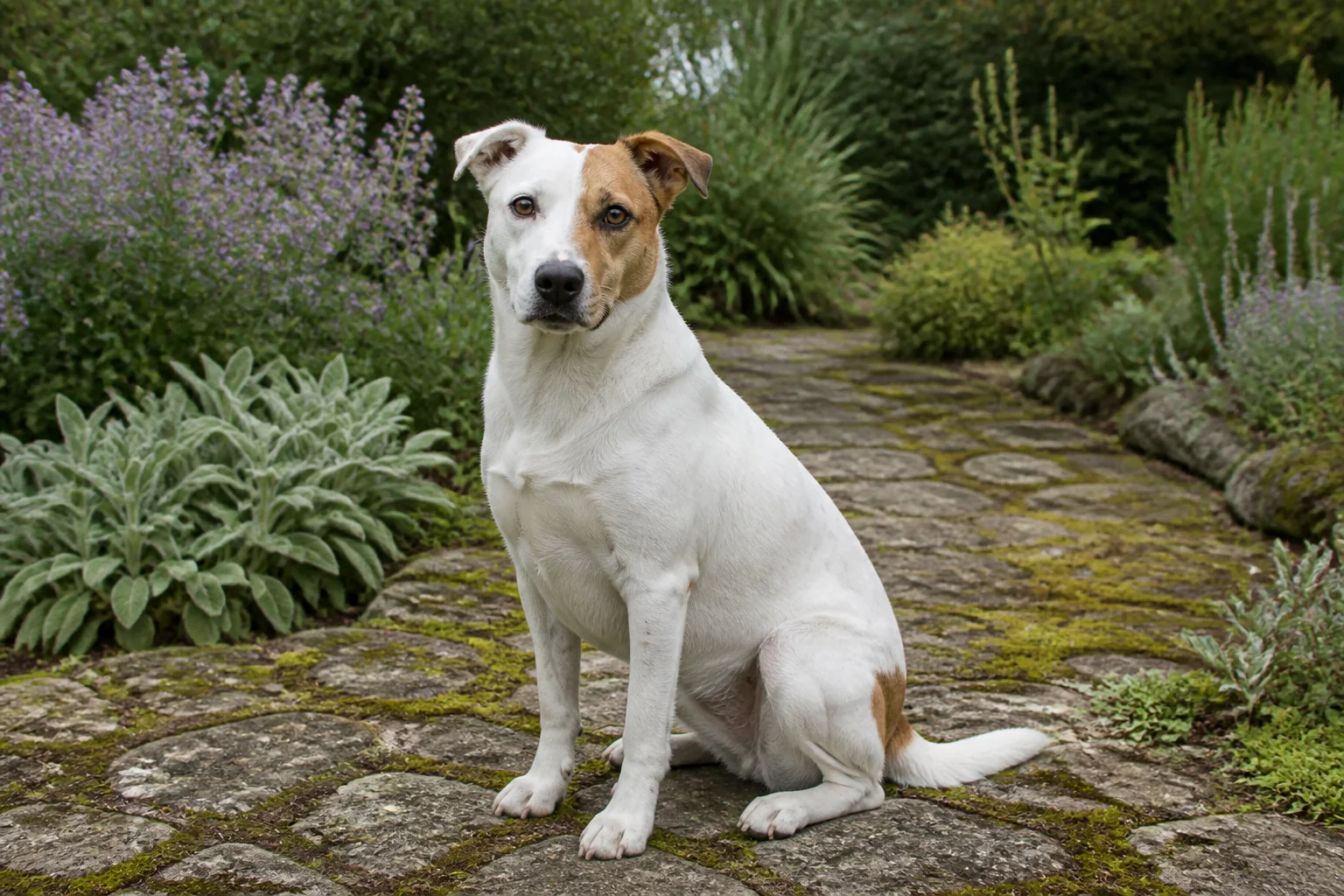
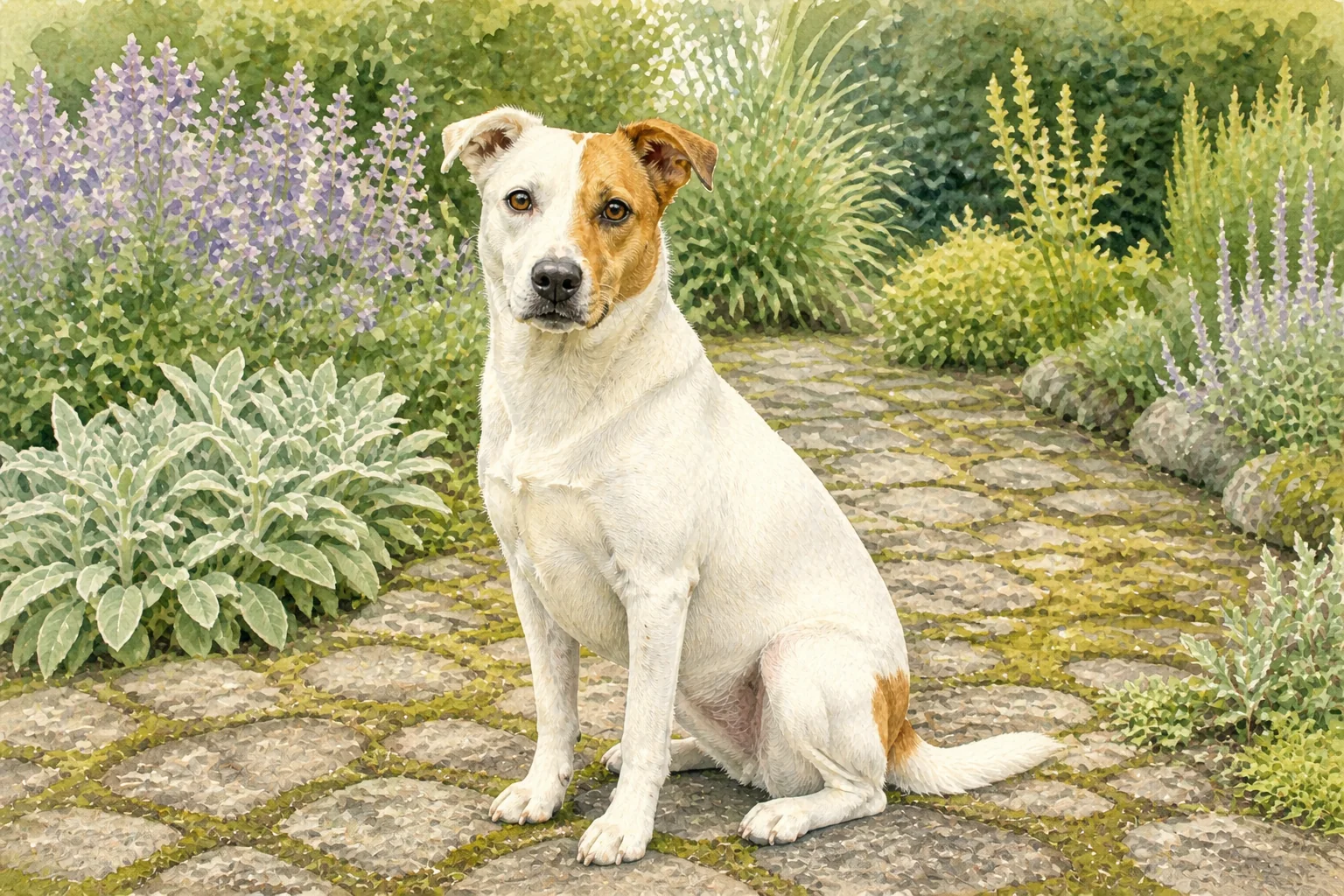
Before
AfterTurn a familiar pet photo into watercolor
GPT Image 2
For a pet, keep the face, markings, fur color, and expression visible in the source, then inspect those familiar details alongside the watercolor treatment.
Upload a portrait, pet, travel, or home photo and turn it into a watercolor-style artwork with layered washes, paper texture, and a composition that stays recognizably yours.


Compare a pet and architectural photo translated into watercolor, then inspect the original subject and composition that remain recognizable.
Before
AfterGPT Image 2
For a pet, keep the face, markings, fur color, and expression visible in the source, then inspect those familiar details alongside the watercolor treatment.
Before
AfterGPT Image 2
For architecture or travel scenes, inspect the landmark, major lines, color relationships, and crop after the image is translated into watercolor.
Open the tool that matches the file or result you need.
Create a pet-specific art portrait that preserves markings, fur color, features, and personality in a stylized artwork direction.
ExploreTurn a photograph into a graphite, charcoal, or ink-style illustration instead of a watercolor treatment.
ExploreCreate an original wall-art direction when you want to start from a new prompt rather than an existing photo.
ExploreContinue to Create, upload a favorite photo, choose a watercolor direction, and inspect the subject and composition before generating.