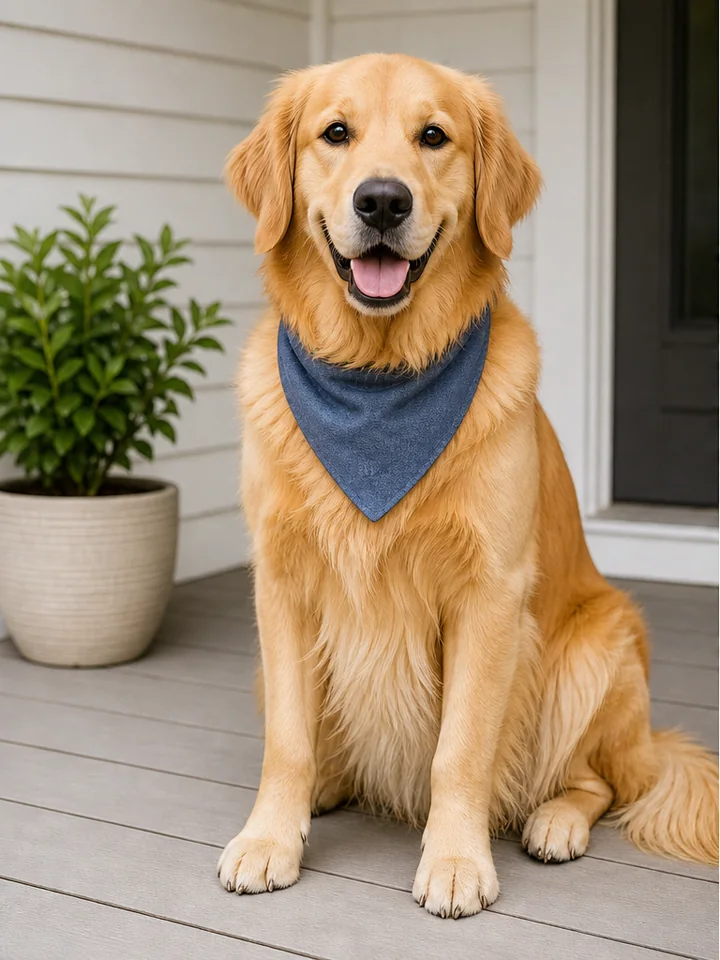
 Before
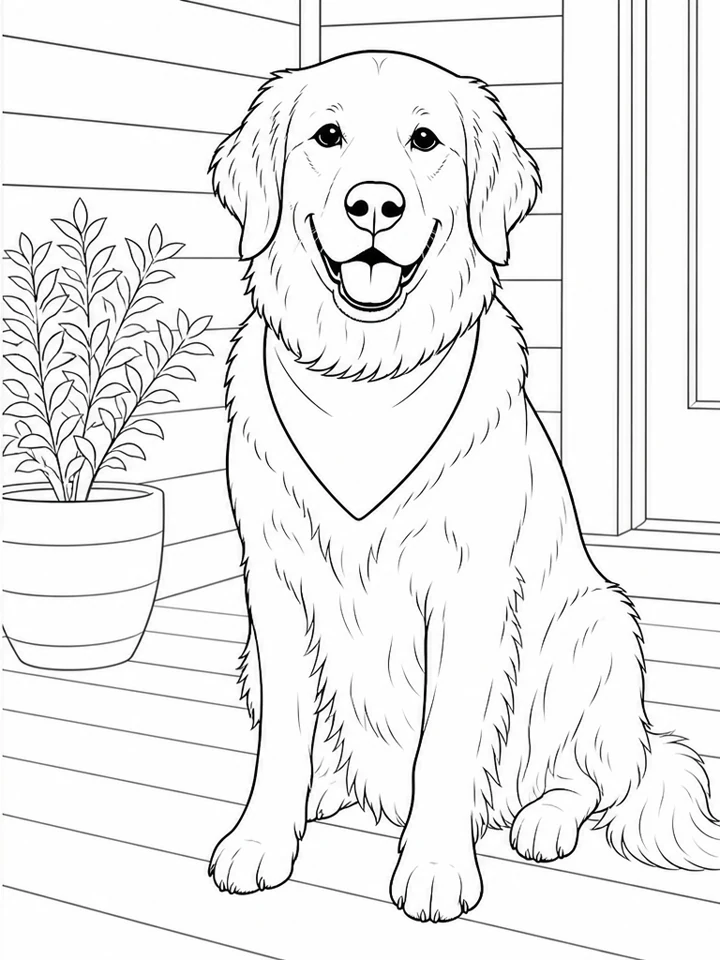 After
AfterKeep a familiar pet’s pose and personality
GPT Image 2
The seated pose, face, ears, paws, and collar remain readable while porch texture and background clutter become large colorable shapes.
Pet portraitPose preservedClosed shapes
Upload one clear photo, name the person, pet, pose, or structure that must stay recognizable, and choose a coloring level before Mixany simplifies the source into clean printable outlines.
Each case pairs a real source photo with its line-art result so you can see what details stay recognizable after simplification.
BeforeAfterGPT Image 2
The seated pose, face, ears, paws, and collar remain readable while porch texture and background clutter become large colorable shapes.
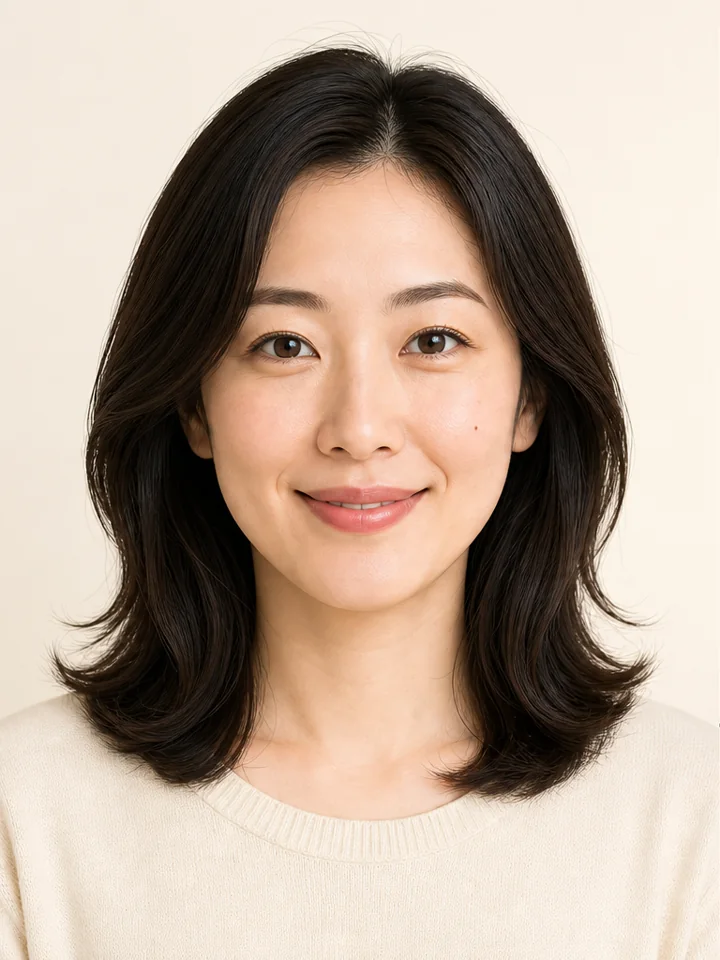 Before
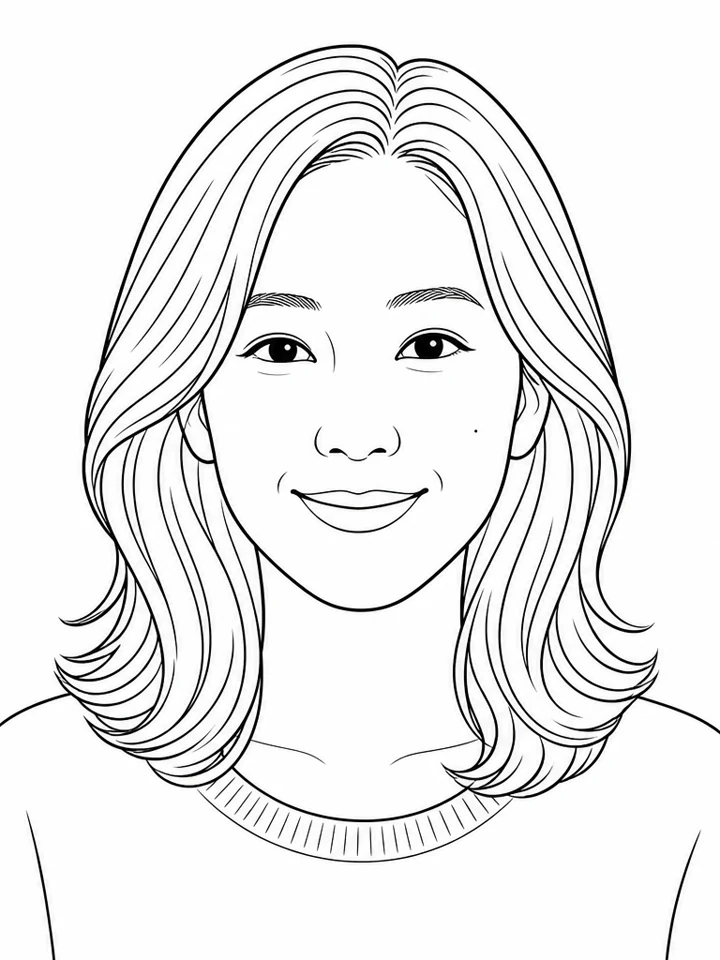 After
AfterGPT Image 2
Even light and a plain background let the line art retain the face, hairstyle, shoulders, and expression without copying tiny skin texture.
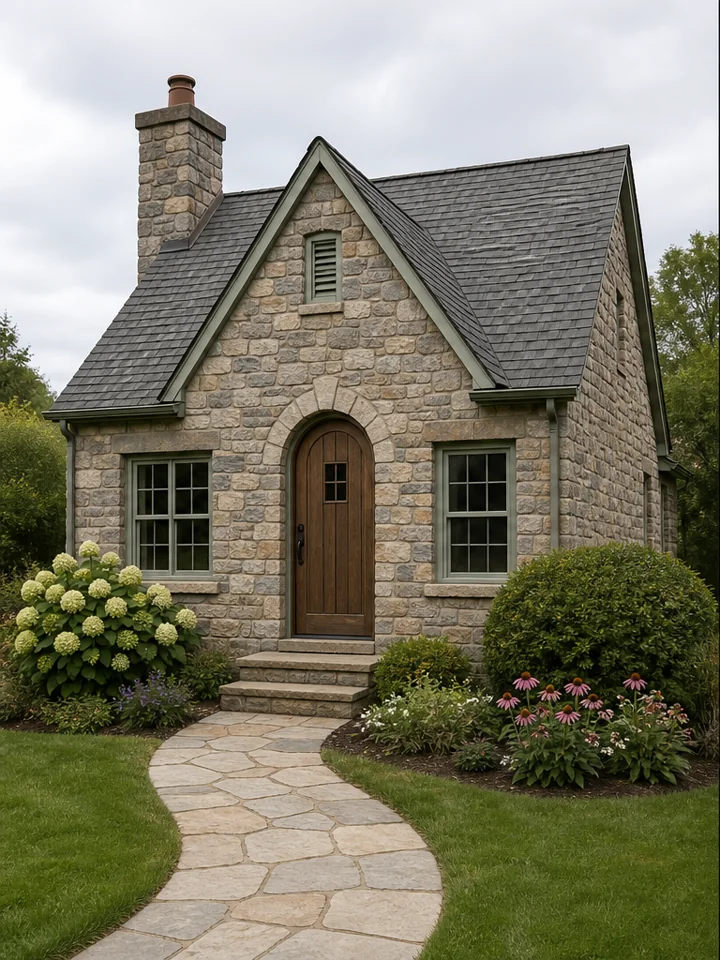 Before
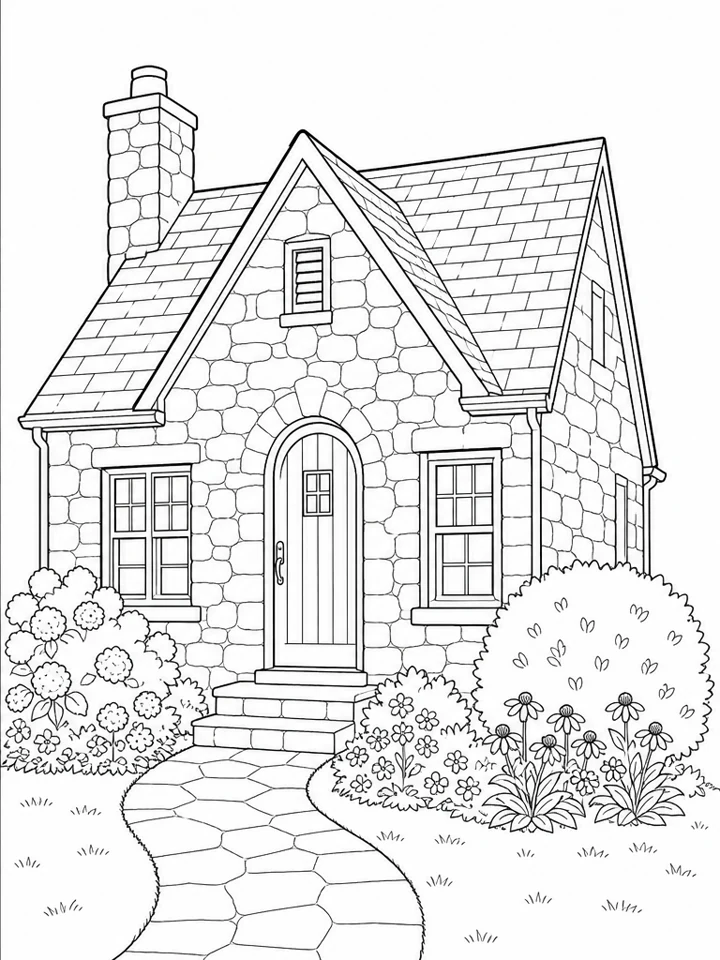 After
AfterGPT Image 2
The cottage’s centered door, windows, path, and shrubs remain clear while small wall and foliage textures are reduced for easier coloring.
Open the tool that matches the file or result you need.
Start from text instead when you want an original printable scene without uploading a photo.
ExploreTurn a photo into expressive pencil, charcoal, ink, or line-art artwork rather than a colorable page.
ExploreTransform a recognizable portrait into painterly, editorial, illustrated, or vintage artwork.
ExploreUpload a clear source, choose what to preserve and how much detail to keep, then compare and download the private line-art result in Create.