Skip to content
Mixany

AI Clothes Changer

Upload a clear person photo, choose an outfit direction, and review a realistic clothing change. Mixany changes only visible garments and footwear while protecting the face, body shape, pose, hands, camera view, and surrounding scene.

Preserve intent presets
Exact quote in Create
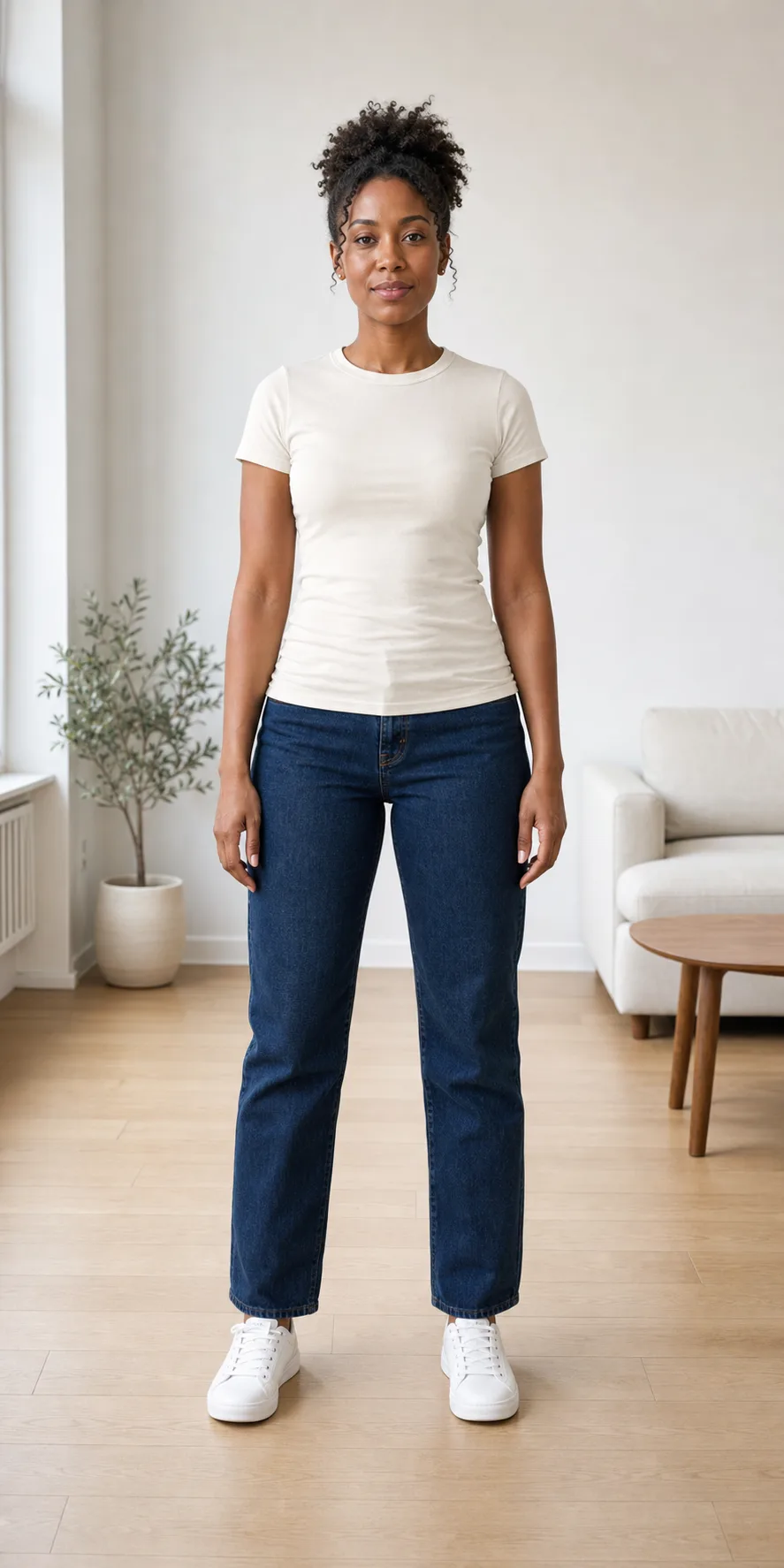
Person in a casual outfit before an AI clothes changeCurrent outfit
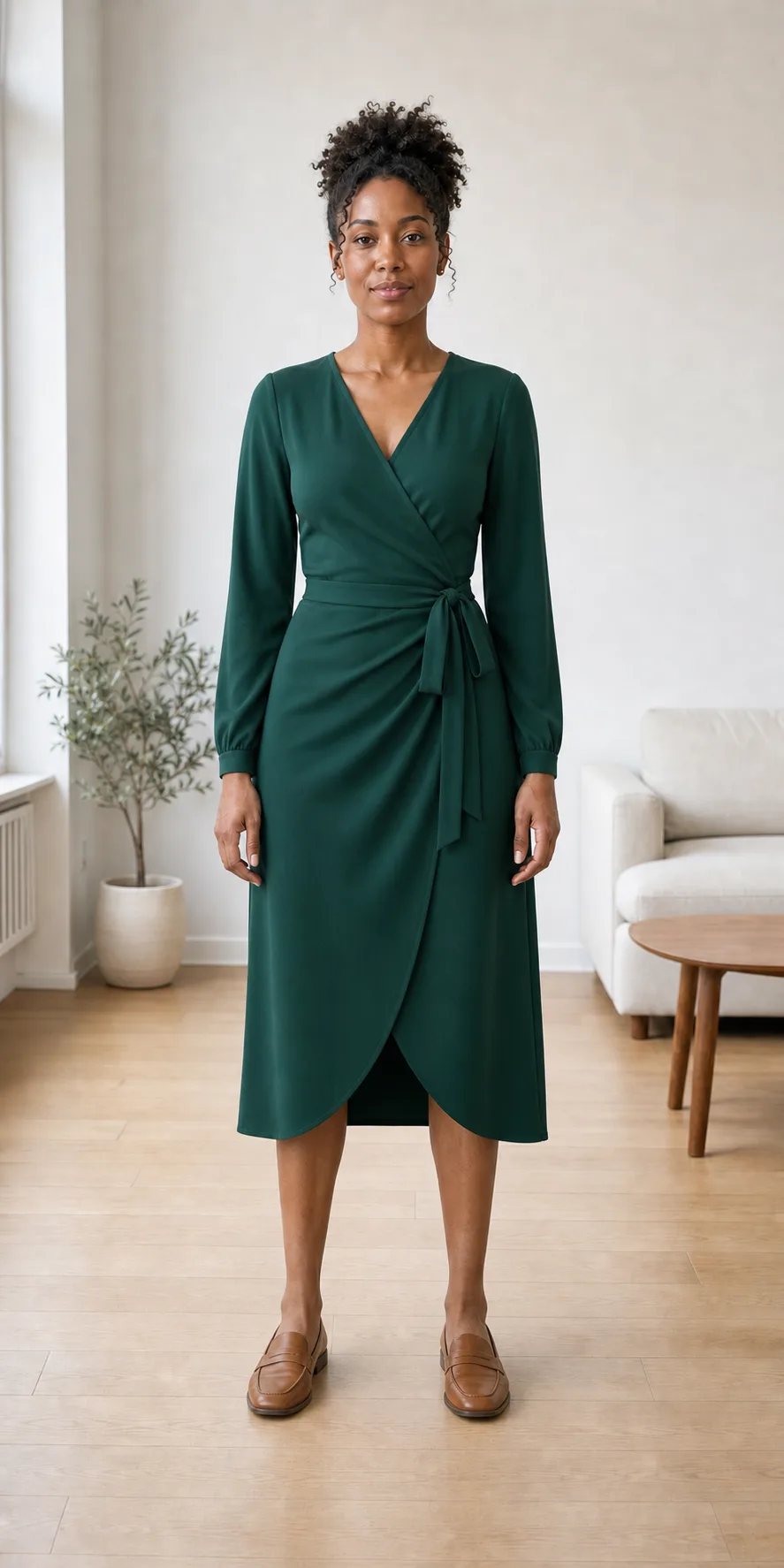
Same person in a deep emerald wrap dress after an AI clothes changeNew outfit
Compare the original outfit with the fitted replacement side by side while keeping the identity and setting familiar.

AI clothes changer examples

Compare two person photos before and after an outfit direction. Review garment edges, fit, hands, face, body proportions, and the unchanged background rather than judging the clothes alone.

Person in a casual outfit before an emerald wrap dress previewBefore
Person wearing an emerald wrap dress after the outfit changeAfter

Preview an occasion look on the same portrait

GPT Image 2

The emerald wrap dress changes the visible wardrobe while the person’s face, hair, body proportions, pose, lighting, and setting remain the details to inspect.

Emerald wrapTall portrait · 1:2Likeness review
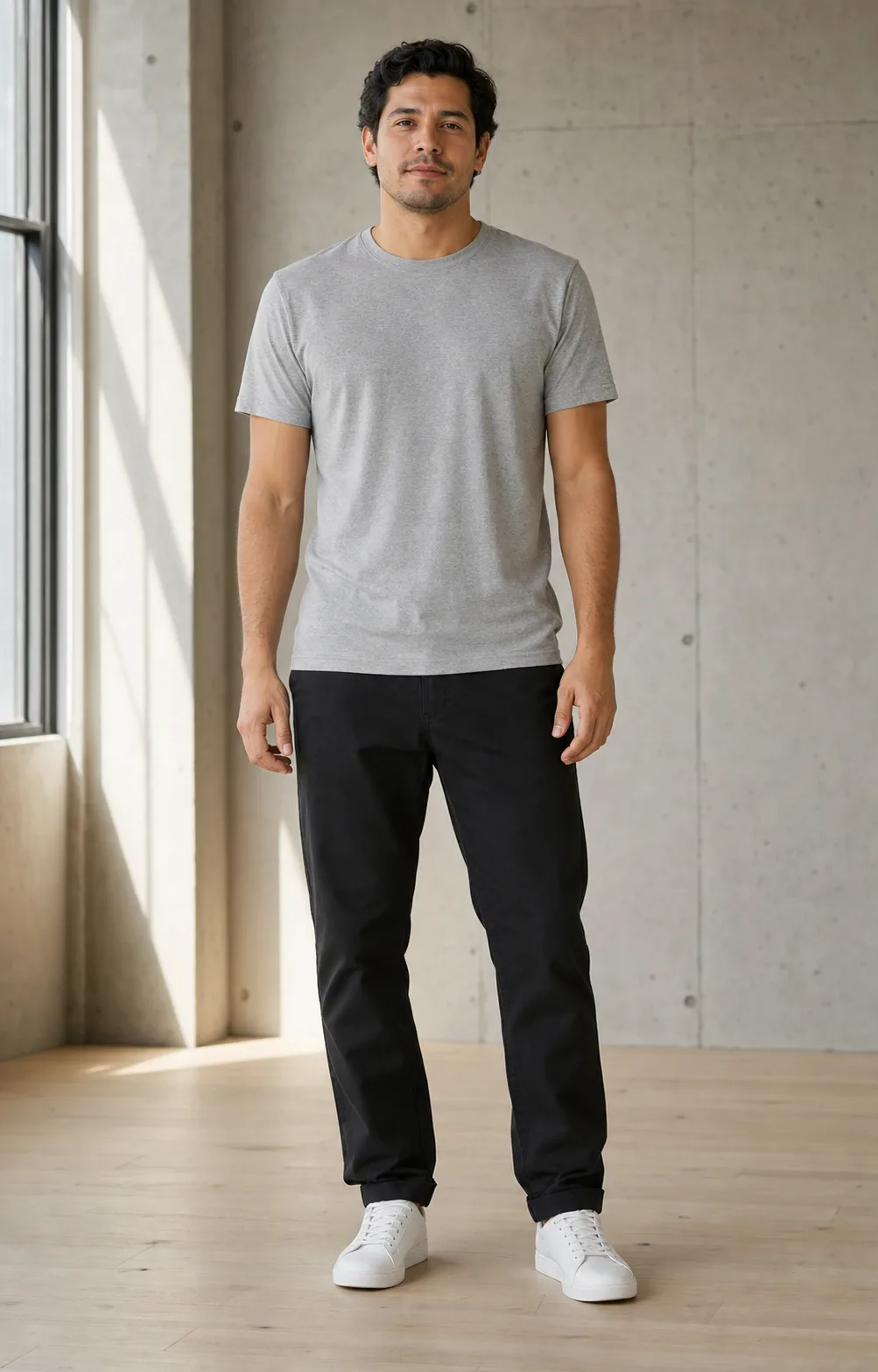
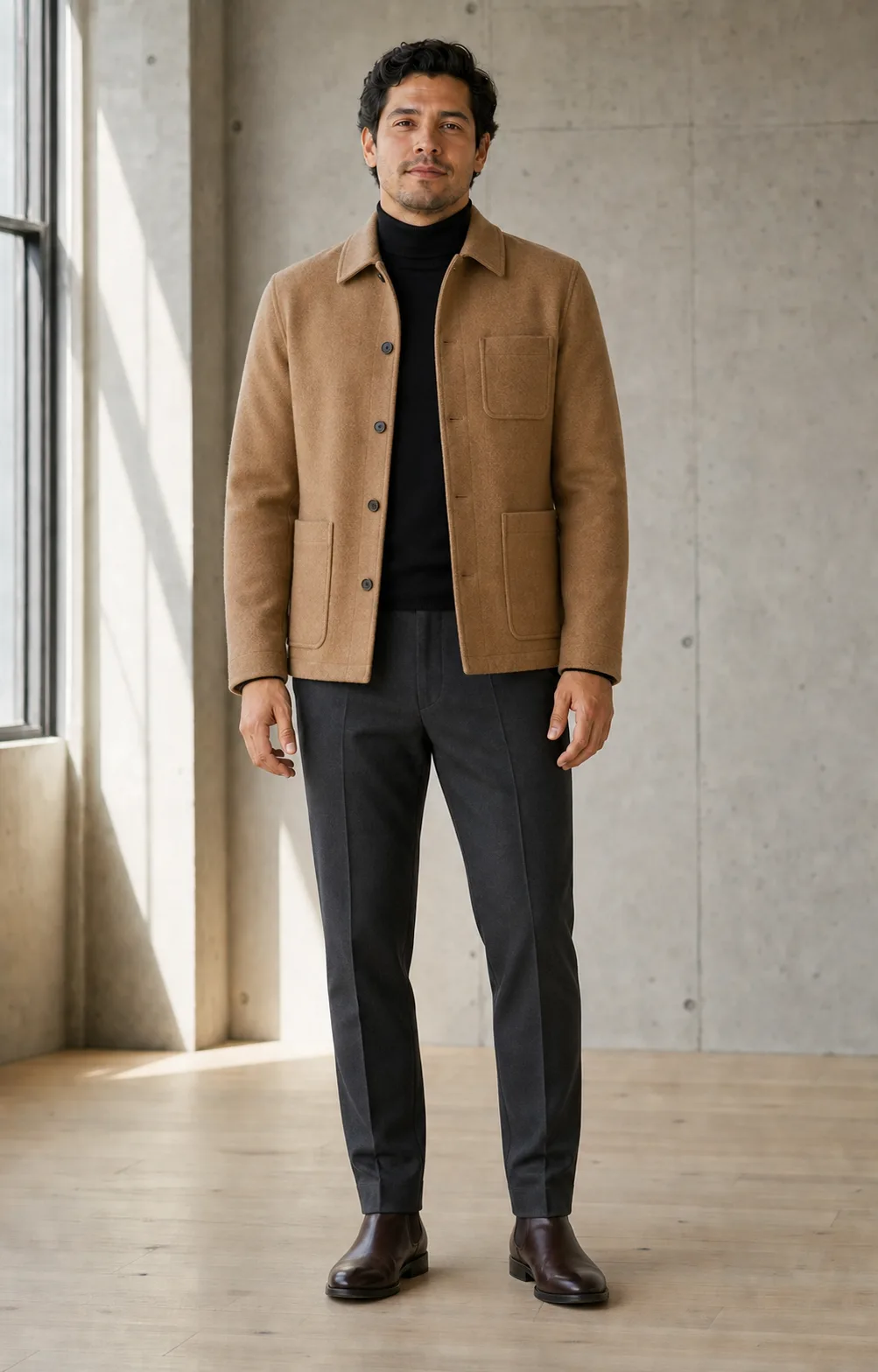
Person in a casual outfit before a camel jacket previewBefore
Same person wearing a camel jacket and dark knit layersAfter

Try a layered jacket while keeping the scene consistent

GPT Image 2

A camel jacket direction is easier to assess when the original person, pose, hands, background, and camera view remain stable around the new layers and shoes.

Camel layersEveryday stylingScene retained

How to change clothes in a photo

    01
    Upload a clear person photo
    Choose a front-facing or three-quarter PNG, JPG, or WebP where the garments and body areas you want to change are visible. Simple poses and even light make fit easier to review.
    02
    Choose an outfit direction
    Start with an everyday, work, or occasion outfit, then refine only the fit, color, fabric, sleeve, garment, or footwear detail that matters to your comparison.
    03
    Review identity and garment edges
    Continue to Create to review the available model and exact quote, then check the face, body proportions, hands, hems, folds, shadows, and unchanged background before downloading.

AI Clothes Changer FAQ

It replaces the visible clothing in a person photo with a new outfit direction while attempting to preserve the same identity, body proportions, pose, lighting, camera view, and background.

Preview a new outfit on your photo

Continue to Create, upload a clear person photo, choose an outfit direction, and inspect identity, fit, garment edges, and the unchanged scene before downloading.