Skip to content
Mixany

AI Pet Portrait Generator

Upload a pet photo, choose an art direction, and create a portrait that keeps your pet’s markings, fur color, features, and familiar personality recognizable.

Preserve intent presets
Exact quote in Create
AI Pet Portrait Generator finished result
AI Pet Portrait Generator source image before editing
BeforeAfterUse left and right arrow keys to reveal the before and after images.
A pet portrait starts from the familiar features that make the animal recognizably yours, then applies the chosen art direction around them.

More pet portrait directions

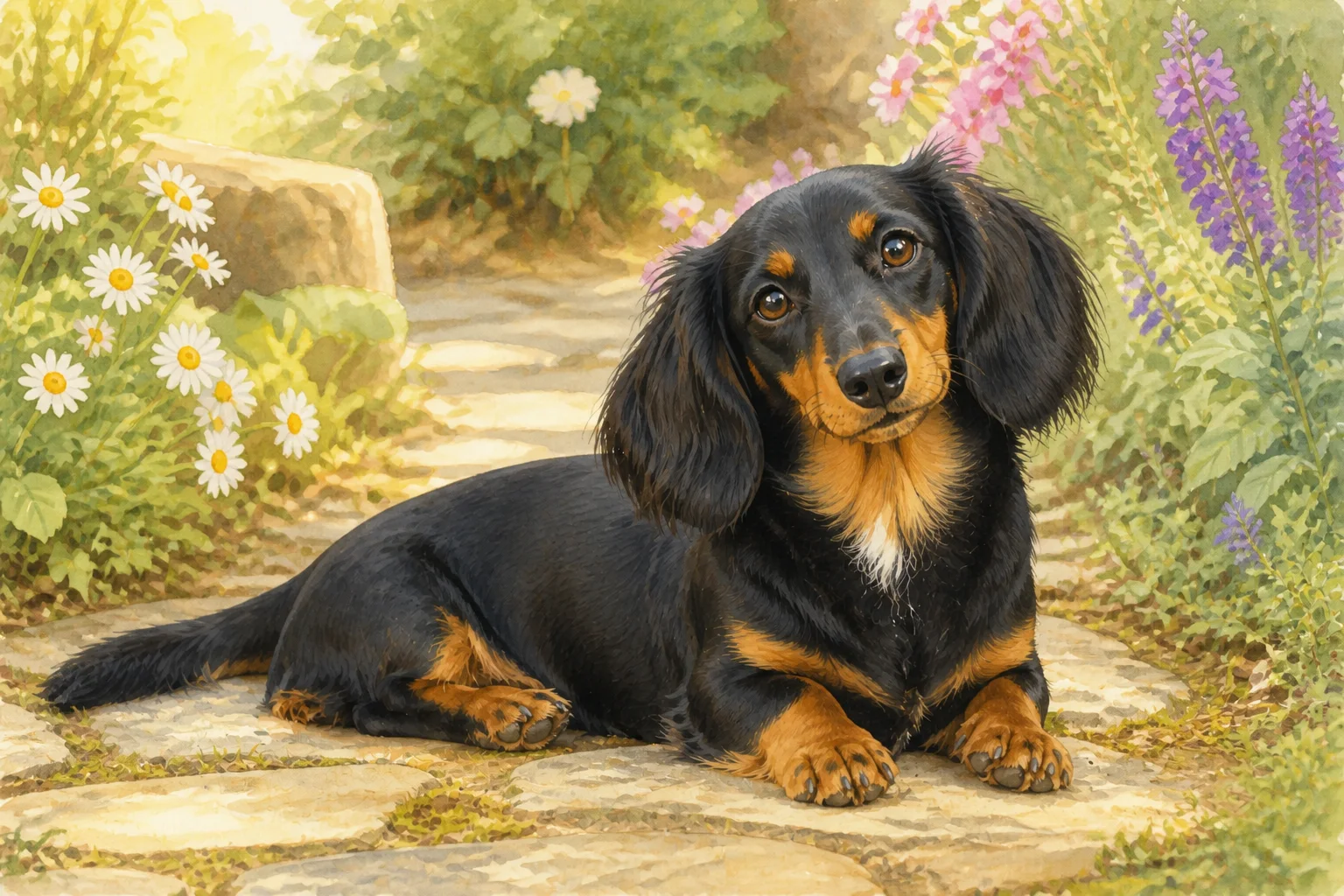
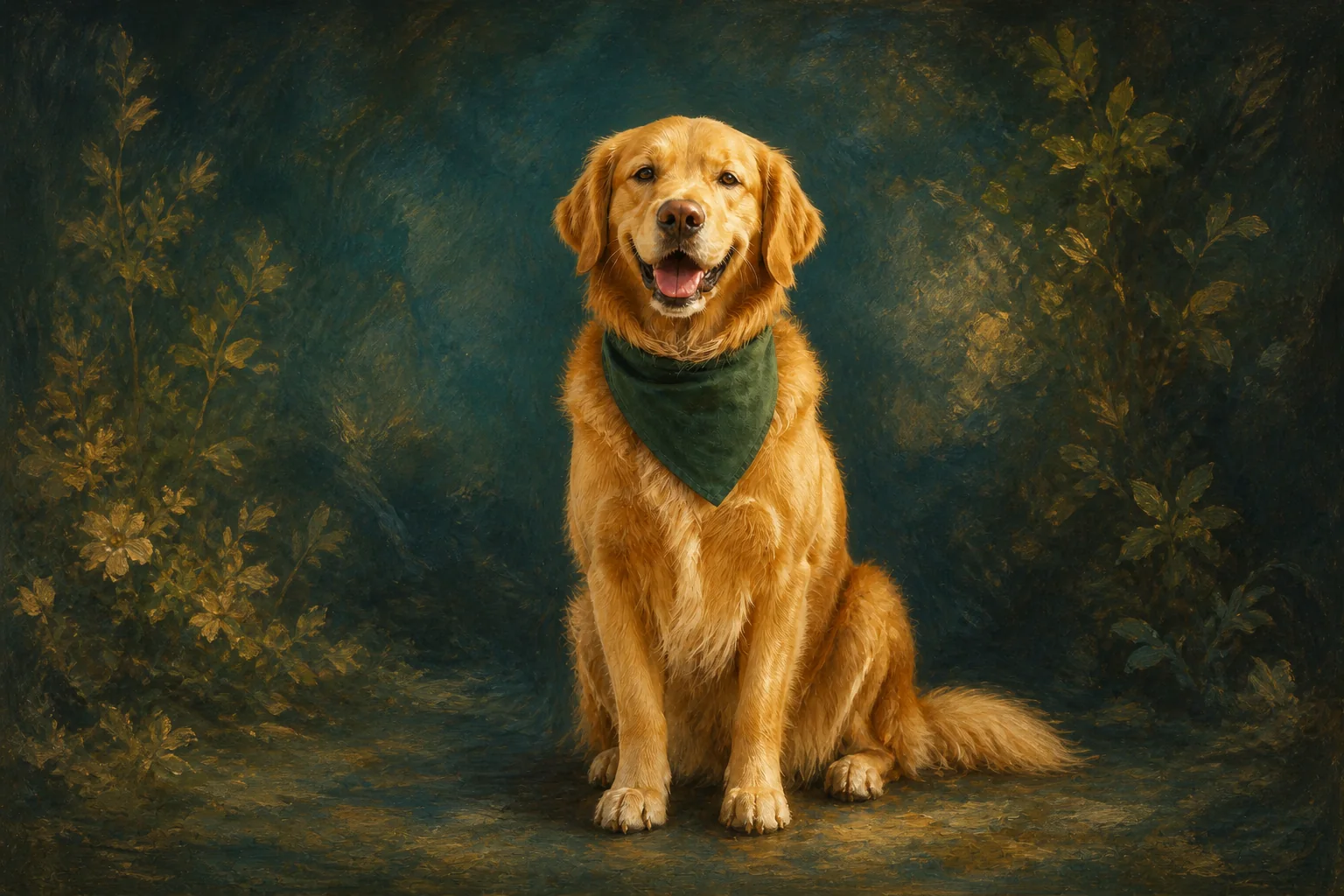
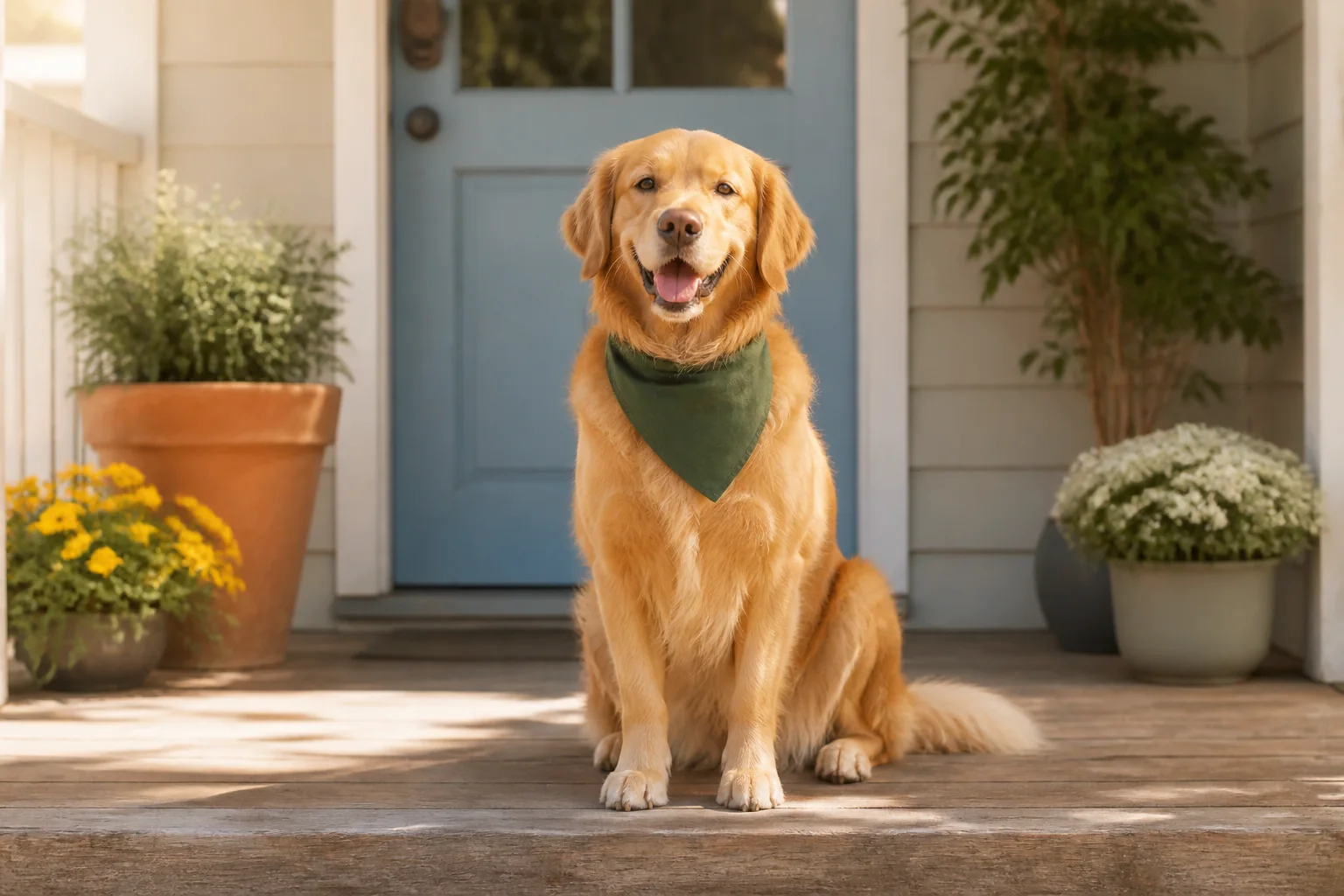
Compare oil and storybook directions using a pet photo, then inspect the markings, expression, proportions, and features that make the animal recognizable.

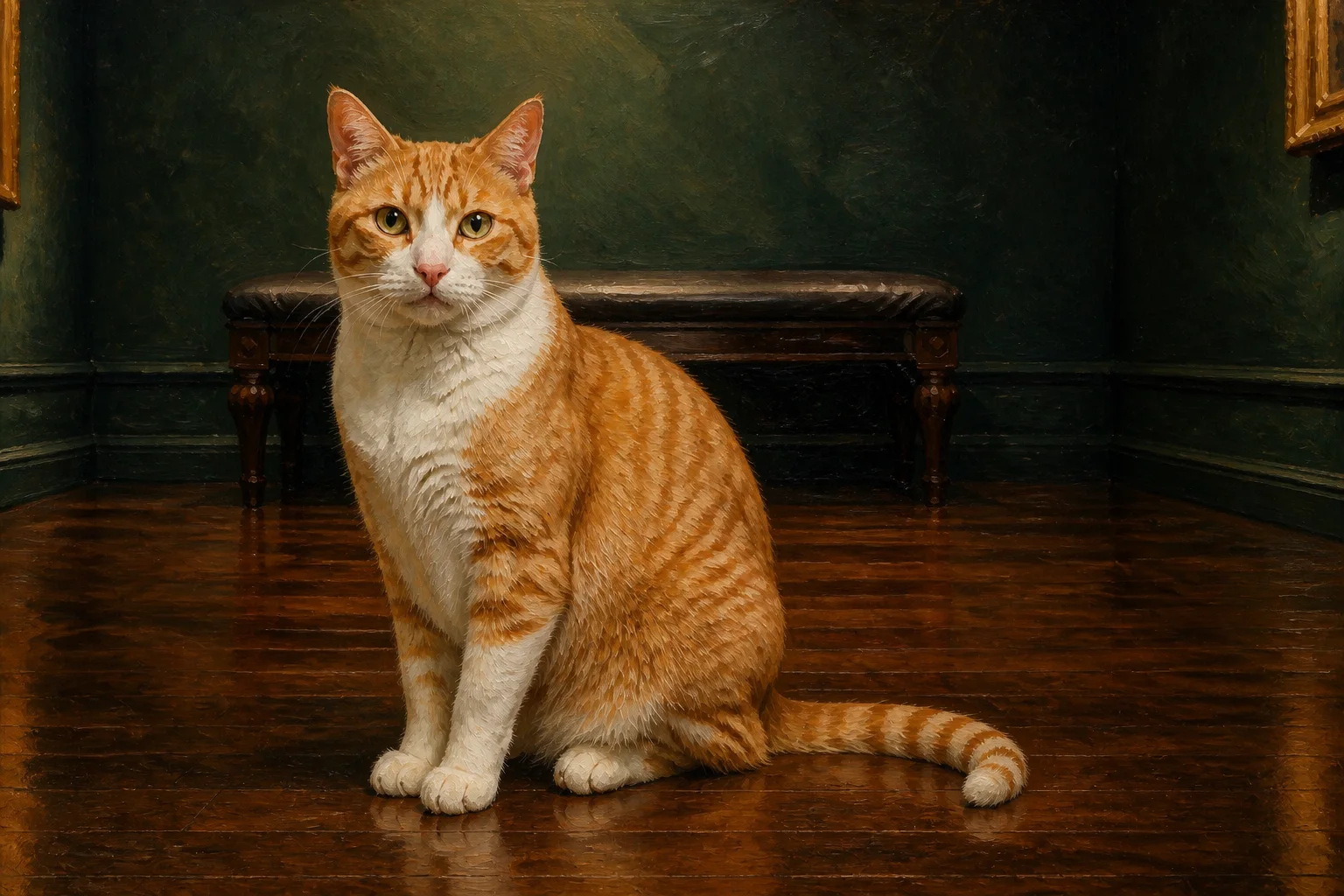
Pet photograph before a classic oil portrait transformationBefore
Pet photograph transformed into a classic oil portraitAfter

Keep familiar markings in an oil portrait

GPT Image 2

For a painterly oil treatment, name the coat pattern, eye color, ears, and expression that matter, then inspect those features alongside the new art direction.

Oil portraitCoat patternFeature review
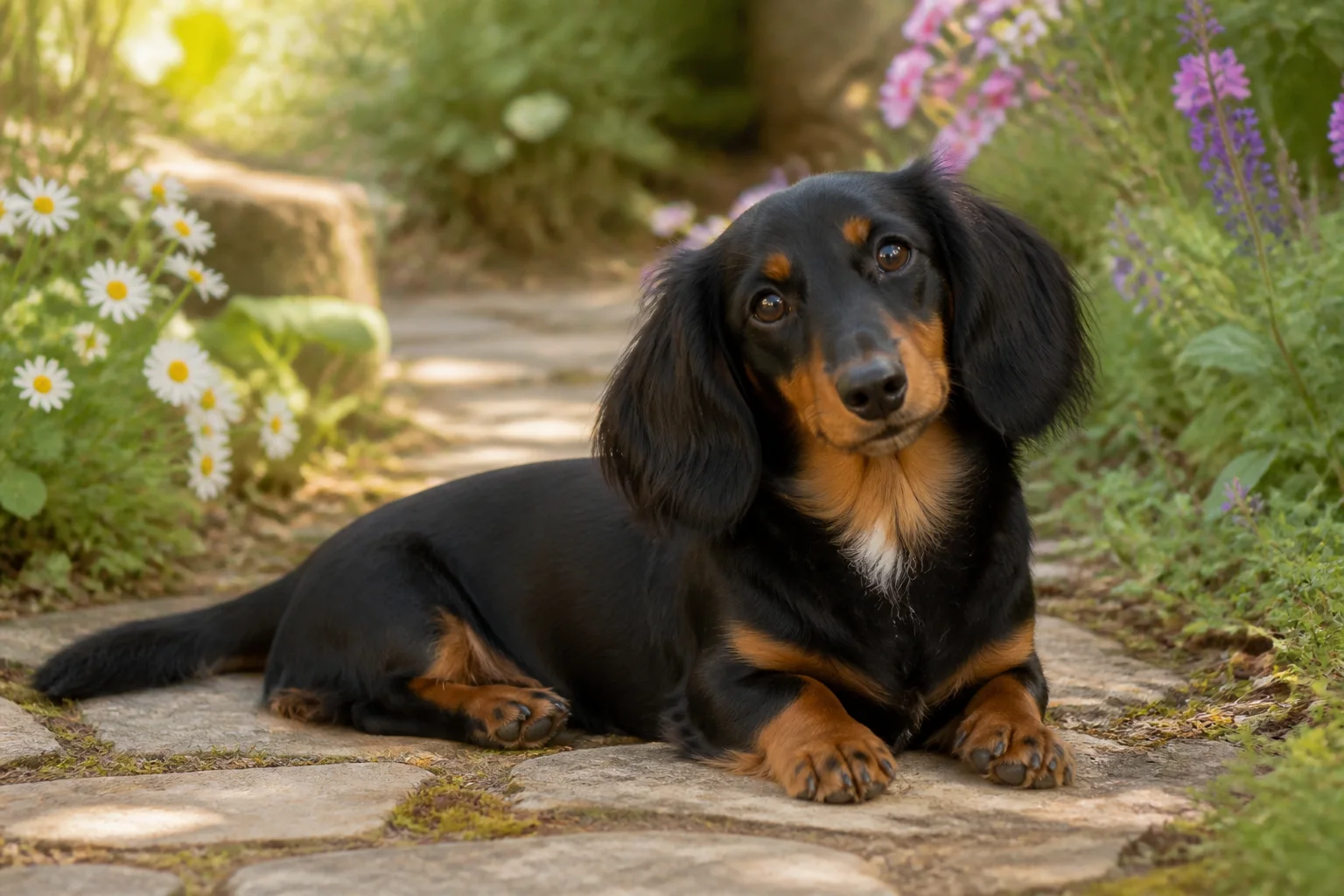
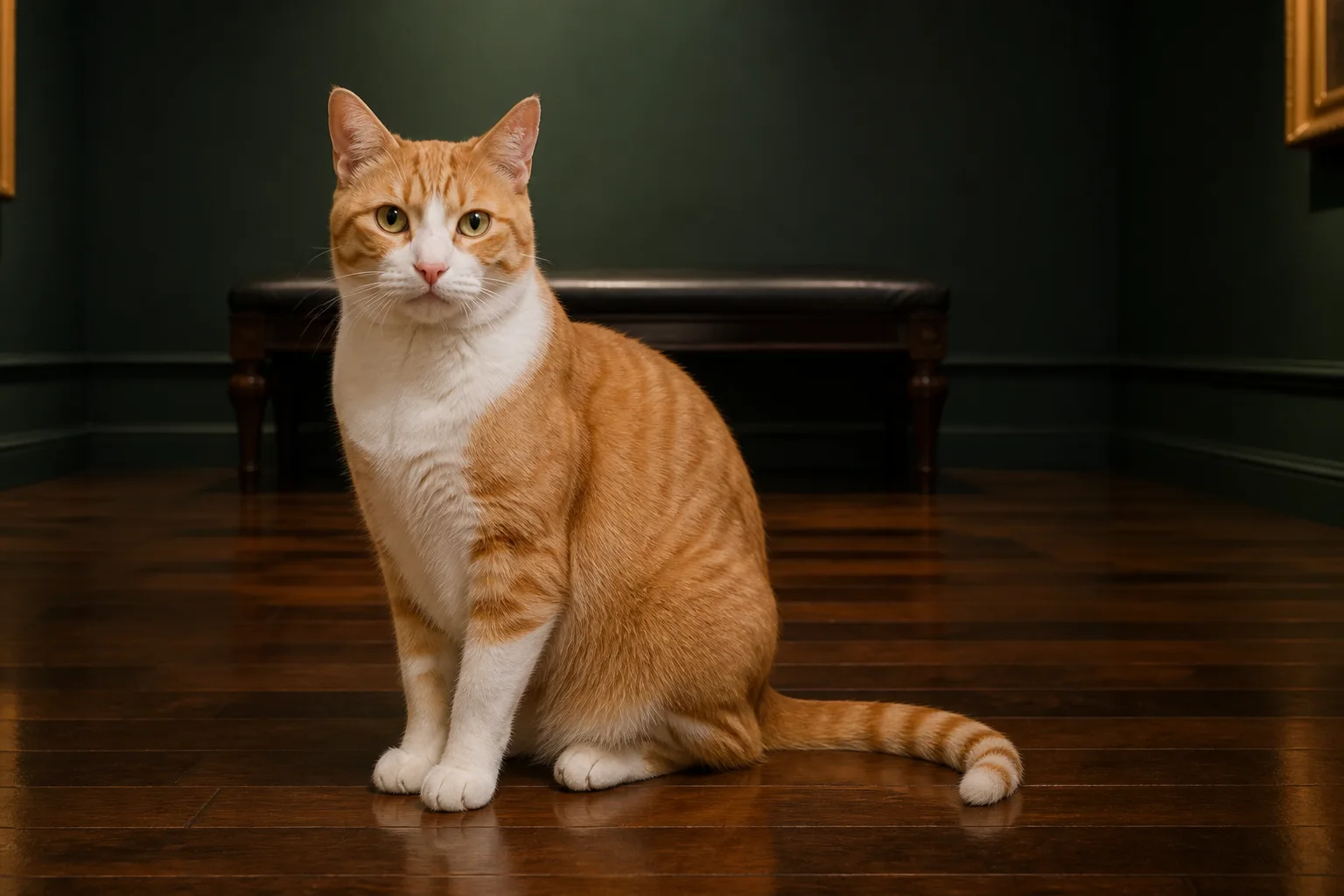
Pet photograph before a storybook portrait transformationBefore
Pet photograph transformed into a storybook portraitAfter

Use a storybook direction without losing the pet

GPT Image 2

For an illustrated scene, keep the face, ears, fur color, and recognizable expression in the prompt, then review those details in the finished portrait.

Storybook artFacial markingsExpression review

How to create a pet portrait from a photo

    01
    Upload a clear photo of your pet
    Choose a PNG, JPG, or WebP photo where the face, eyes, ears, coat pattern, and other distinctive features are visible enough to review.
    02
    Choose an art direction and preserve details
    Start with watercolor, classic oil, or storybook, then name the markings, fur color, expression, or proportions that should remain familiar.
    03
    Review the portrait in Create
    Continue to Create to review the available settings and exact quote, then inspect the pet’s face, markings, ears, and expression before using the result.

AI Pet Portrait Generator FAQ

Use a clear, well-lit photo where the pet’s face, eyes, ears, coat color, and distinctive markings are visible. A simple background helps keep those recognizable details in focus.

Create a portrait that looks like your pet

Continue to Create, upload a clear pet photo, choose an art direction, and inspect the familiar features before generating.