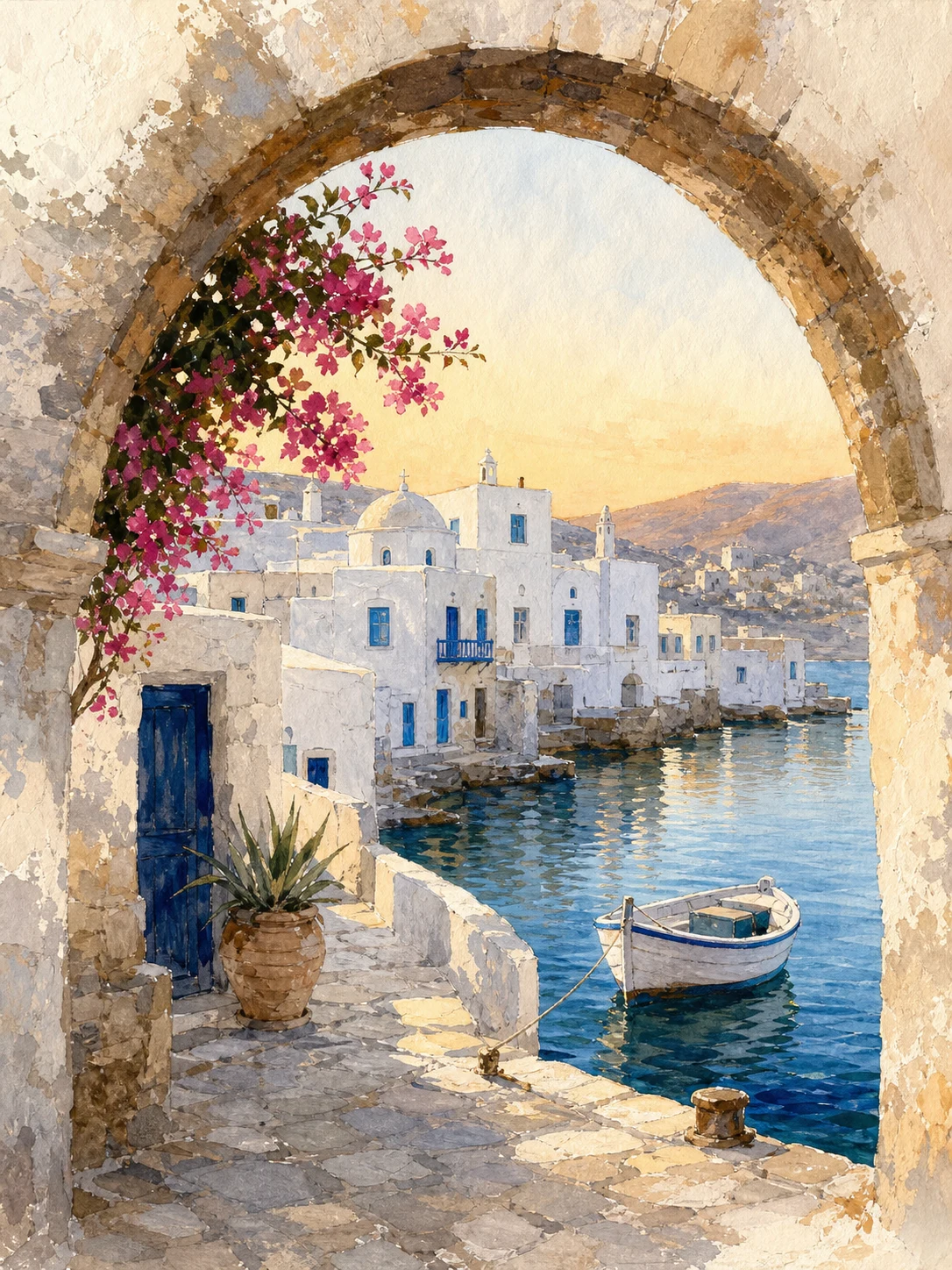
Build a soft coastal artwork from a written brief
GPT Image 2
Describe the coastline, palette, atmosphere, texture, and negative space so the finished artwork feels intentional and easy to place in a room.
Text promptWatercolorPortrait 3:4
Describe the subject, mood, palette, and display direction, then choose a style and ratio. Add a personal photo when it should guide the artwork, and review one clean result without a frame or room mockup.
Compare text-led wall art directions, then see how an optional photo can guide the subject and composition of a standalone result.
GPT Image 2
Describe the coastline, palette, atmosphere, texture, and negative space so the finished artwork feels intentional and easy to place in a room.
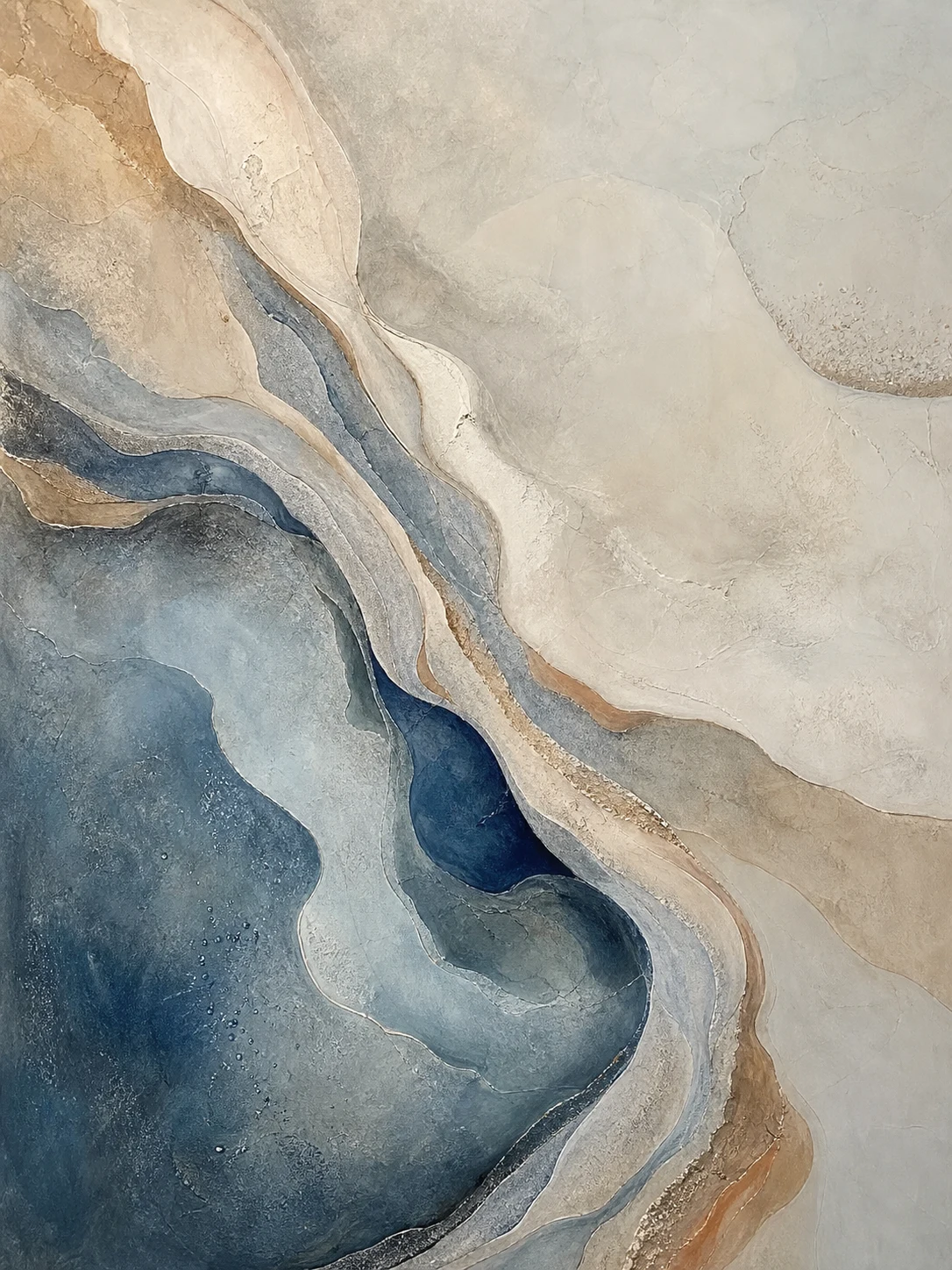
GPT Image 2
Use color, texture, scale, and negative space to make an abstract artwork that feels specific enough for a wall instead of a generic background.
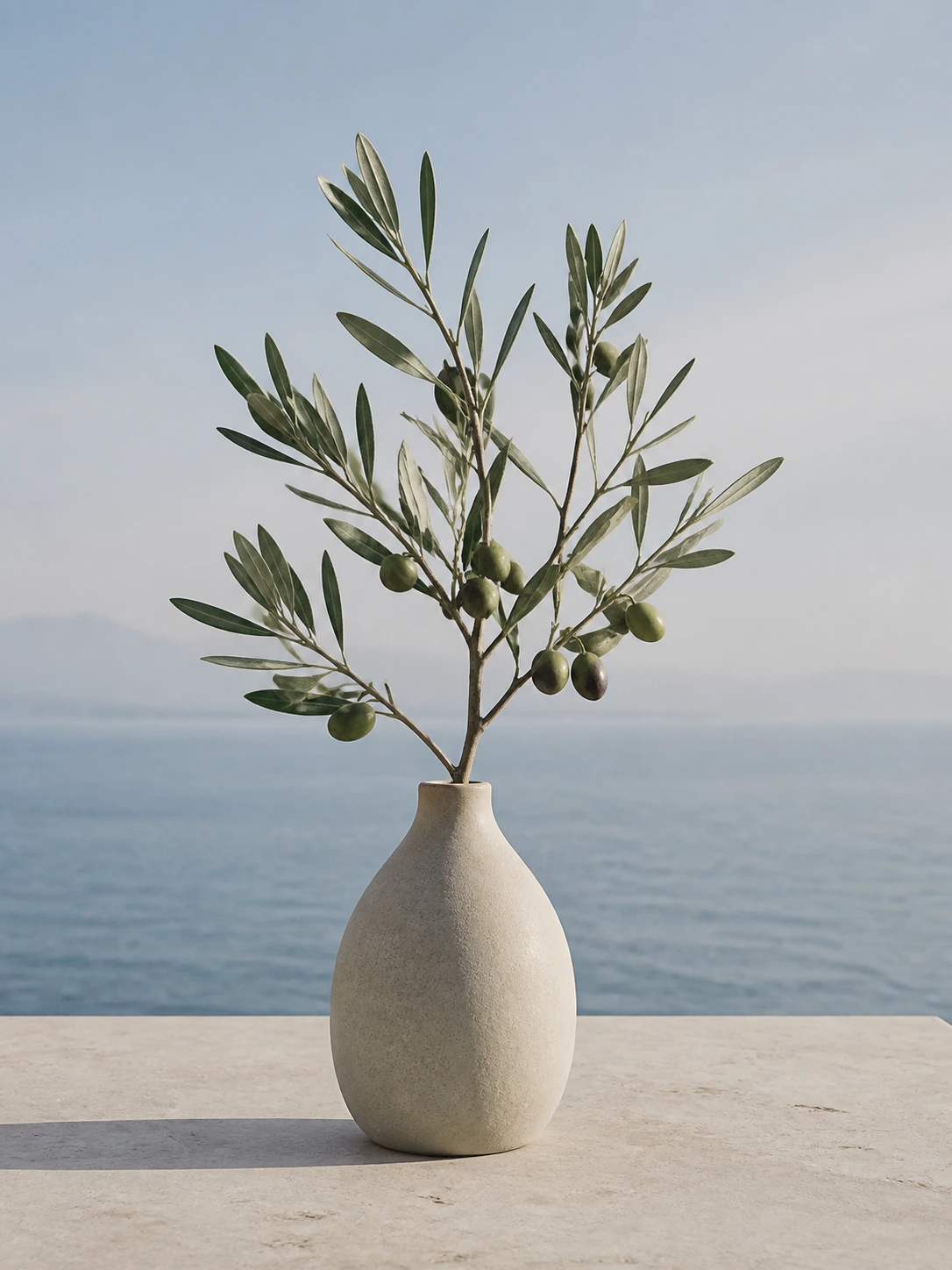 Before
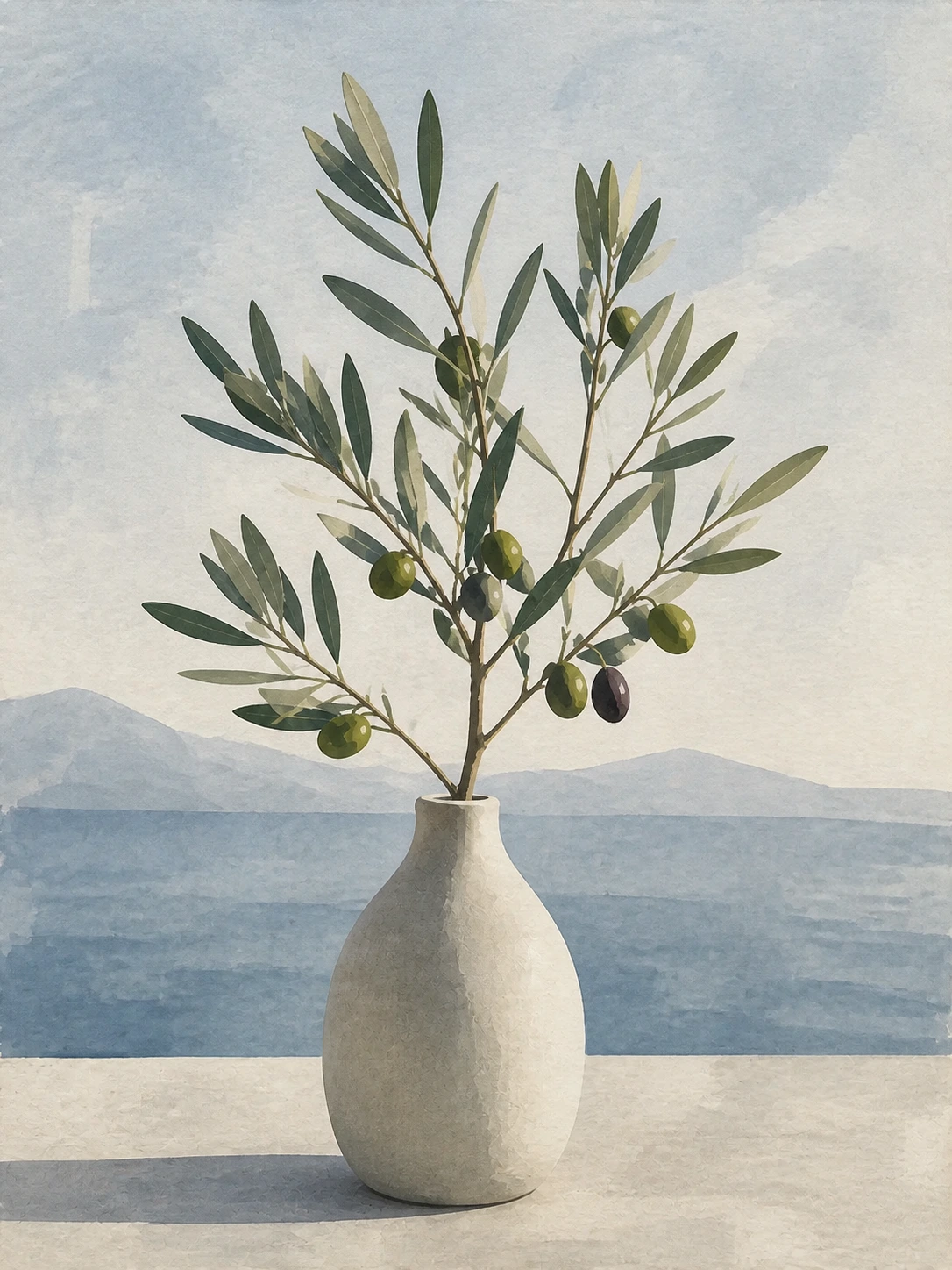 After
AfterGPT Image 2
Use the olive branch reference to guide the subject and composition, then inspect whether the finished artwork keeps the recognizable visual cue without adding a room or frame.
Open the tool that matches the file or result you need.
Build a headline-led poster when the artwork needs an event, campaign, or editorial communication job.
ExploreCompose artwork for a desktop, phone, or tablet screen when device-specific negative space matters.
ExploreTransform an existing photo with a watercolor-focused treatment when the supplied image should stay central.
ExploreContinue to Create, describe the wall art, choose a style and ratio, and inspect the finished image before downloading.