Before
AfterMove a portrait into a believable professional setting
GPT Image 2
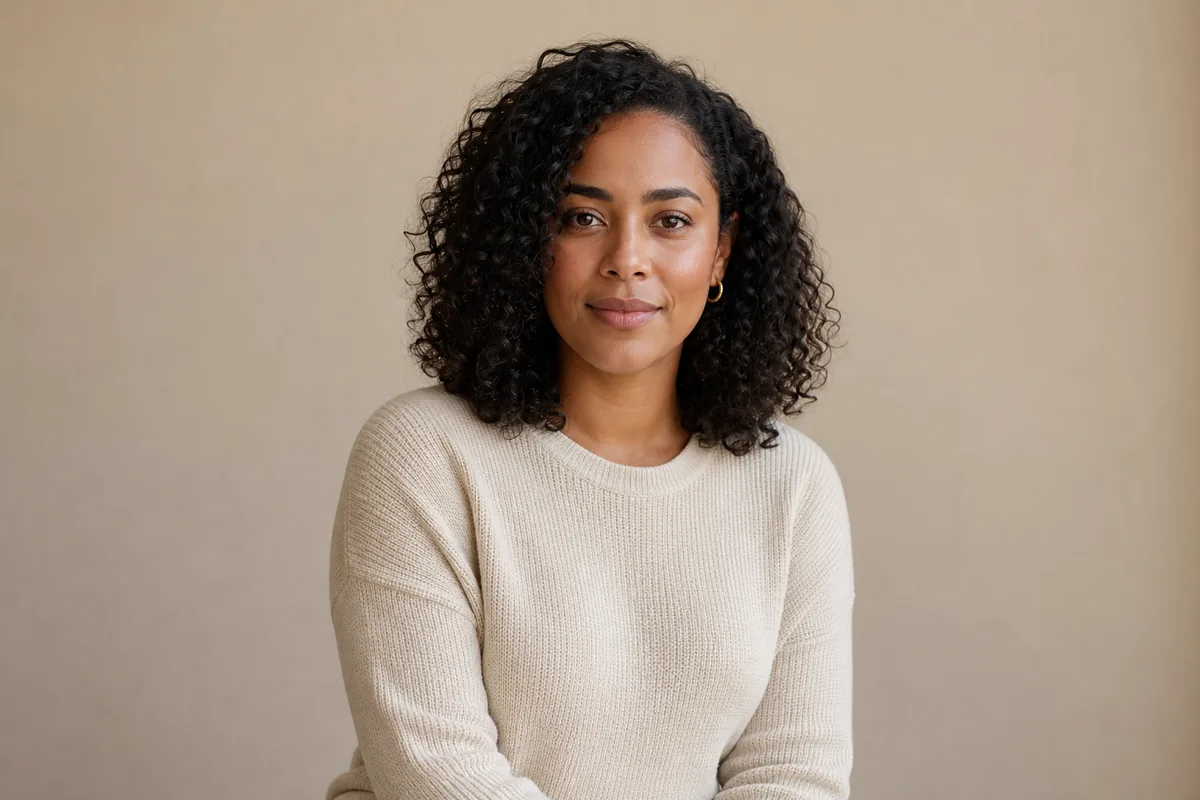
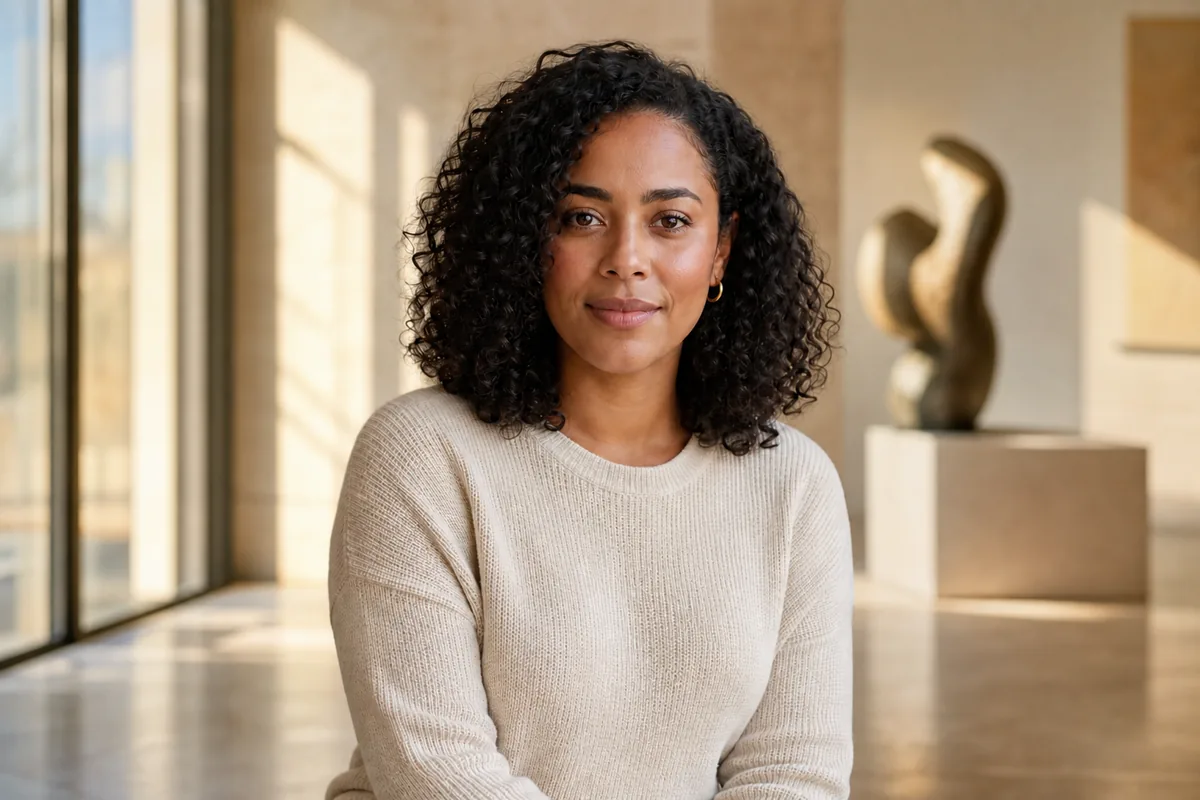
Compare the face, natural curls, clothing, pose, and crop with the source, then inspect how window light and the new gallery background meet the person.
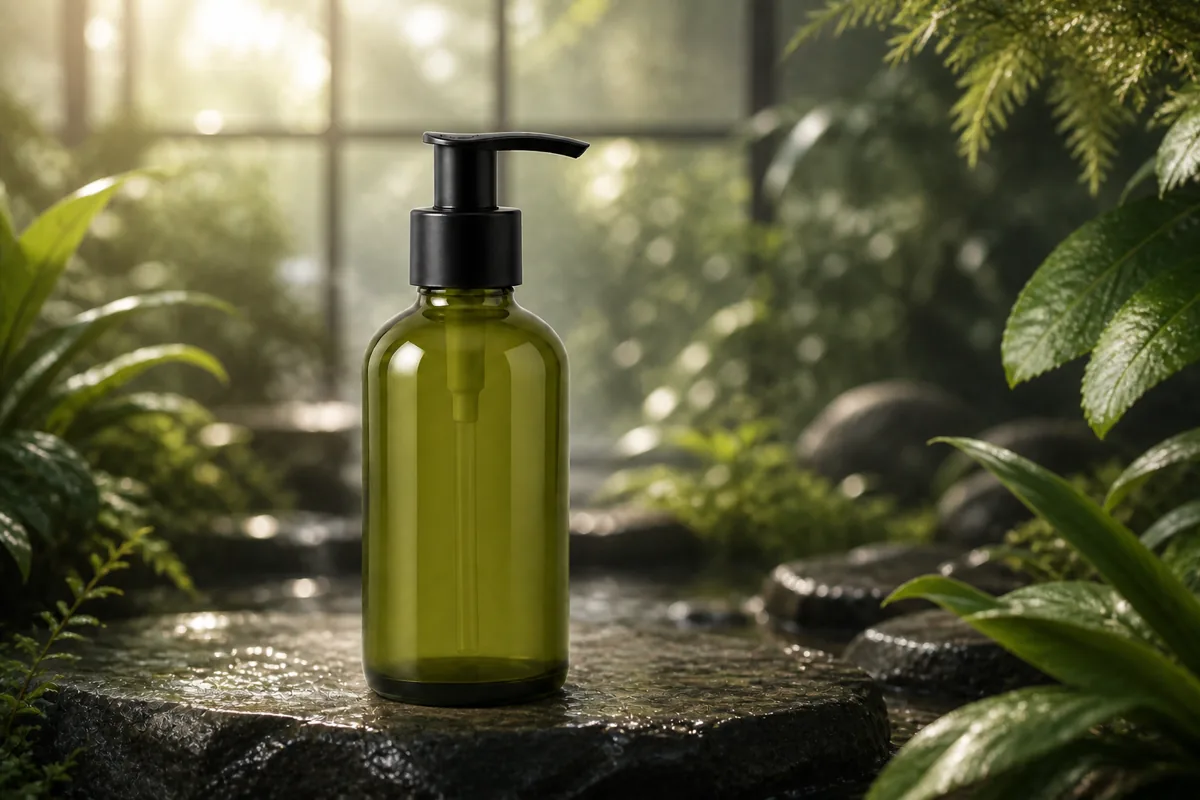
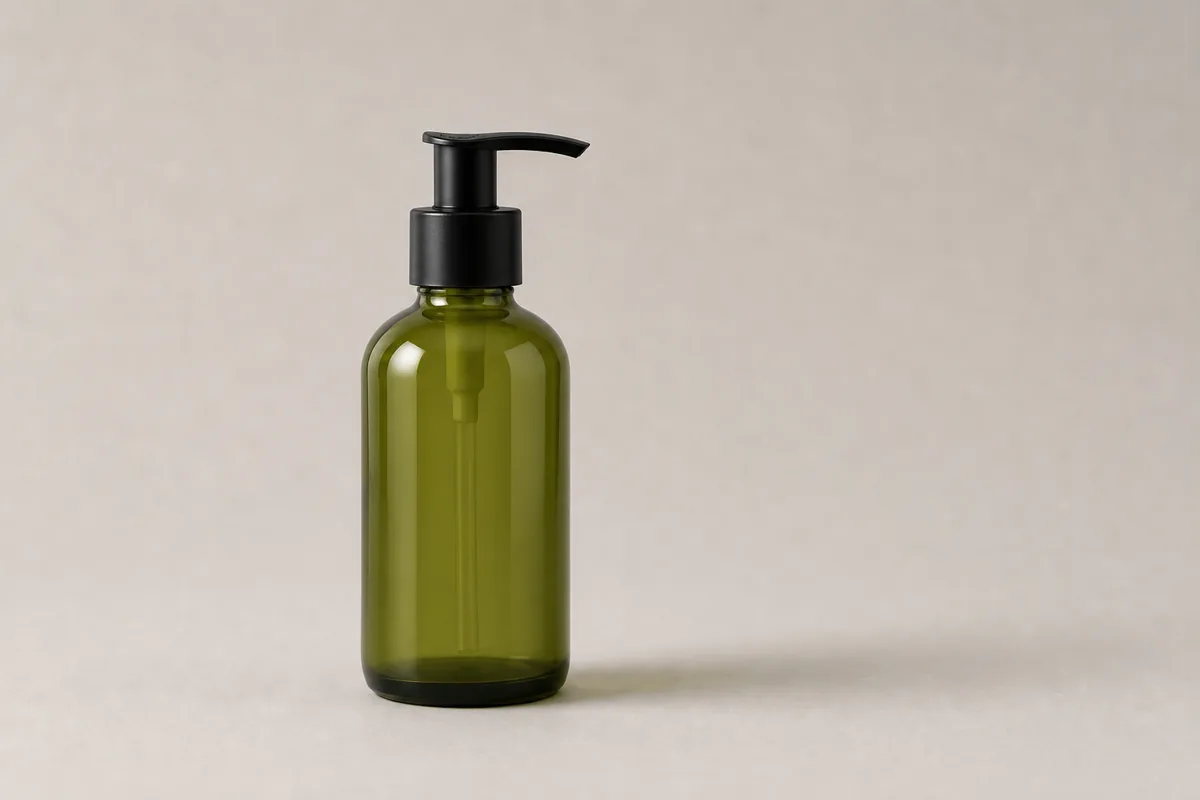
Upload a product, portrait, or pet photo, describe the new setting and light, and create a coherent background while keeping the subject, pose, material, and camera view familiar.


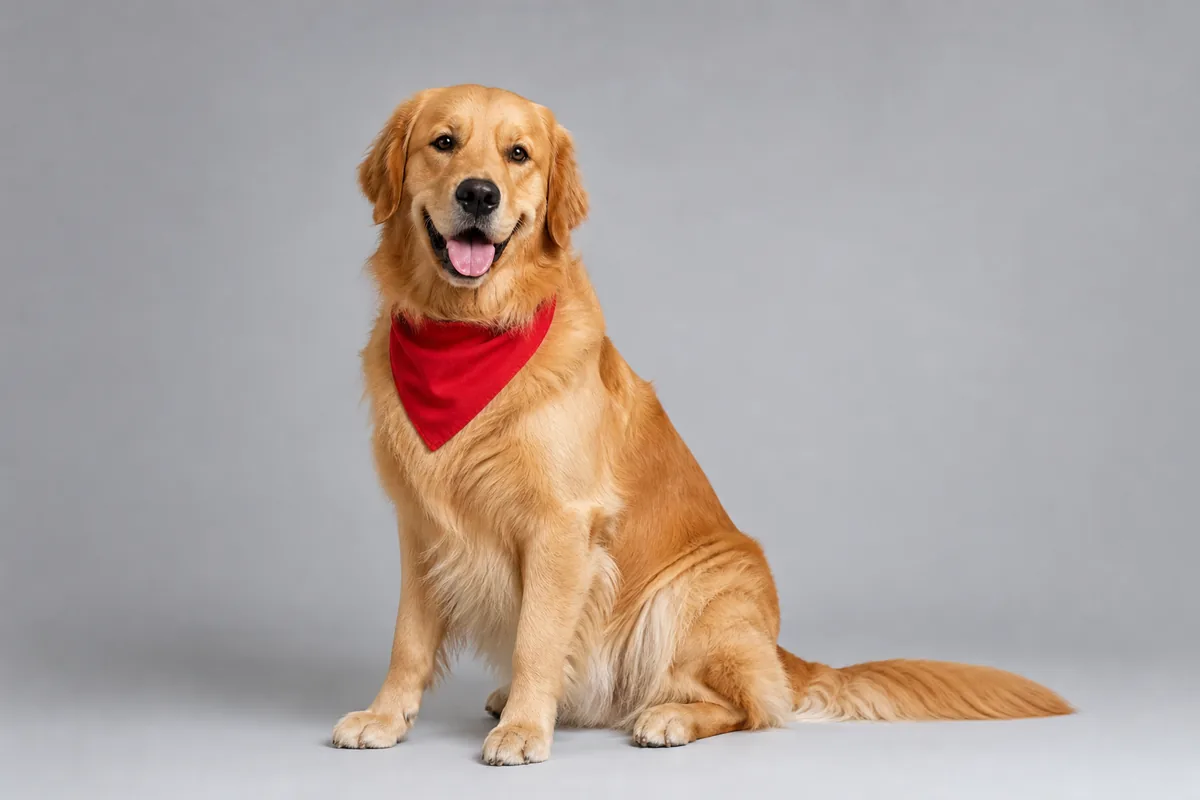
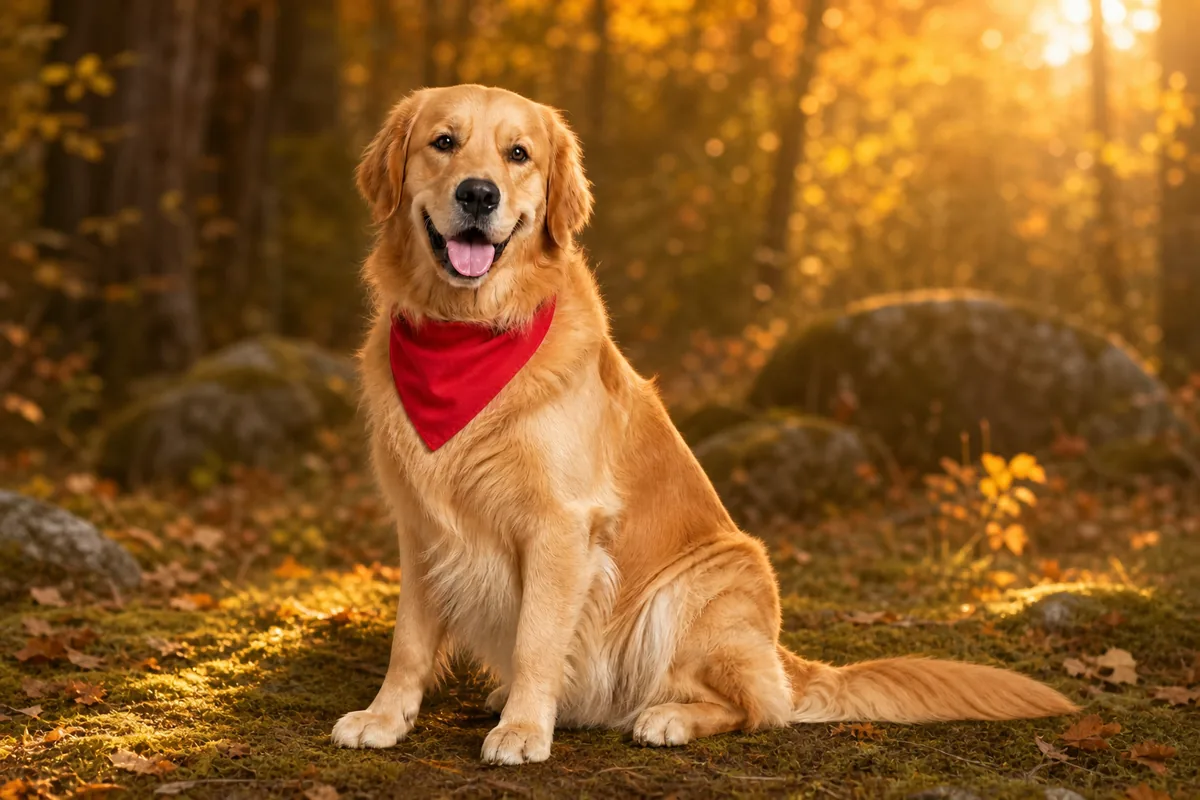
Compare separate portrait and pet cases, then inspect identity, edges, pose, ground contact, perspective, and light in each new environment.
Before
AfterGPT Image 2
Compare the face, natural curls, clothing, pose, and crop with the source, then inspect how window light and the new gallery background meet the person.
Before
AfterGPT Image 2
Review the dog, red bandana, seated pose, paws, tail, fur edges, ground contact, and warm rim light after the plain studio is replaced.
Open the tool that matches the file or result you need.
Remove the surrounding scene entirely when you need a transparent PNG instead of a newly generated environment.
ExploreMake a broader image change when the task also includes objects, lighting, weather, materials, or composition.
ExploreRemove a person, object, or distraction from inside the photo and reconstruct only the local area it covered.
ExploreContinue to Create, upload the source, choose a background goal, and inspect the subject and new scene before generating.