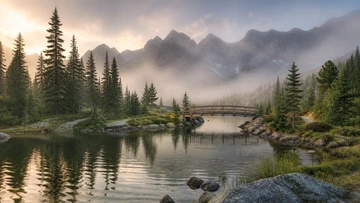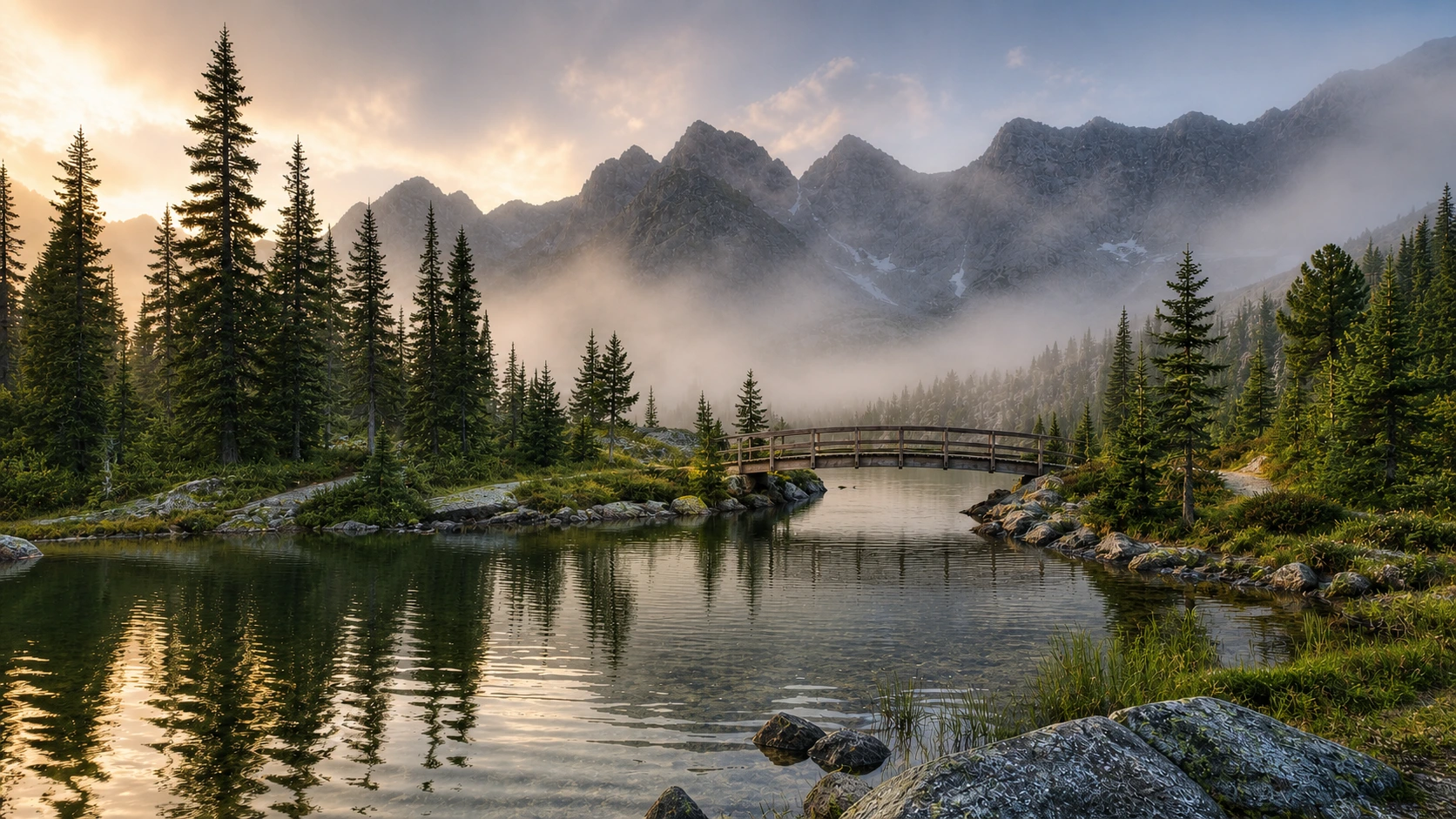

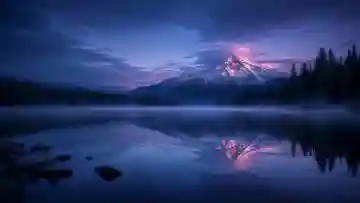
Before
AfterReduce compression while keeping the scene natural
GPT Image 2
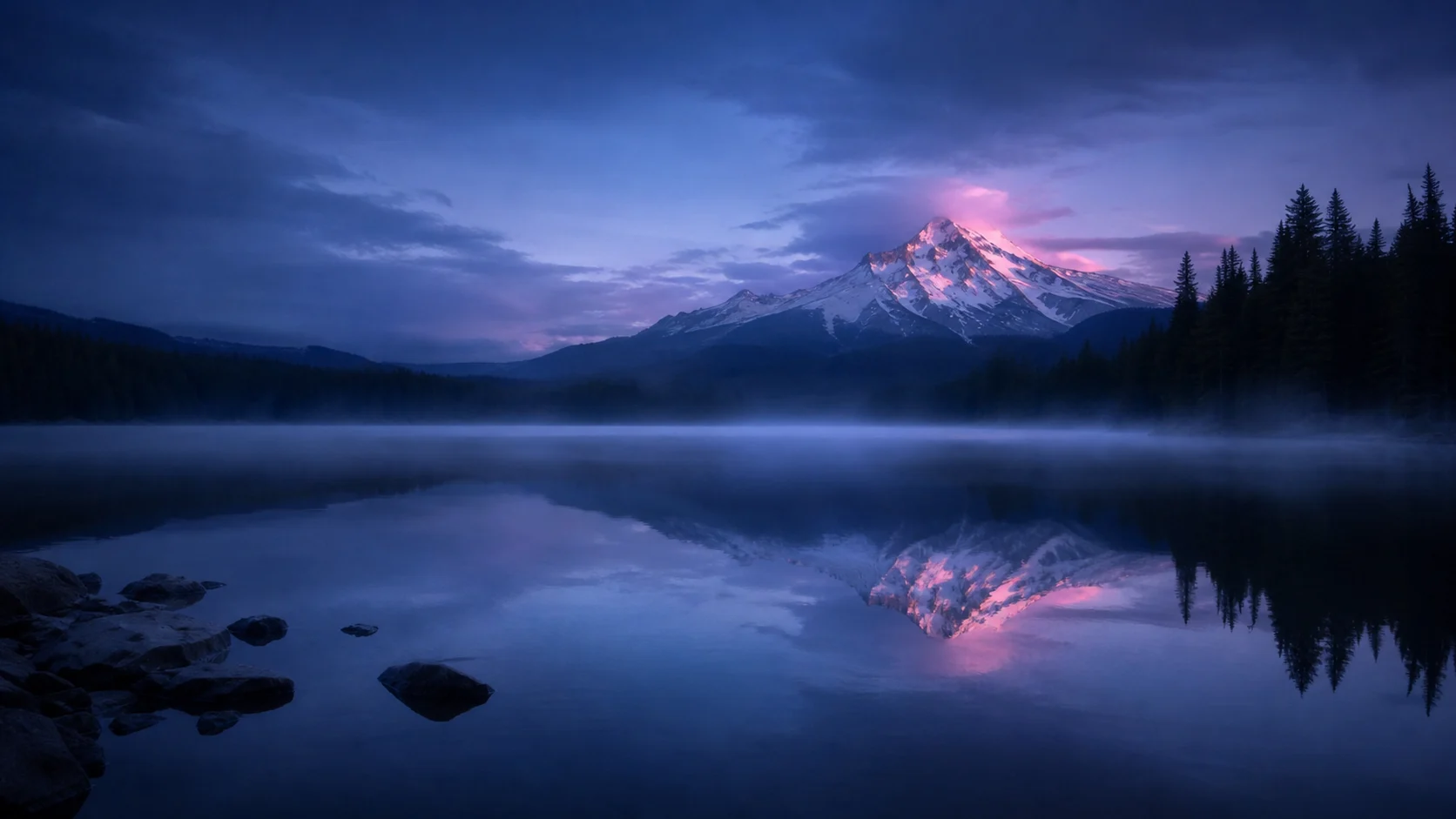
Compare the mountain silhouette, foliage, water, haze, and sky with the small source, and avoid treating invented micro-detail as archival recovery.
Upload a small or compressed photo, portrait, product image, or illustration, then choose the content type and lightest enhancement that resolves the visible artifacts.


Compare compressed landscape sources with their enlarged results, then inspect natural edges, bridge geometry, foliage, water, and texture at full size.
Before
AfterGPT Image 2
Compare the mountain silhouette, foliage, water, haze, and sky with the small source, and avoid treating invented micro-detail as archival recovery.
Before
AfterGPT Image 2
Compare the small alpine bridge source with the larger result, paying attention to railings, bridge geometry, mountain edges, water, foliage, and atmospheric texture.
Open the tool that matches the file or result you need.
Improve perceived clarity when softness rather than small resolution is the main issue in the source photo.
ExploreRepair scratches, fading, creases, and age damage in an old photograph while preserving its period character.
ExploreMake a focused visual change when the task requires more than resolution enhancement and artifact cleanup.
ExploreContinue to Create, upload the best source available, choose content and enhancement settings, and compare the larger result at full size.