Skip to content
Mixany

AI Image Generator

Describe the subject, style, framing, and any exact text. Choose an image model, add reference images if needed, check the credit quote, and download your result from Mixany.

Exact quote in Create
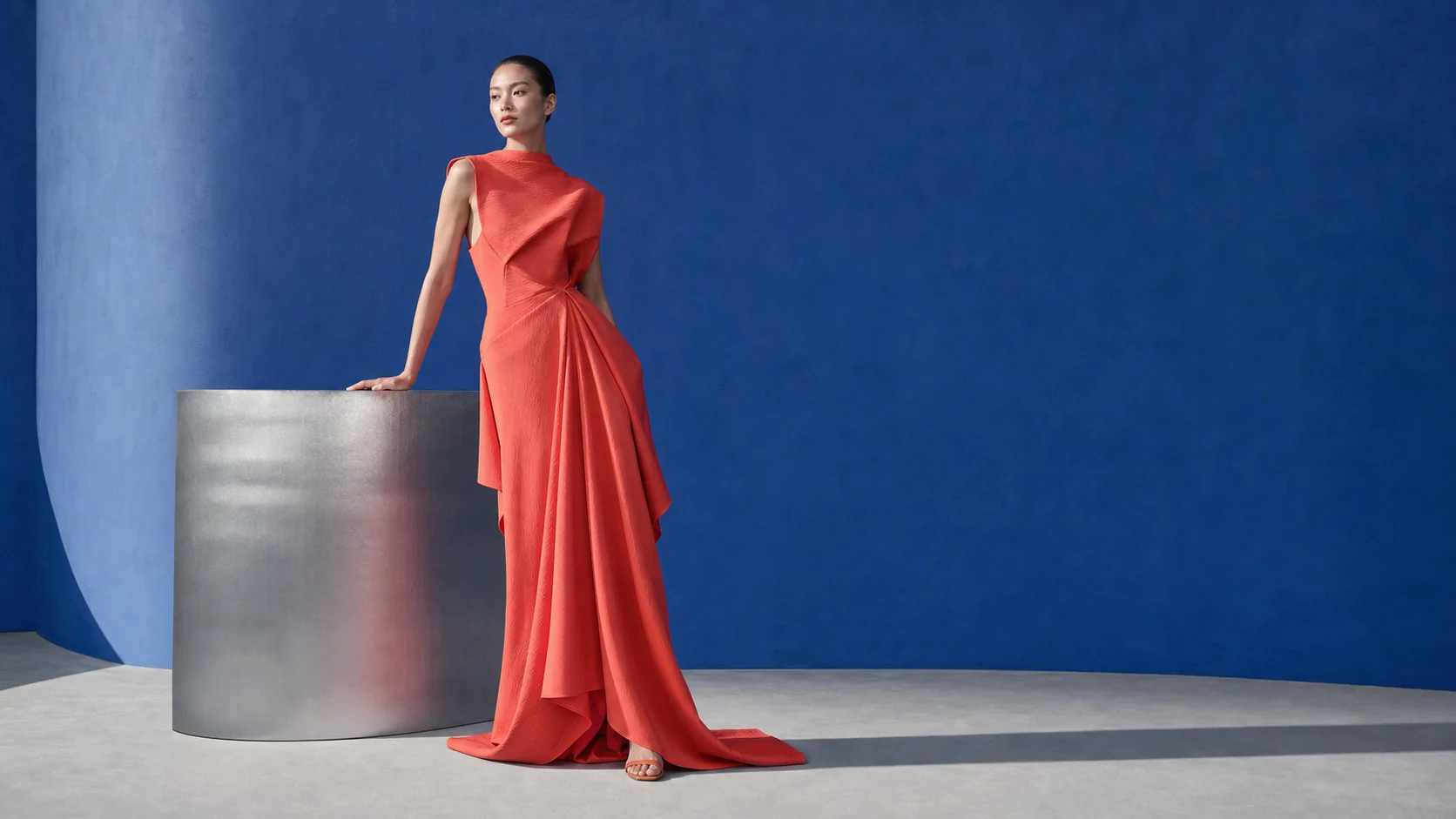
Cobalt fashion editorial image with a sculptural coat in a minimal studio
A clear image prompt names the subject, composition, light, materials, and details that need to stay the same.

AI image generator examples

Use a clear subject, composition, style, and output format. Add the details that must stay the same in the final image.

Cobalt fashion editorial image with a sculptural coat in a minimal studio

Build a fashion image around one unmistakable material idea

GPT Image 2OpenAI · OpenAI image generation examples and prompt guidance

Treat the garment, silhouette, camera distance, floor, light, and background as a single art direction. This produces a campaign-ready image more reliably than piling unrelated style references into the prompt.

4:5 cropMaterial detailCampaign composition
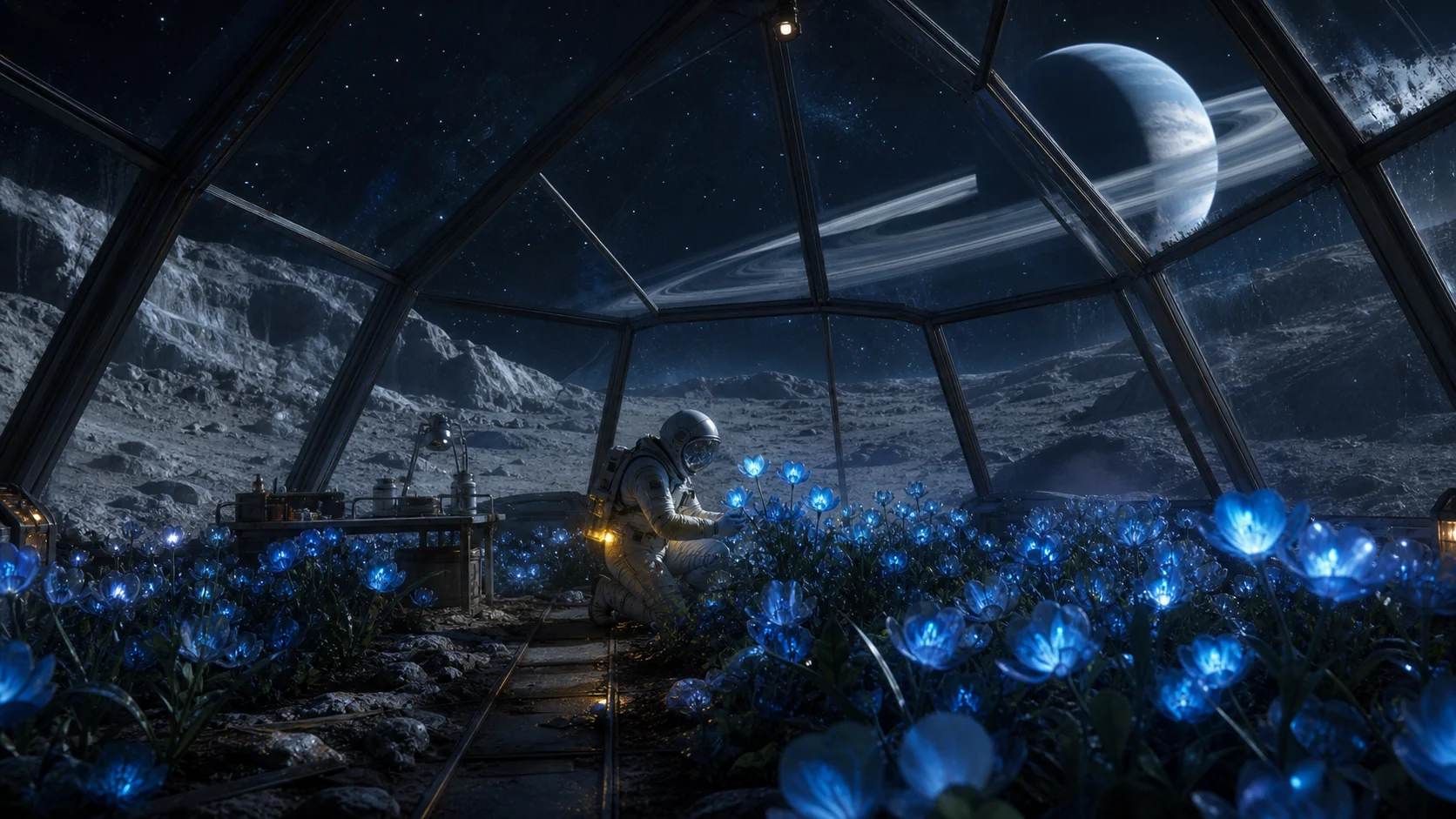
Moonlit cinematic garden scene with a glowing pathway and layered foliage

Make a cinematic world with one clear point of view

Nano Banana ProOpenAI · OpenAI image generation examples and prompt guidance

Anchor an imaginative scene in a readable scale cue and a single light source. The result stays atmospheric while still giving a viewer a place to enter the image.

16:9 sceneSingle light storyLayered depth
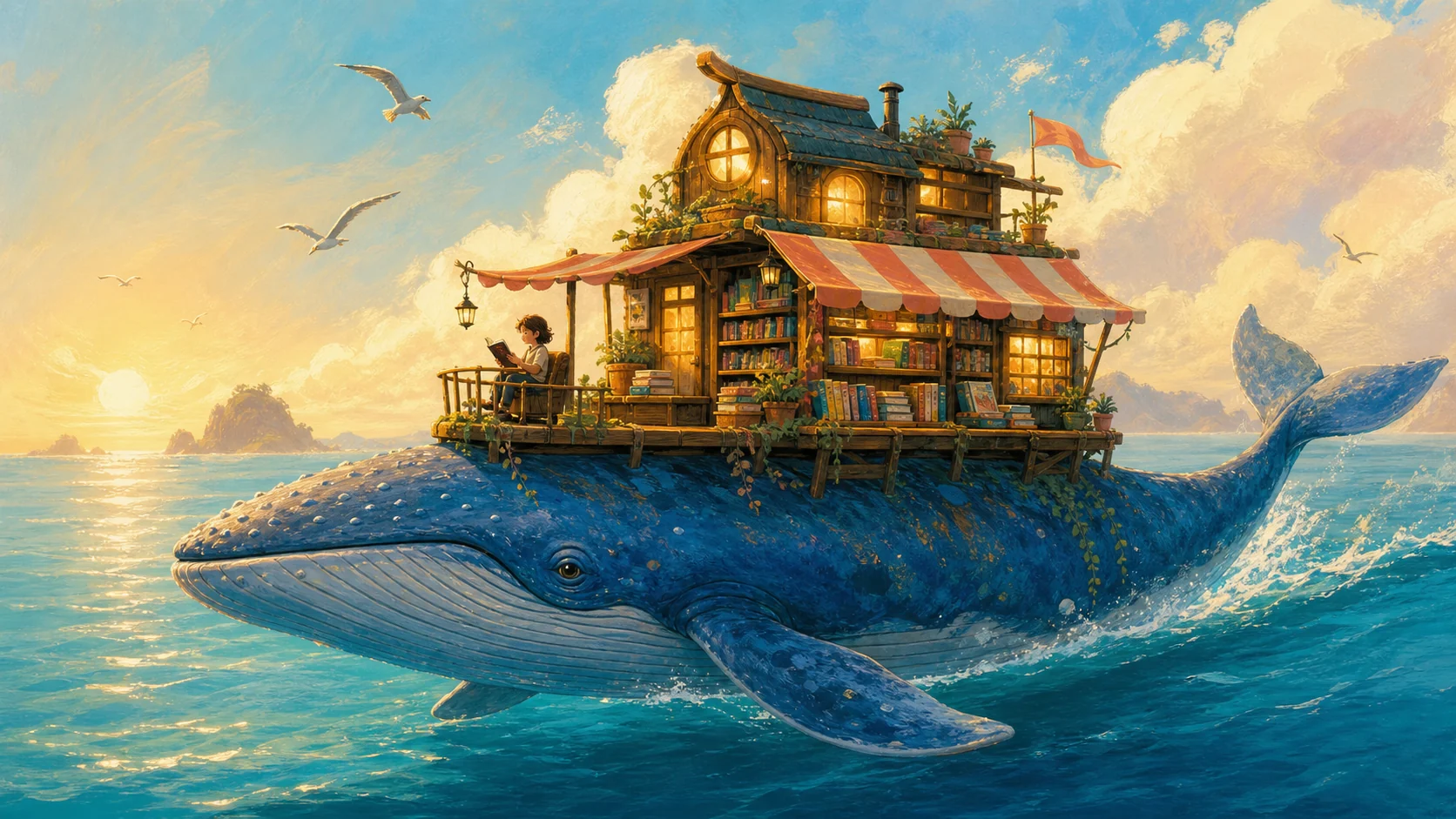
Whimsical illustrated whale floating through a warm bookshop interior

Turn a simple story into an illustration with a focal point

Seedream 5.0 ProOpenAI · OpenAI image generation examples and prompt guidance

Give the image one protagonist, one environment, and one action. Supporting objects can add narrative texture without competing with the main idea.

Editorial illustrationClear focal pointLimited palette

Choose an AI image model

Choose a model for your image task, add reference images if they help, then review the settings and credit quote that apply to that model.

01
Hot
GPT Image 2
Precise briefs, readable typography, and controlled changes
  • Precise briefs, readable typography, and controlled changes
  • Generate new images or make targeted image changes
  • Use private reference images to guide the result
02
NewBeta
Nano Banana 2
Fast production prompts and consistent reference-led subjects
  • Fast production prompts and consistent reference-led subjects
  • Generate new images or make targeted image changes
  • Use private reference images to guide the result
03
New
Seedream 5.0 Pro
High-fidelity images and strong reference-image handling
  • High-fidelity images and strong reference-image handling
  • Generate new images or make targeted image changes
  • Use private reference images to guide the result
04
Hot
Nano Banana Pro
Premium image creation with precise text and subject consistency
  • Premium image creation with precise text and subject consistency
  • Generate new images or make targeted image changes
  • Use private reference images to guide the result

How to generate an AI image

    01
    Write an image prompt
    Say what image you need, such as a product photo, illustration, poster, or image edit. Include the intended format or audience when it matters.
    02
    Describe the important details
    Describe the main subject, framing, materials, lighting, and details that must stay the same. Add a reference image for a real product, face, or composition.
    03
    Choose a model and generate
    Select an available image model, check the supported settings and credit quote, then generate and download the result.

AI image prompt examples

Copy a prompt, then replace the subject, style, layout, and details with the requirements of your own image.

Premium product still

Create a premium product still for a matte-black travel speaker on wet dark stone at blue hour. Use a close three-quarter camera angle, one narrow reflected highlight across the grille, shallow mist, restrained rain droplets, and enough negative space for a future headline. Keep the product geometry, controls, and logo area stable. No visible text or extra products.

Editorial poster concept

Design a 4:5 editorial event poster for a contemporary architecture exhibition. Use one translucent sculptural building form on a warm gray field, a disciplined five-column grid, a clear headline area, three short supporting information lines, and electric cobalt as the only accent. Keep all text zones clean and the hierarchy suitable for a real print layout.

Illustrated story cover

Create a storybook cover illustration of a young astronomer standing on a small observatory roof above a quiet sea. Use a wide night sky, one glowing telescope, layered clouds, moonlit water, gentle wind in the coat, and a clear vertical reading path. Keep the character silhouette and telescope as the focal point, with no title text.

AI image generator FAQ

An AI image generator turns a text prompt into an image. In Mixany, choose an available model, add reference images when useful, check the settings and credit quote, then generate in Create.

Create an image from a text prompt

Write an image prompt or upload a reference, choose an available model, and generate a private image in Create.