Skip to content
Mixany

AI Wallpaper Generator

Describe a scene, choose the screen you are designing for, and set the matching ratio. Mixany creates one standalone wallpaper with calmer space where icons, widgets, or a clock need to sit, with an optional photo reference in Create.

Preserve intent presets
Exact quote in Create
Cinematic alpine lake wallpaper composed for a desktop landscape screen
Each example is a complete wallpaper artwork composed for the device and screen shape named in the brief.

AI wallpaper generator examples

See how the device selection changes the composition: a reference-led desktop wallpaper, a vertical phone scene, and a balanced tablet background.

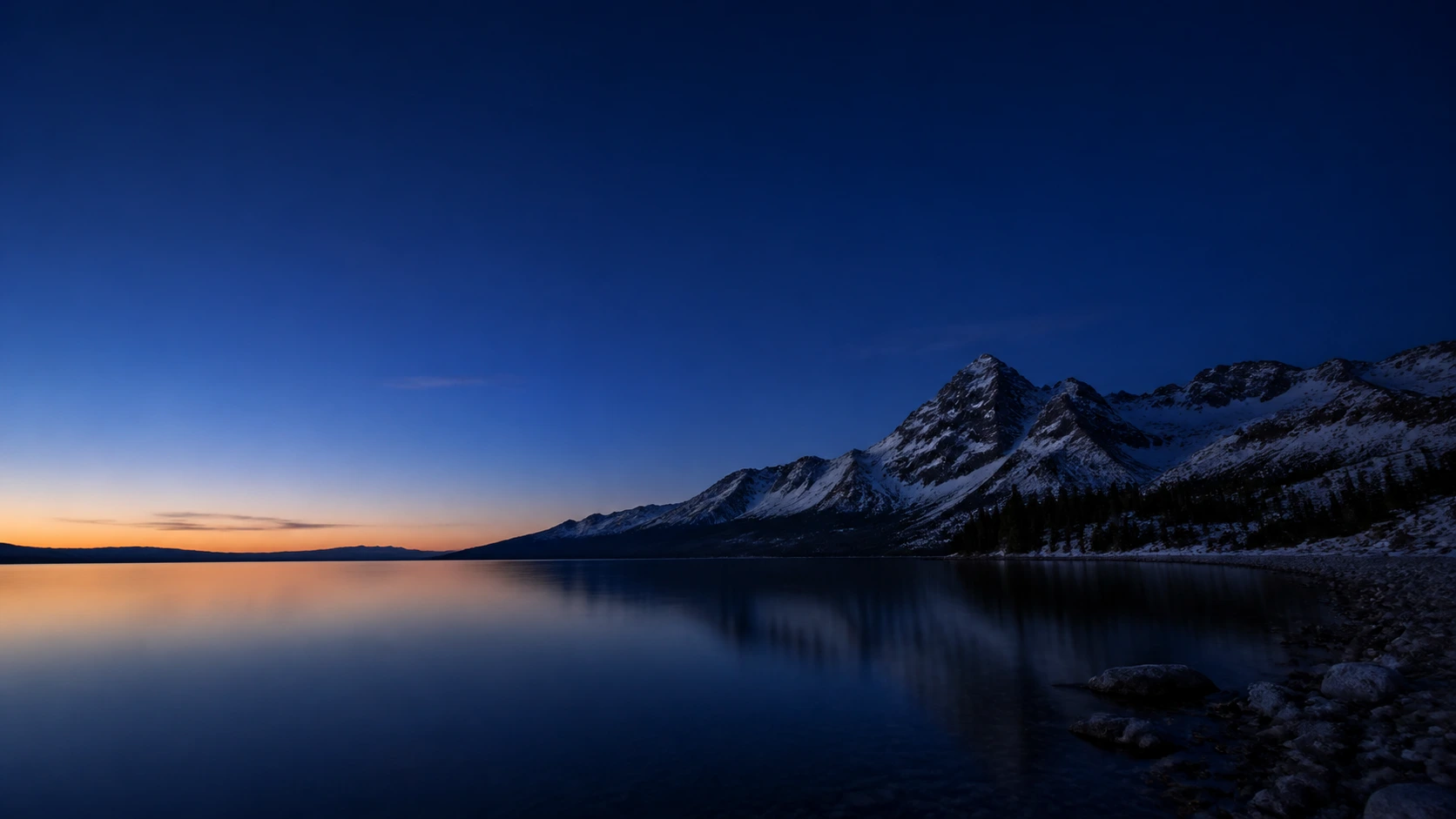
Alpine landscape reference used to guide a desktop wallpaperBefore
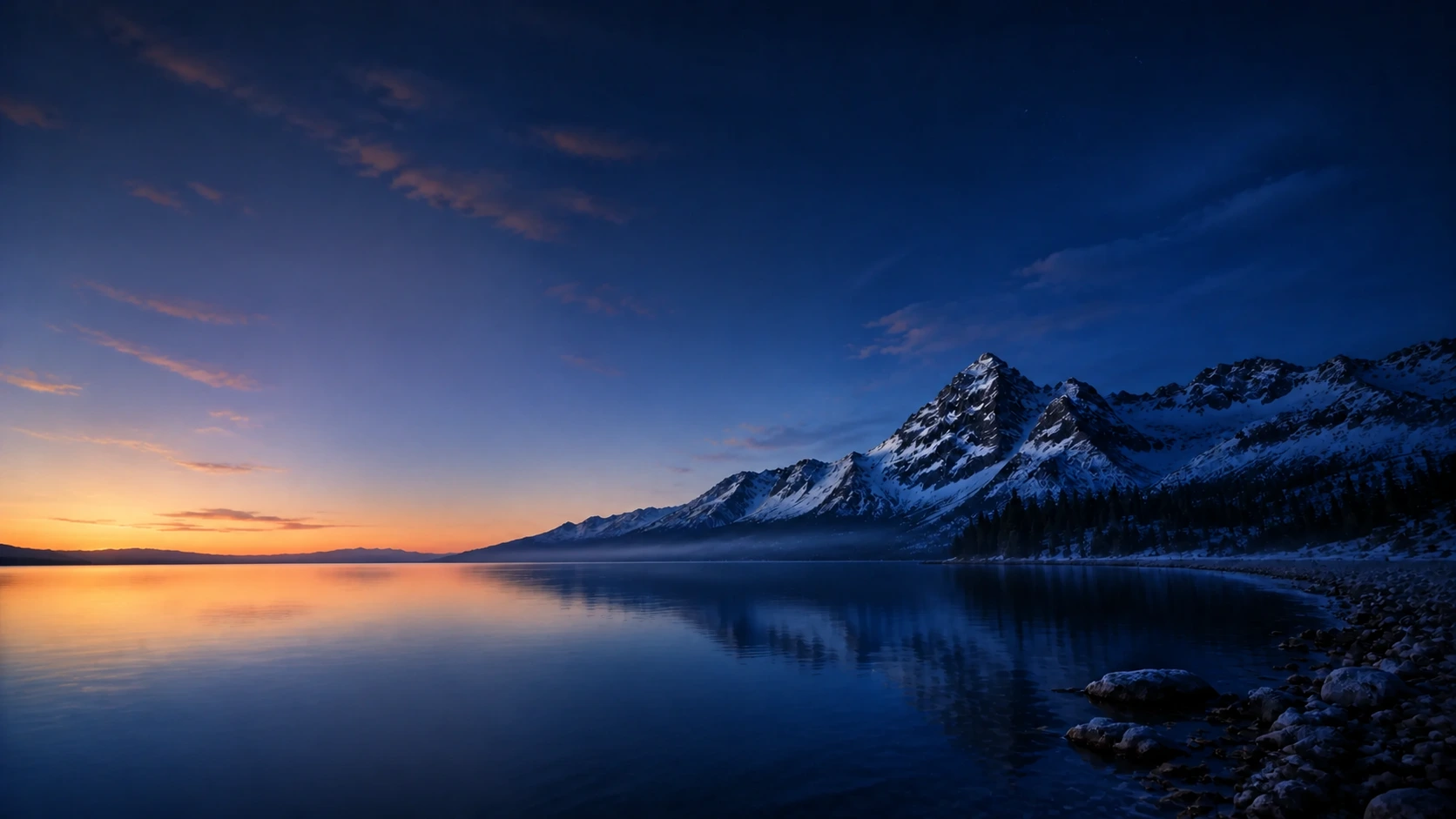
Wide alpine lake wallpaper with clear space for desktop iconsAfter

Use a photo reference while leaving calm space for icons

GPT Image 2

Use the supplied alpine image to guide the subject and palette, then review whether the wide result keeps the horizon, peaks, and quieter icon area clear without adding a device frame.

Desktop16:9Landscape scene
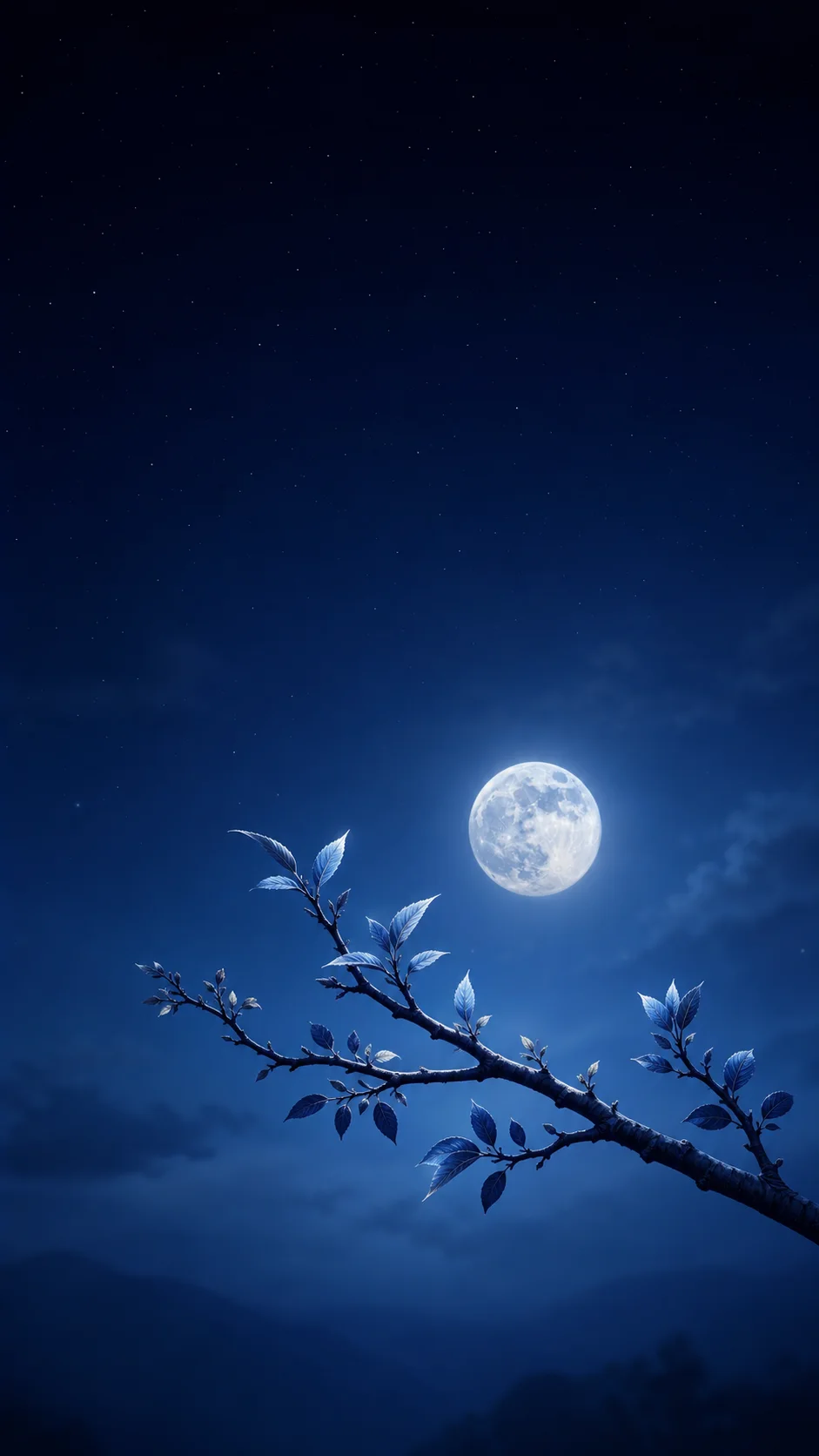
Moonlit indigo valley wallpaper composed for a phone portrait screen

Keep the lock-screen focal point readable

GPT Image 2

A phone wallpaper benefits from a vertical reading path and open space near the top, so the clock can remain visible without covering the main subject.

Phone9:16Clock space
Serene coastal cove wallpaper composed for a tablet landscape screen

Balance a landscape composition for a tablet

GPT Image 2

A tablet background can hold more detail than a phone while still keeping a balanced center and quiet edges for widgets and app groups.

Tablet4:3Balanced detail

How to make an AI wallpaper

    01
    Choose the device and screen shape
    Select Desktop, Phone, or Tablet, then use the matching 16:9, 9:16, or 4:3 screen shape so the composition starts with the right canvas.
    02
    Describe the focal scene and quiet areas
    Name the subject, mood, palette, and where icons, widgets, or a clock should have breathing room. Add a personal photo only when it helps guide the scene.
    03
    Review the complete wallpaper
    Continue to Create to review the available model and exact quote, then check the focal subject, screen crop, and space reserved for the interface before downloading.

AI Wallpaper Generator FAQ

Yes. Choose Desktop with 16:9, Phone with 9:16, or Tablet with 4:3. The device selection helps the prompt reserve calmer areas for icons, widgets, or a clock.

Create a wallpaper for your screen

Continue to Create, choose Desktop, Phone, or Tablet, describe the scene and quiet areas, and review the complete wallpaper before downloading.