

Skip to content
Mixany

Image Background Remover

Upload one product, portrait, pet, or object photo. Mixany removes the background automatically and returns a transparent PNG you can inspect before downloading.

Private result
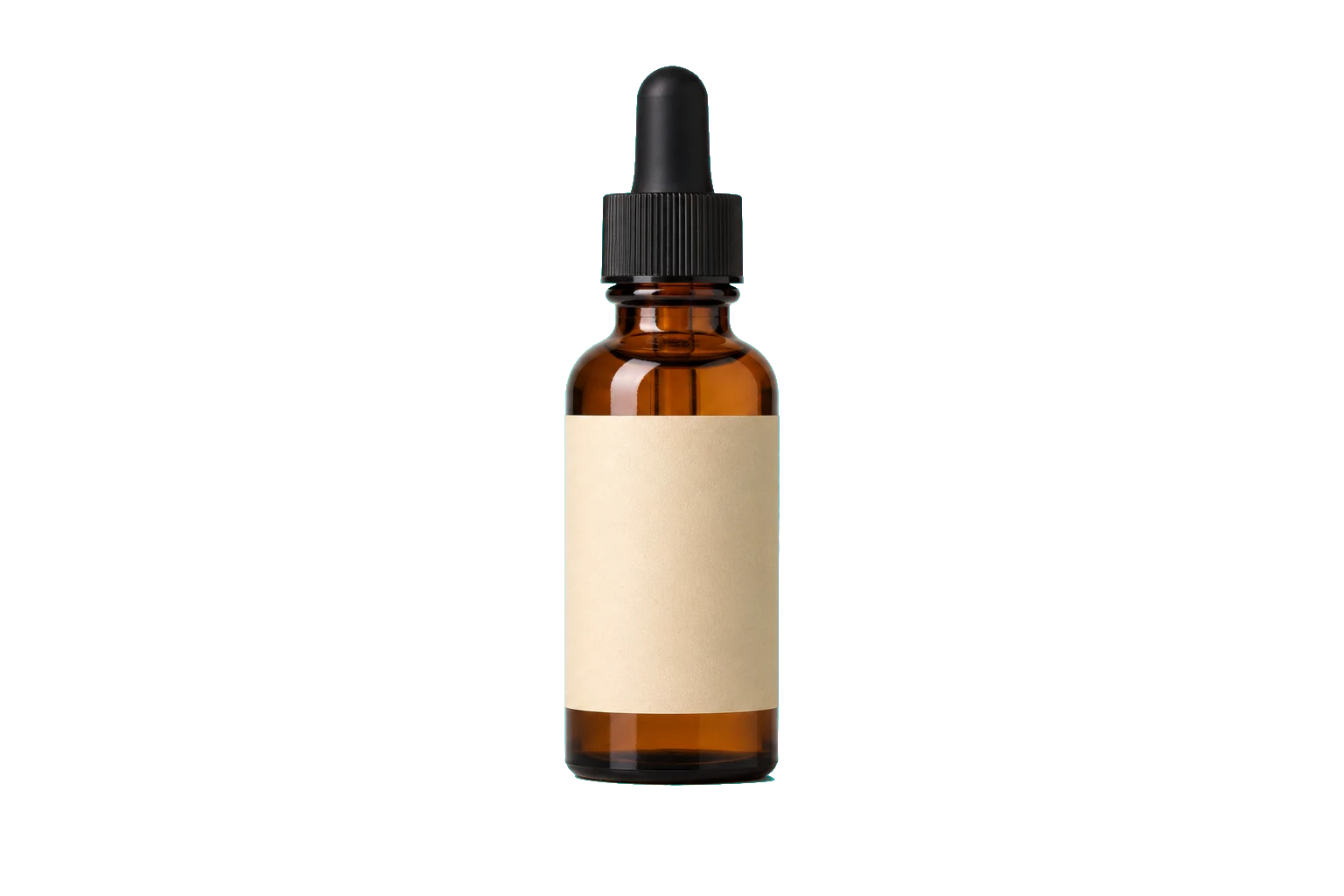
Amber skincare bottle isolated as a transparent PNG after background removal
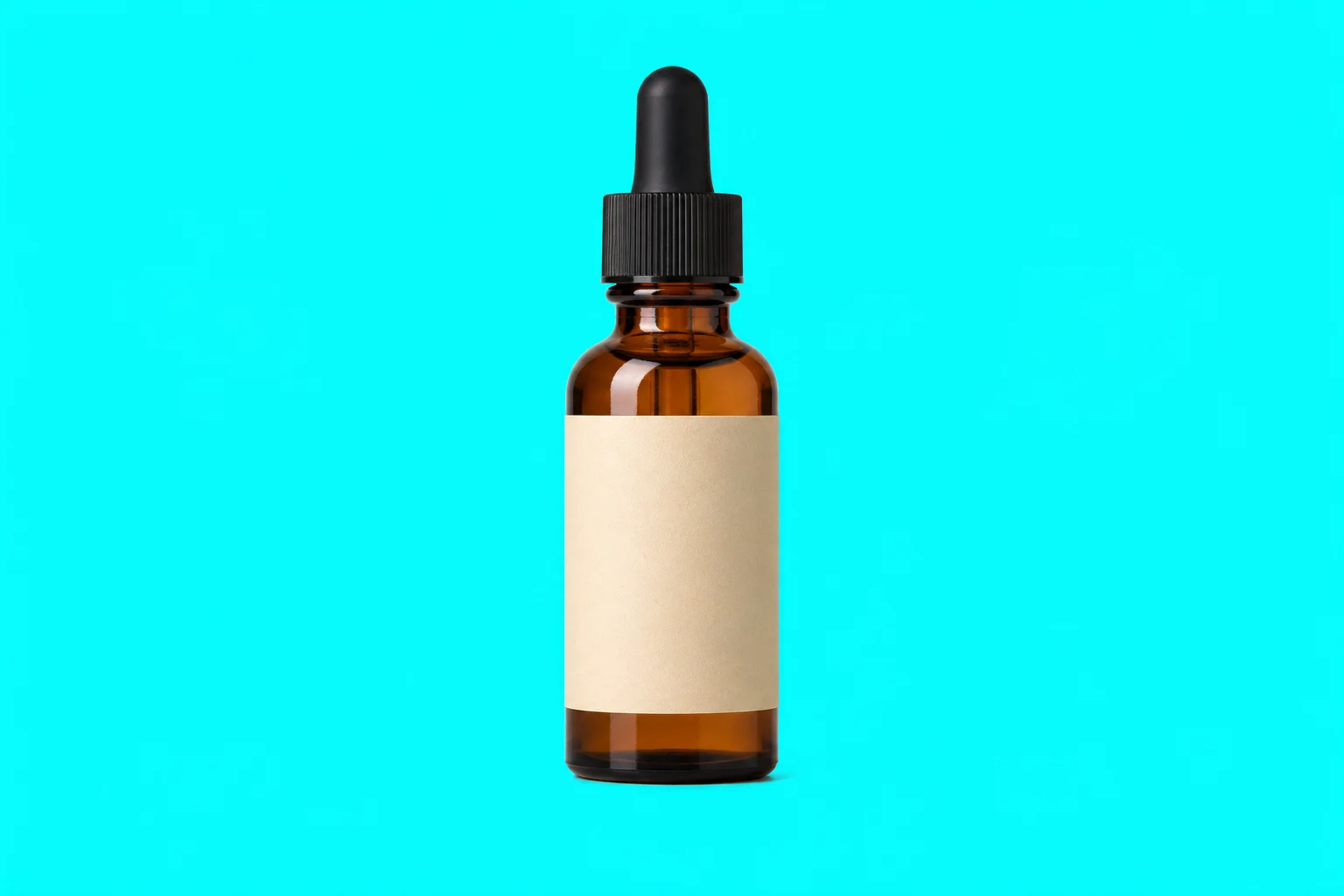
Amber skincare bottle on a cyan background before background removal
BeforeAfterUse left and right arrow keys to reveal the before and after images.
Drag the divider to compare the original product photo with its transparent PNG cutout over a checkerboard.

Inspect real transparent background cases

Compare a portrait source with its transparent PNG result, then inspect hair, flyaways, and narrow foreground details over the checkerboard.

Portrait photograph before automatic background removalBefore
Portrait isolated on a transparent background after automatic removalAfter

Preserve hair and the complete portrait outline

GPT Image 2

Compare the original portrait with the transparent result, then inspect curls, flyaway hair, shoulders, and other narrow foreground details.

PortraitHair edgesTransparent result

How to remove an image background

    01
    Upload one clear image
    Choose a PNG, JPG, or WebP product, portrait, pet, or object photo with the foreground subject fully visible.
    02
    Continue with automatic removal
    No prompt or manual selection is needed. Continue to Create to confirm the fixed 20-credit quote before removing the background.
    03
    Inspect and download the transparent PNG
    Review hair, fur, glass, narrow edges, and any transparent foreground detail over the checkerboard before downloading.

Image Background Remover FAQ

Yes. The finished result is a PNG with an alpha channel. The checkerboard preview shows which part of the background is transparent before you download it.

Remove the background from your image

Continue to Create, upload one image, confirm the 20-credit quote, and inspect the transparent PNG before downloading.