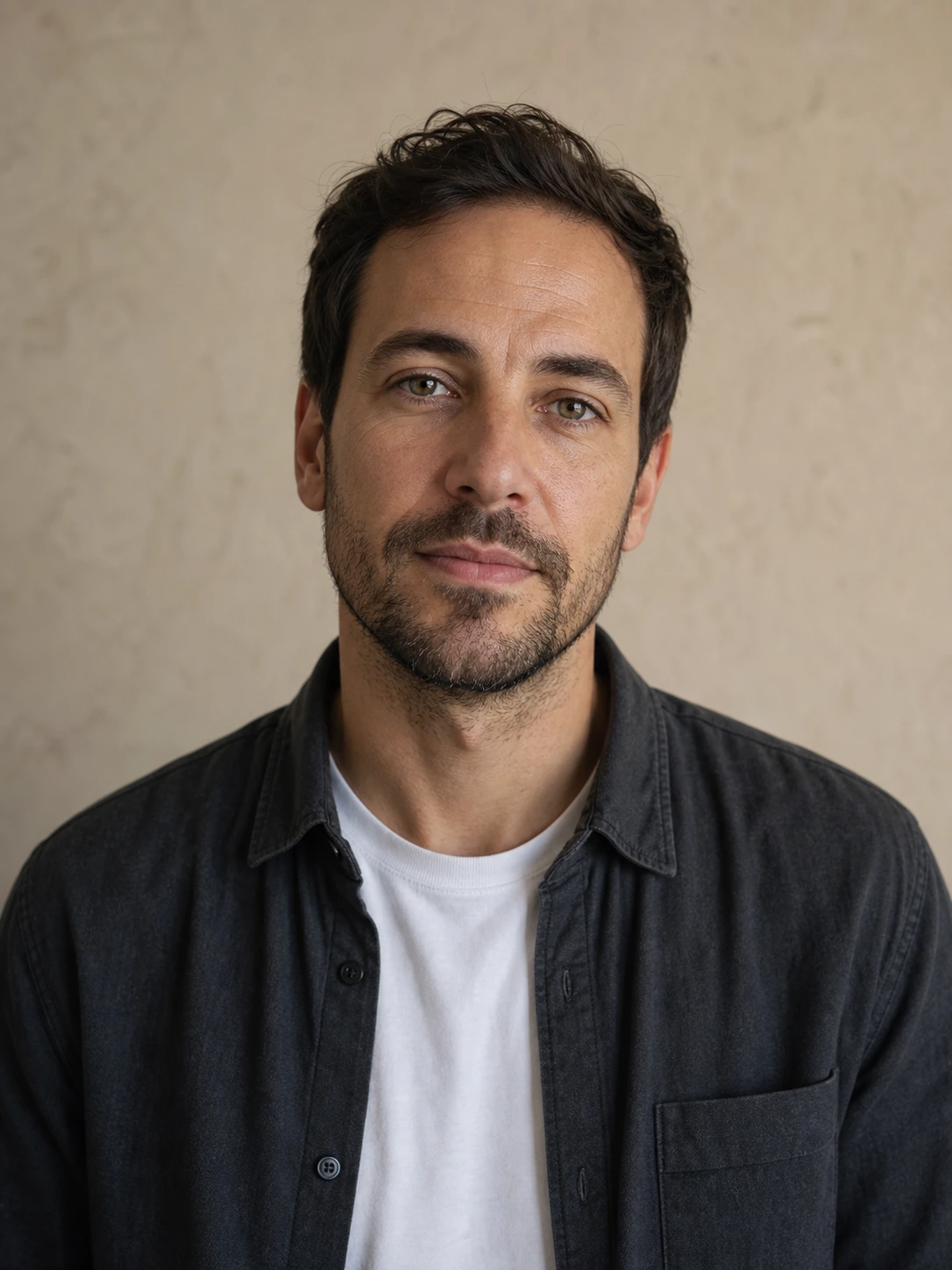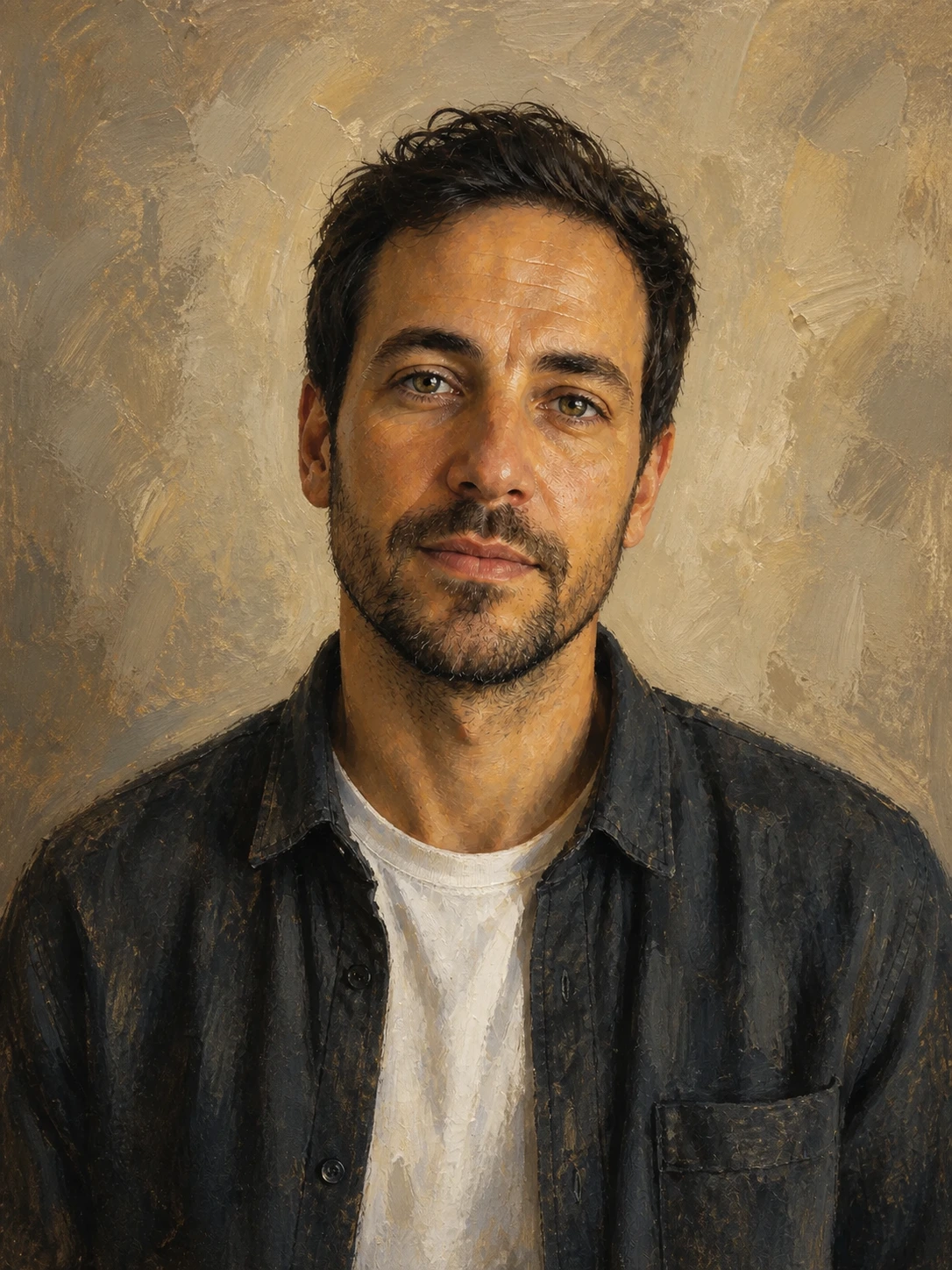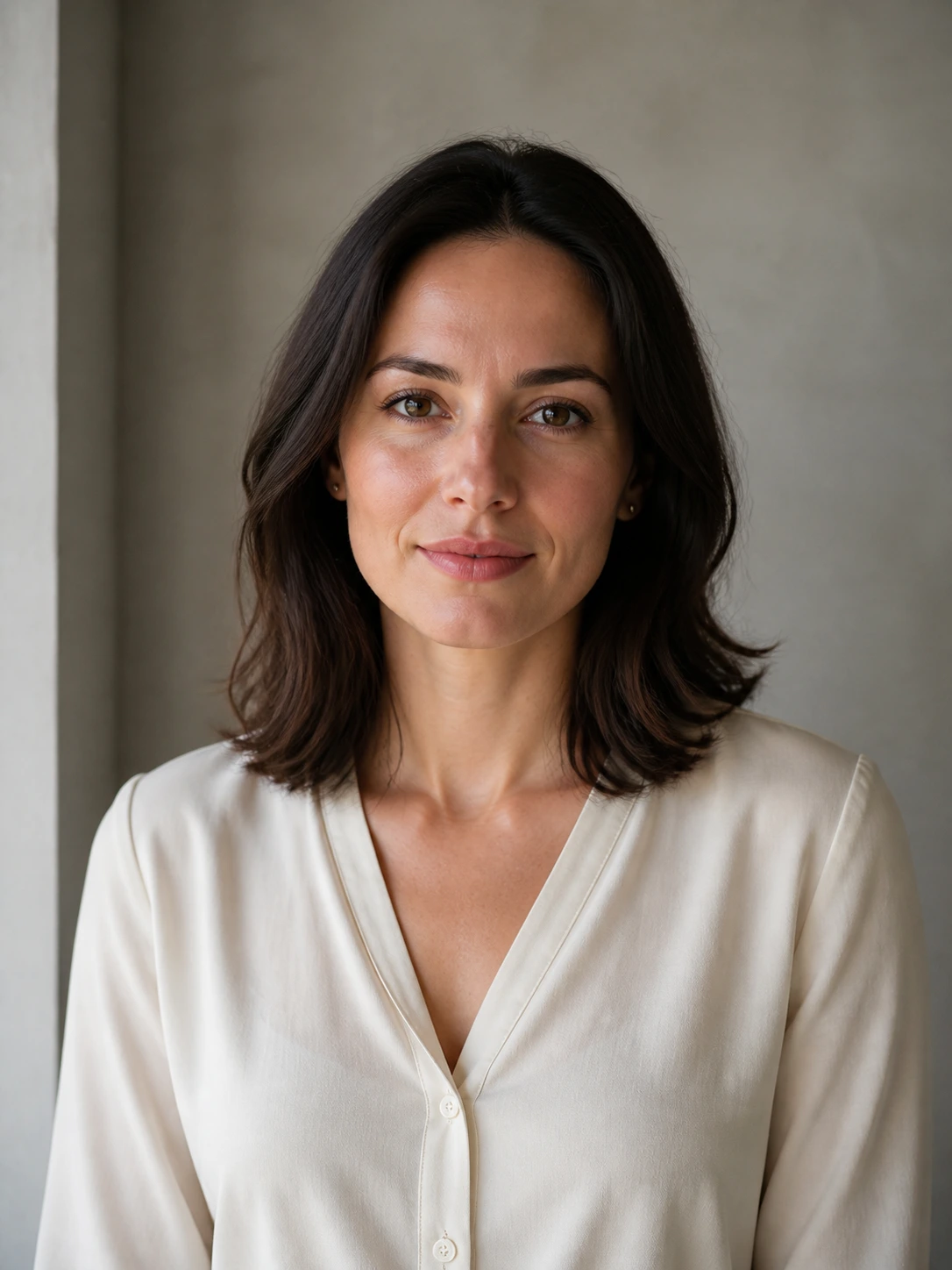
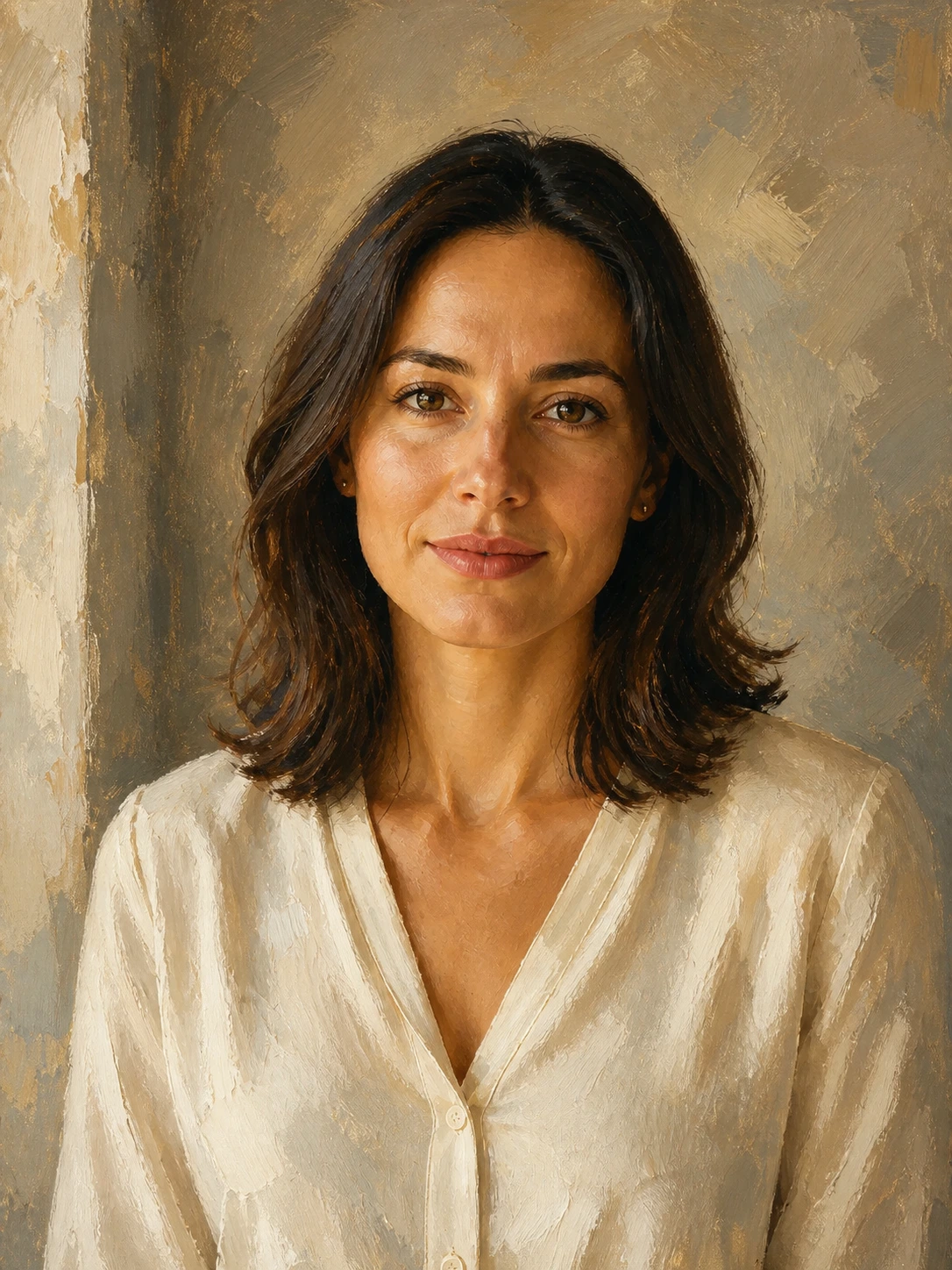
Before
AfterShape a portrait with restrained editorial light
GPT Image 2
Keep the face, expression, hair, pose, and crop recognizable while using sculptural shadows, quiet color, and a polished editorial surface.
Upload a clear portrait, choose a style, and direct the medium, light, and palette. Mixany keeps the face, expression, pose, and defining features familiar while changing the artwork treatment.


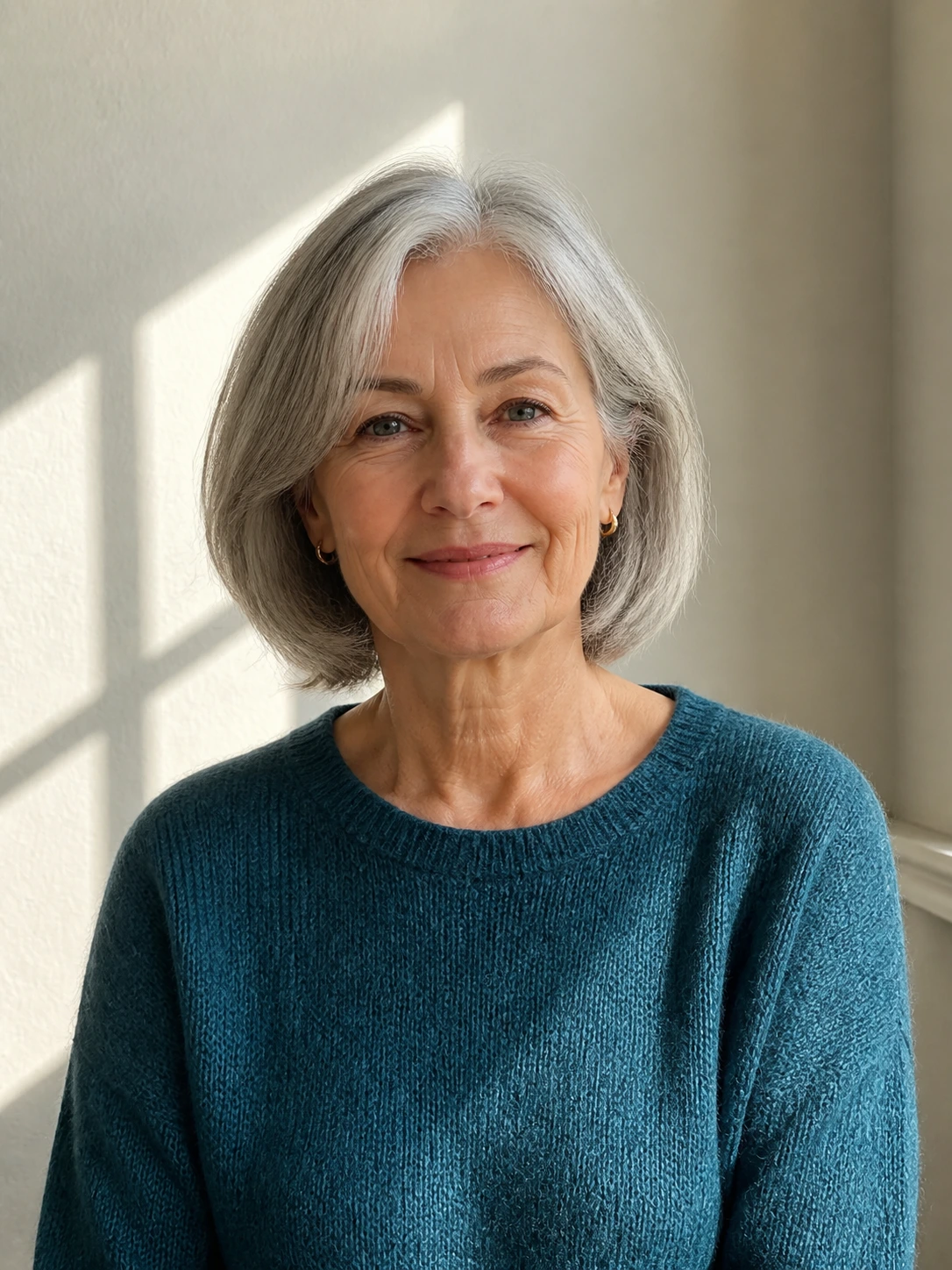
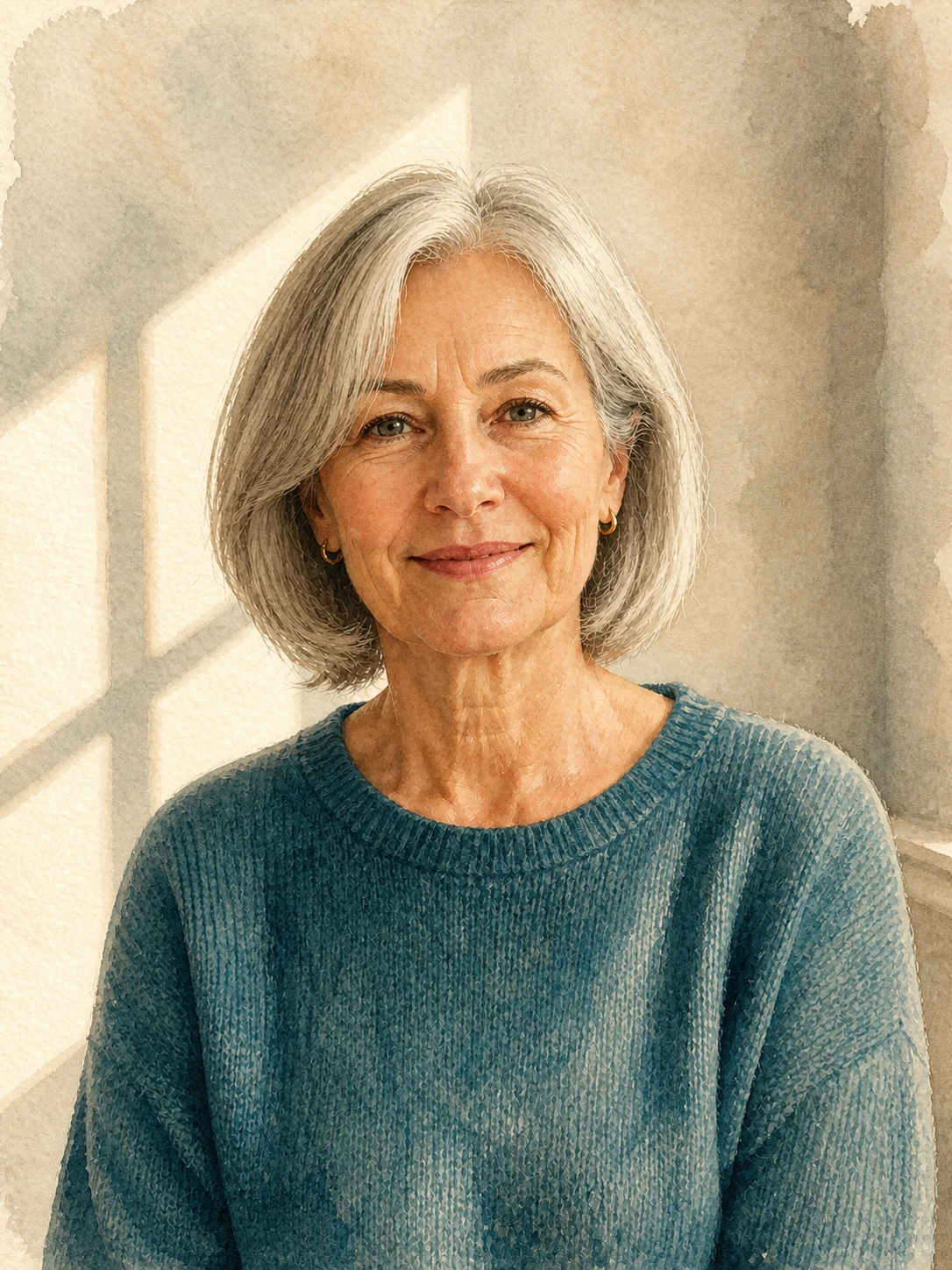
Each case pairs a real portrait source with its finished artwork so you can inspect identity, expression, pose, and crop across different styles.
Before
AfterGPT Image 2
Keep the face, expression, hair, pose, and crop recognizable while using sculptural shadows, quiet color, and a polished editorial surface.
Before
AfterGPT Image 2
A painterly treatment can change the medium and palette while keeping the face, expression, hair, clothing, and camera framing tied to the source.
Before
AfterGPT Image 2
Use a period-inspired palette and paper texture while checking that the person’s age, features, expression, and pose remain familiar to the source.
Open the tool that matches the file or result you need.
Create a polished professional portrait when you need a working headshot rather than an art treatment.
ExploreTurn a pet photo into a dedicated portrait artwork with a subject-specific visual brief.
ExploreUse a watercolor-focused photo transformation when the medium matters more than a broader portrait style choice.
ExploreContinue to Create, upload the portrait, choose a style, and inspect the face and pose before downloading the artwork.