Skip to content
Mixany

GPT Image 2

GPT Image 2 AI Image Generator

GPT Image 2 turns detailed visual briefs into production-ready images and controlled edits. Use exact copy, clear layout direction, and up to three reference images in Mixany Create.

Use GPT Image 2 · Generate in Mixany

Generate a new image or edit an existing one in Create with GPT Image 2 and up to three private references.

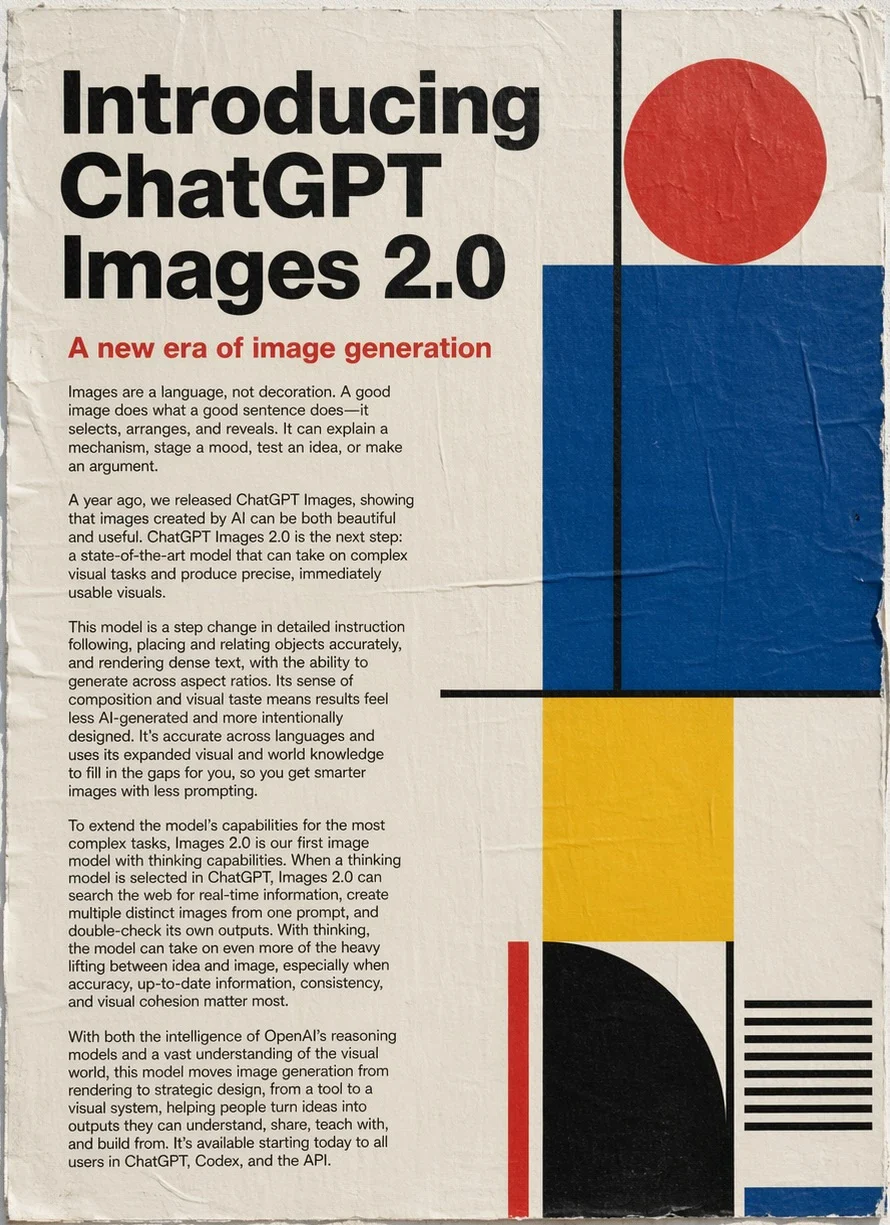
Official ChatGPT Images 2 image-generation release example with editorial typography and geometric blocks
An official ChatGPT Images 2 image-generation release example demonstrates readable typography, structured hierarchy, and a controlled graphic system.

Source · Read the official ChatGPT Images 2 / OpenAI image-generation release

GPT Image 2 examples for production briefs

Review official GPT Image 2 examples for readable layouts, controlled art direction, mixed-media composition, and complete scenes.

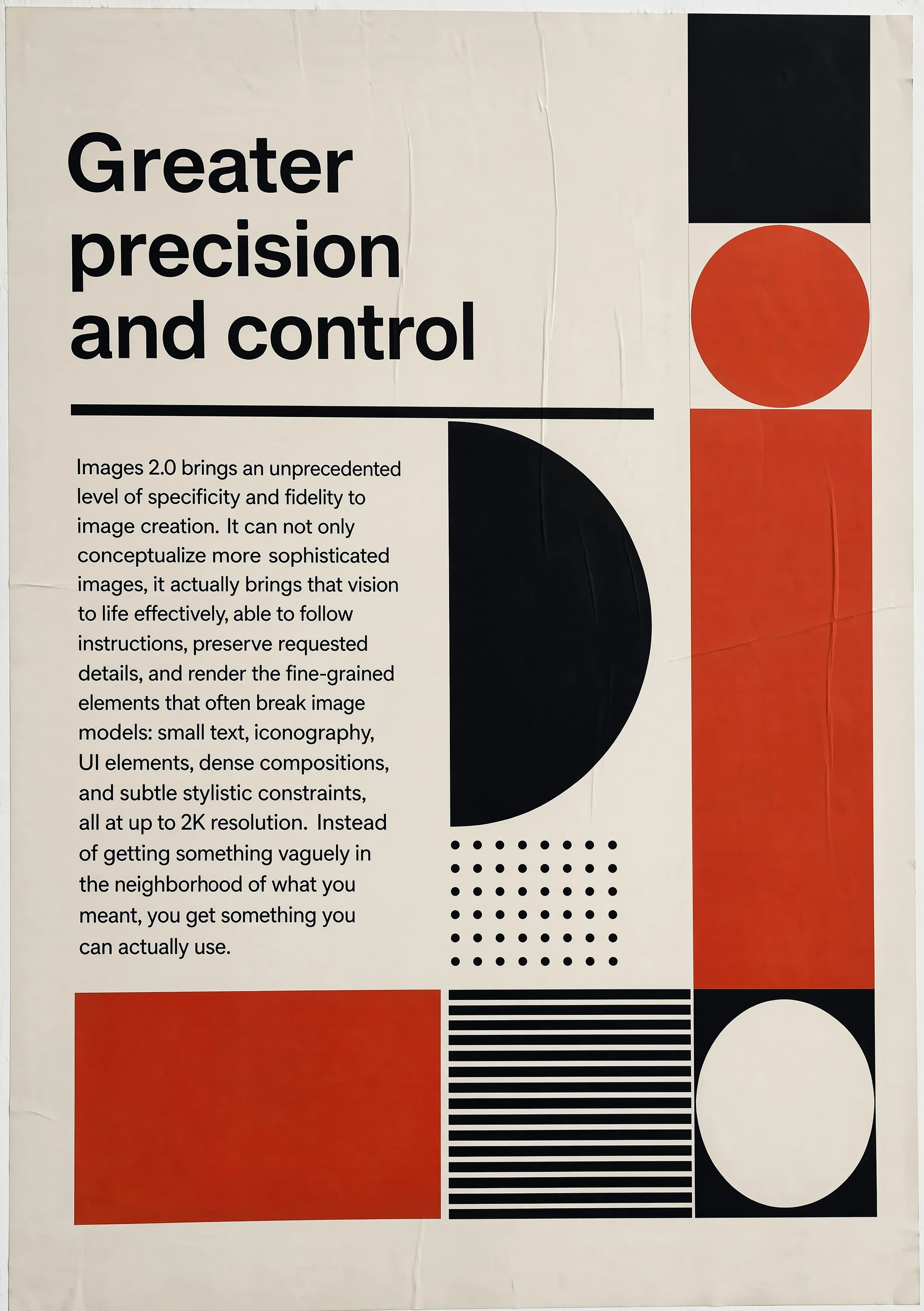
Official ChatGPT Images 2 image-generation release example about greater precision and control

Layout control

The design stays coherent when the brief gets specific

A long, art-directed prompt becomes a controlled poster with readable sections, repeated geometry, and a consistent visual language rather than a collection of unrelated effects.

ChatGPT Images 2 image-generation release exampleExact headlineMulti-element compositionReadable supporting text

Source · OpenAI OpenAI ChatGPT Images 2 image-generation release examples

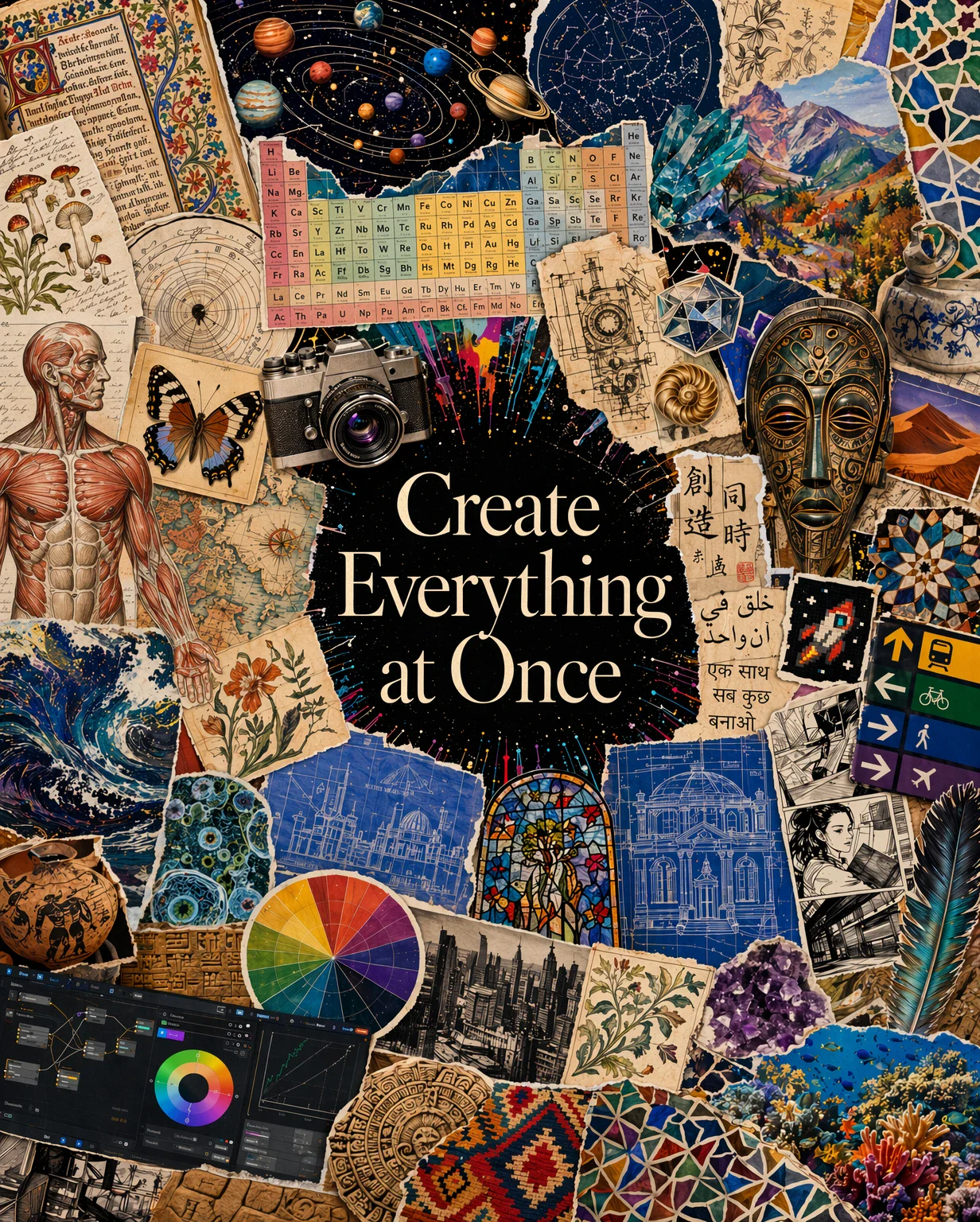
Official ChatGPT Images 2 image-generation release example: mixed-media collage of science, design, maps, and architecture

Visual reasoning

Many visual ideas can share one intentional composition

The official collage asks the model to relate science, design, architecture, and cultural motifs without losing a central reading path or the feeling of one authored image.

ChatGPT Images 2 image-generation release exampleMixed mediaMultiple visual subjectsSingle reading path

Source · OpenAI OpenAI ChatGPT Images 2 image-generation release examples

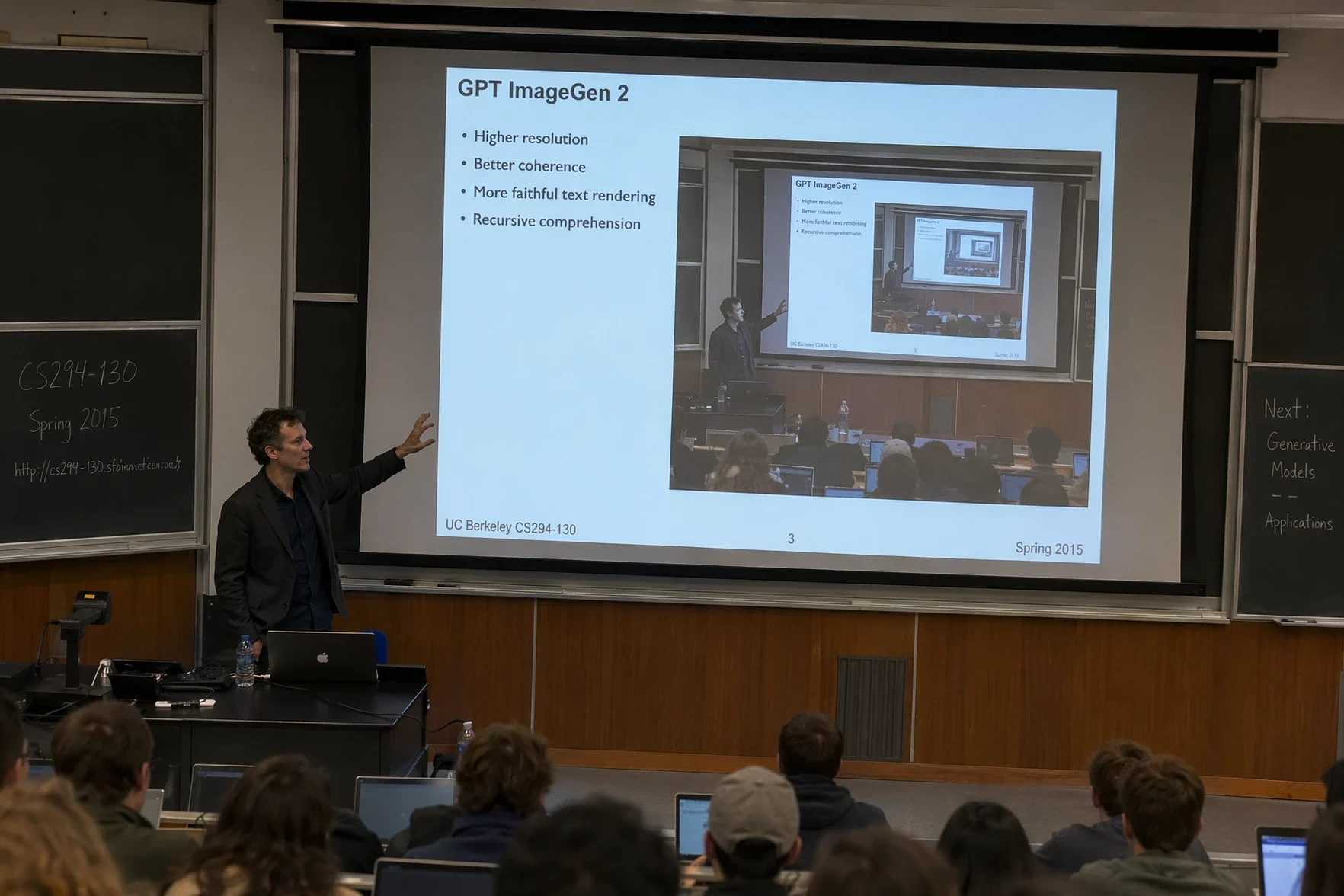
Official ChatGPT Images 2 image-generation release example: lecture hall scene with a projected image-generation presentation

Scene composition

A spatial brief can carry an idea from screen to room

The official lecture-hall scene combines an audience, a presenter, a projected visual, and a coherent room perspective to demonstrate a complete narrative frame.

ChatGPT Images 2 image-generation release exampleWide sceneReadable projectionSpatial perspective

Source · OpenAI OpenAI ChatGPT Images 2 image-generation release examples

Is GPT Image 2 right for your creative job?

Scan the current Mixany facts, best-fit tasks, and limits before you choose a model in Create.

Mixany input

Text brief or up to 3 references

Mixany tasks

Generate or edit

Mixany resolutions

1K, 2K, or 4K

Detail controls

Low, medium, or high

Starting credits

80 credits / 1K medium

Best for

Designed assets with exact copy

Use a structured brief for posters, campaign graphics, diagrams, and scenes where words, spacing, and hierarchy are part of the deliverable.

Controlled edits

Name the area to change and list the product geometry, face, text, lighting, or composition that must stay unchanged.

Connected visual concepts

Bring several related ideas into one intentional composition by describing their roles and the reading path instead of listing disconnected effects.

Limits to plan around

  • Mixany accepts up to three reference images for GPT Image 2 generate and edit modes.
  • The current Create controls offer 1K, 2K, and 4K resolutions plus low, medium, and high detail levels; the credit cost changes with the selected configuration.
  • Generated typography and factual copy still need a human review at the final delivery size before publishing.
  • A focused subject, clear hierarchy, and explicit preserve list make complex edits easier to verify than an open-ended style request.

GPT Image 2 features that matter in Create

GPT Image 2 is positioned for fast, high-quality generation and editing when the image needs to be usable beyond a rough visual experiment.

Reference only · Layout control

The design stays coherent when the brief gets specific

A long, art-directed prompt becomes a controlled poster with readable sections, repeated geometry, and a consistent visual language rather than a collection of unrelated effects.

ChatGPT Images 2 image-generation release exampleExact headlineMulti-element compositionReadable supporting text

Reference source · OpenAI OpenAI ChatGPT Images 2 image-generation release examples

Detailed instruction following for designed assets

Write the subject, hierarchy, camera or crop, materials, palette, and exact copy as one visual brief. GPT Image 2 is designed for complex visual tasks where the output must be accurate, readable, on-brand, localized, and formatted for a destination surface rather than merely attractive at first glance.

Reference only · Structured typography

A dense launch poster reads like a real editorial artifact

The official release poster combines a long explanatory brief, visible hierarchy, precise typography, and a deliberate graphic system in one portrait frame.

ChatGPT Images 2 image-generation release examplePortrait posterLong-form copyGraphic hierarchy

Reference source · OpenAI OpenAI ChatGPT Images 2 image-generation release examples

Typography and layout as part of the image

Treat headlines, labels, paragraphs, charts, and spacing as content with a purpose. The official gallery shows text-heavy posters and explanatory scenes; review every word and number at delivery size before publishing because generated type can still need correction.

Reference only · Visual reasoning

Many visual ideas can share one intentional composition

The official collage asks the model to relate science, design, architecture, and cultural motifs without losing a central reading path or the feeling of one authored image.

ChatGPT Images 2 image-generation release exampleMixed mediaMultiple visual subjectsSingle reading path

Reference source · OpenAI OpenAI ChatGPT Images 2 image-generation release examples

Visual reasoning across related ideas

One prompt can connect multiple subjects through a shared composition, visual metaphor, or story. The model can help turn a broad creative direction into a coherent collage or scene, but a single focal point and explicit relationships still make the result easier to read and revise.

GPT Image 2 FAQ and availability

Learn what GPT Image 2 is suited for, how to prepare prompts and edits, and what Mixany exposes in Create.

GPT Image 2 is OpenAI’s image generation and editing model for detailed visual instructions, typography, layout, and controlled changes. Mixany exposes it in Create for new images and edits.

Related AI image tools

Compare GPT Image 2 with other image models or move from generation into a focused editing workflow.

01

Nano Banana Pro

Choose it for grounded visualisation, complex design, and high-fidelity reference work.

02

Nano Banana 2

Choose the faster generalist for quick generation, references, and iterative edits.

03

AI Image Generator

Compare the available image models and generate a new image from a text brief.

Create a production-ready image with GPT Image 2.

Write a visual brief or upload a reference, choose generate or edit, review the current settings and credit cost, then inspect the result in Create.

  • Generate + edit
  • Up to 3 private references in Mixany
  • Flexible image sizes
Compare image models