Skip to content
Mixany

AI Headshot Generator

Convert a clear portrait into a polished professional headshot. Choose a direction in text while keeping your face, age, hairstyle, and expression recognizable.

Preserve intent presets
Exact quote in Create
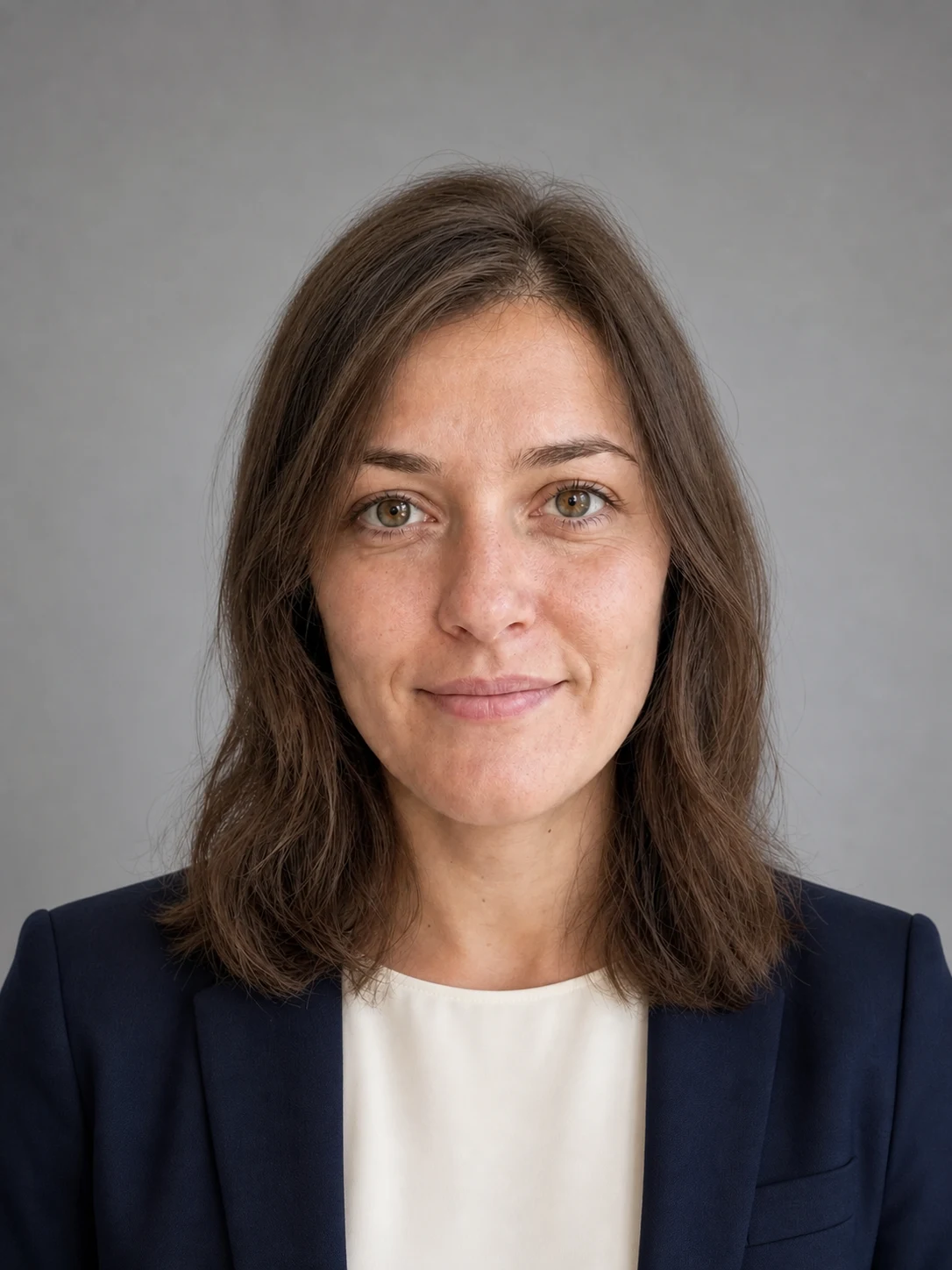
Professional corporate headshot with a navy blazer and calm studio background
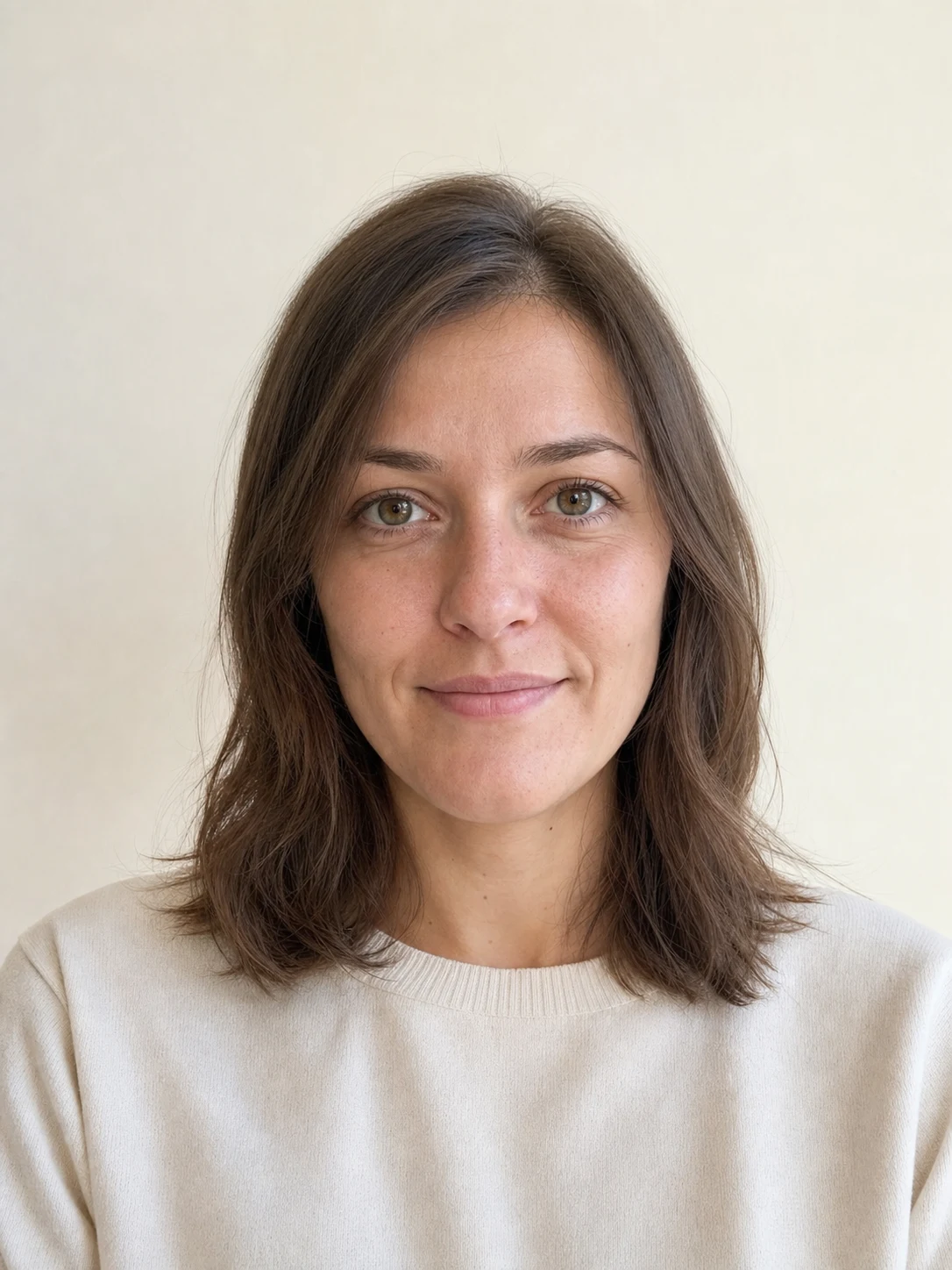
Clear source portrait before a professional headshot transformation
PortraitHeadshotUse left and right arrow keys to reveal the before and after images.
Drag the divider to compare an everyday portrait with a professional corporate headshot direction.

Professional headshots from one portrait photo

Compare two professional contexts from the same portrait, then check the recognizable facial features, hairstyle, expression, and crop before use.

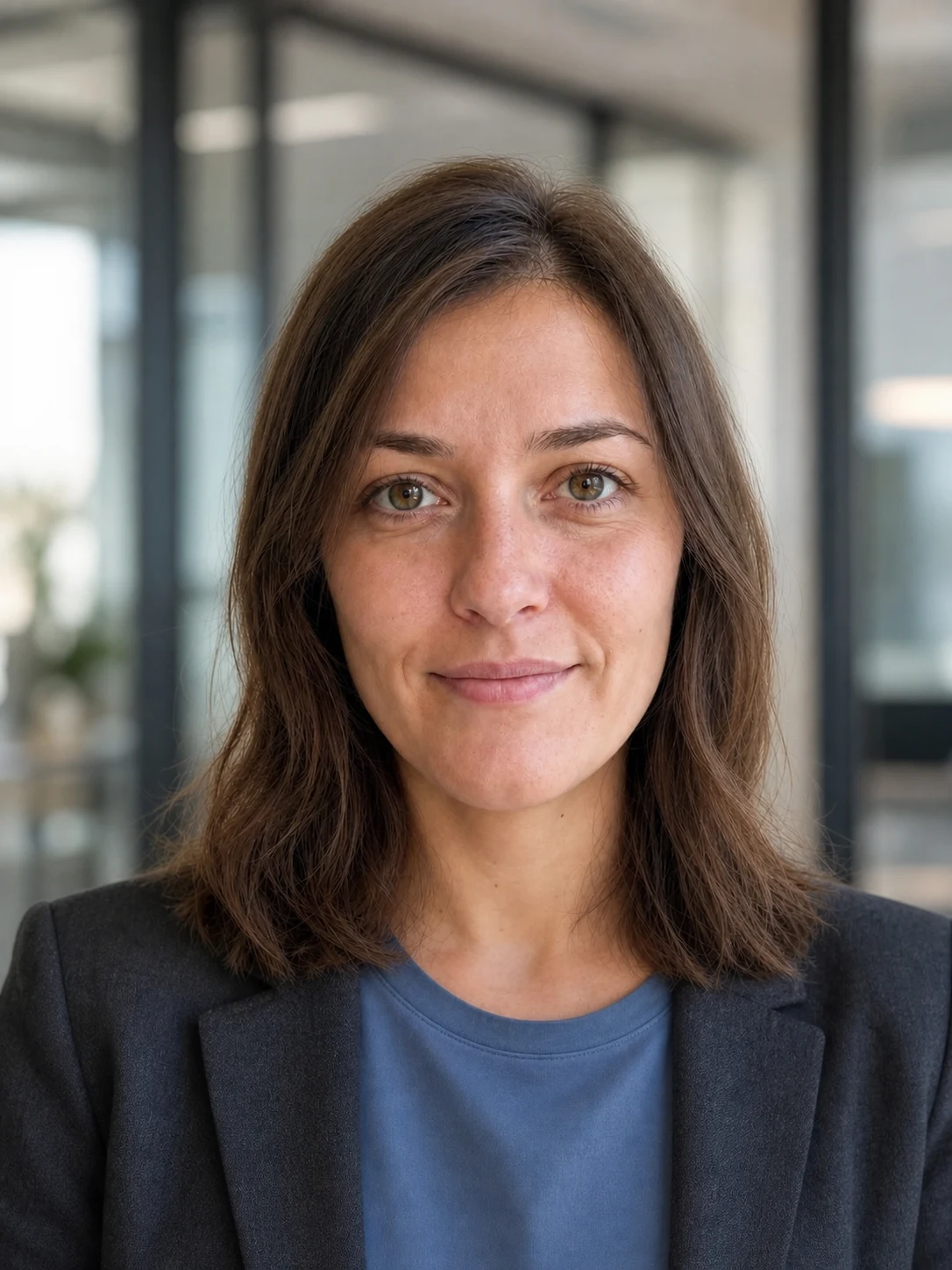
Source portrait before a modern founder headshot directionBefore
Modern founder headshot with a relaxed blazer and softly blurred officeAfter

Use a relaxed founder direction for an individual profile

GPT Image 2

A modern office background and natural light can feel current without losing the facial structure, hairstyle, expression, and credible photography of the original portrait.

Founder profileNatural lightLikeness review
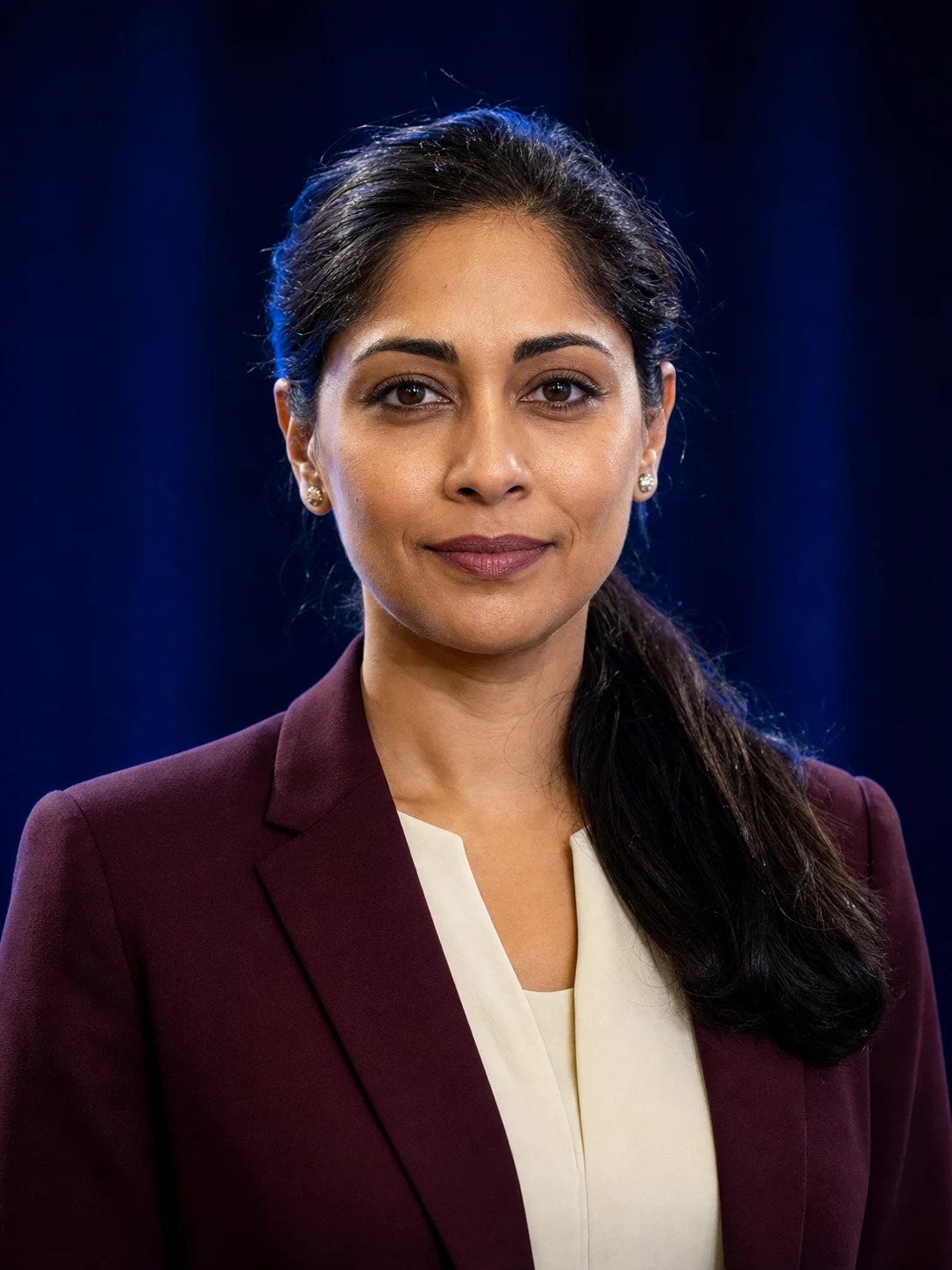
Source portrait before a conference speaker headshot directionBefore
Confident conference speaker headshot with a softly blurred stage backgroundAfter

Prepare a portrait for a speaker page or event bio

GPT Image 2

For a public-facing speaker image, inspect the face, skin texture, expression, and crop before using the more confident stage-oriented direction.

Speaker bioPortrait cropExpression review

How to create a professional AI headshot

    01
    Upload one clear portrait
    Choose a front-facing PNG, JPG, or WebP portrait with visible eyes, face, and shoulders. Avoid heavy filters, severe shadows, and objects covering the face.
    02
    Choose a professional direction in text
    Start with a corporate, founder, or speaker direction, then add the role or setting that helps you judge whether the finished headshot suits its intended use.
    03
    Review likeness and crop in Create
    Continue to Create to review the available settings and credit quote, then check facial features, hair, expression, skin texture, and the final crop before using the image.

AI Headshot Generator FAQ

Use a clear, front-facing portrait with visible eyes, natural proportions, even light, and no heavy filters or obstructions. A simple photo gives you a more useful likeness to inspect against the result.

Convert your portrait into a professional headshot

Continue to Create, upload a clear portrait, choose a direction in text, and review your recognizable features before generating the headshot.