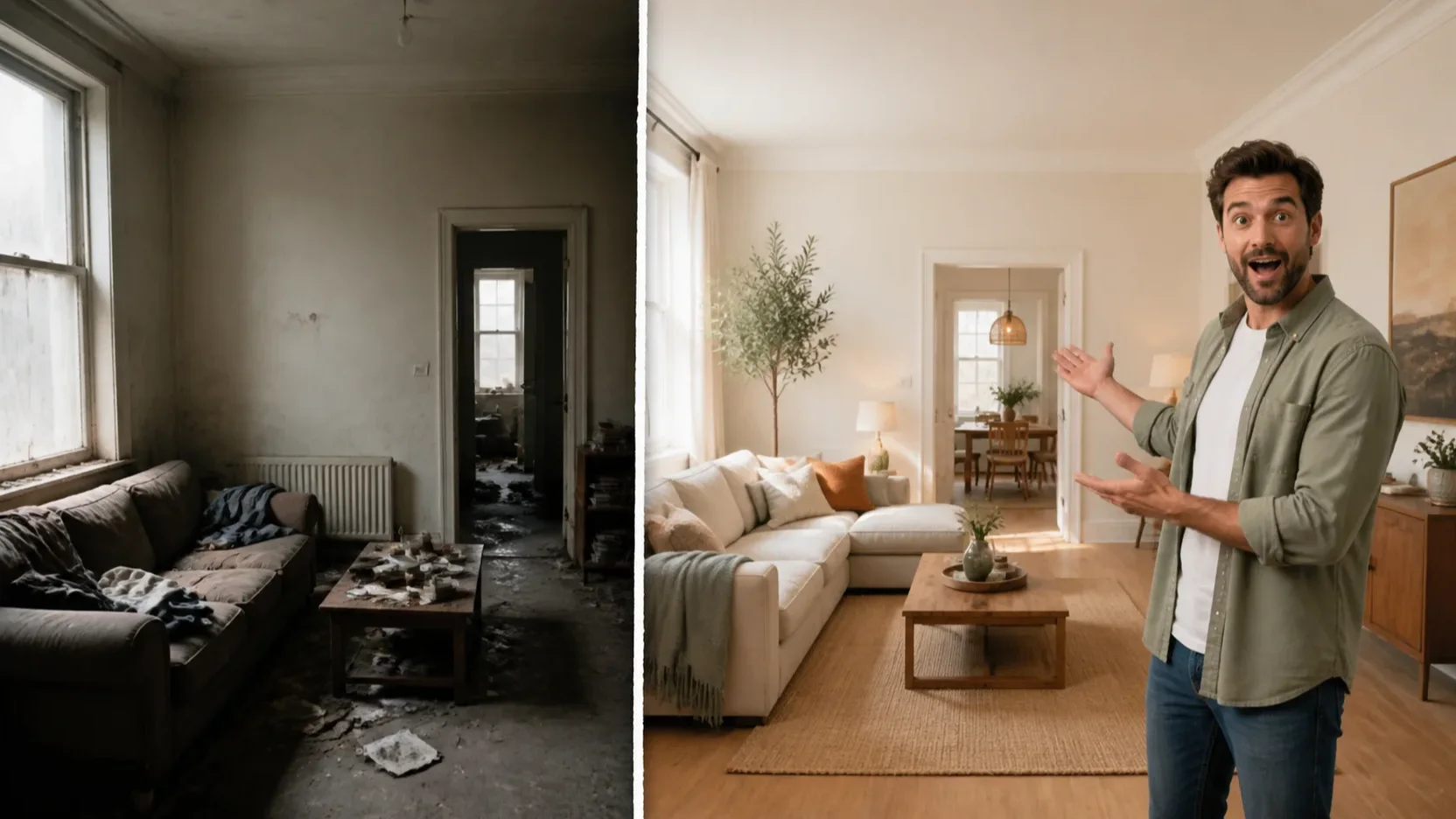
Make a visible transformation the focal idea
GPT Image 2
For a makeover video, focus the frame on one expressive host and the clearest visual change so the video idea reads quickly.
16:9TransformationSingle focal idea
Turn a video idea into a 16:9 YouTube thumbnail with one clear focal subject, concise title space, and a simple high-contrast layout.

See three 16:9 thumbnail concepts built around one clear topic, focal subject, and visual hierarchy.
GPT Image 2
For a makeover video, focus the frame on one expressive host and the clearest visual change so the video idea reads quickly.
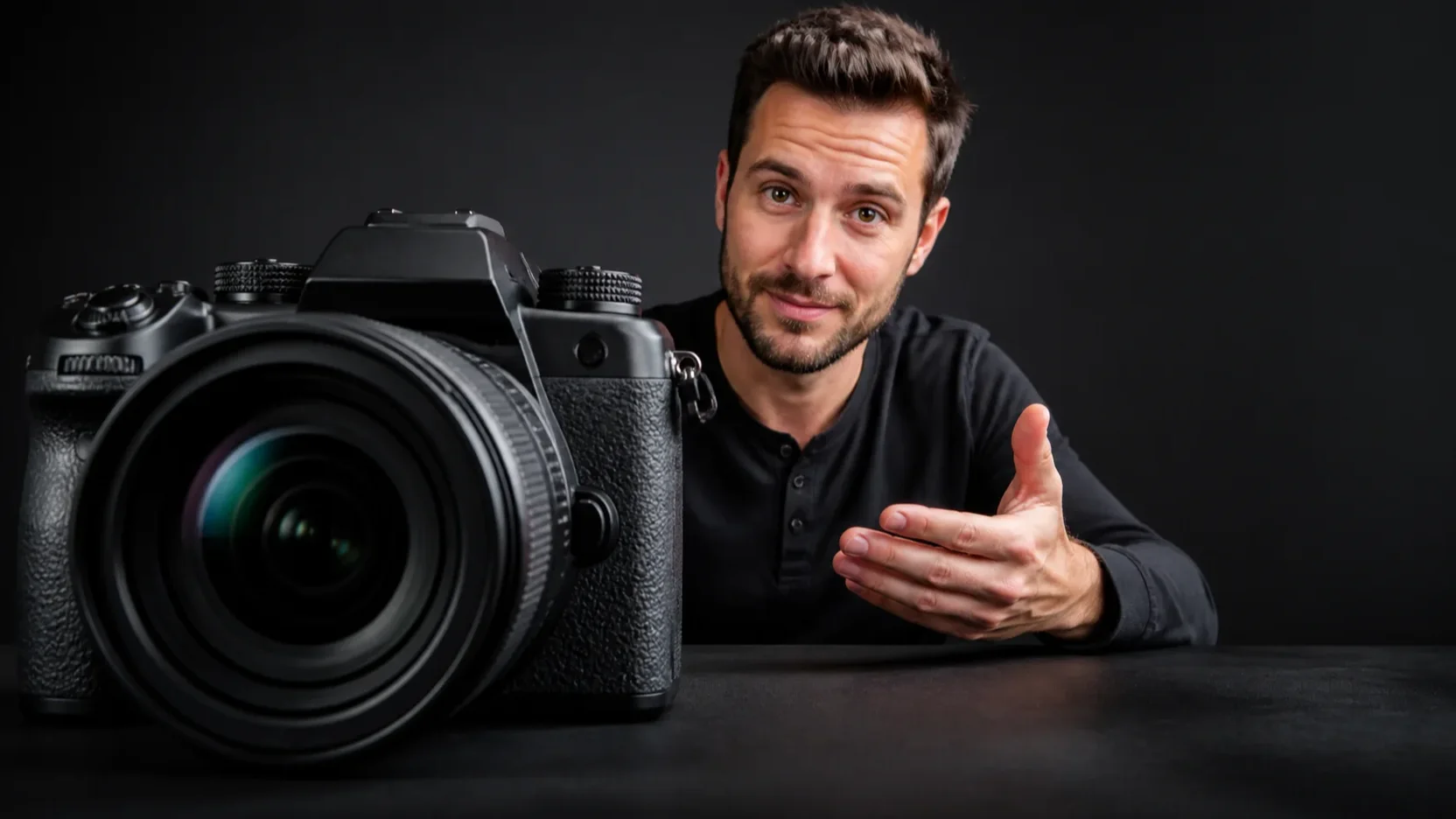
GPT Image 2
For a review, keep the product and the video’s main reaction visible, then leave the remaining composition uncluttered around that one takeaway.

GPT Image 2
For a faceless explainer, let one visual metaphor carry the topic and use contrast and space to keep the thumbnail composition understandable.
Open the tool that matches the file or result you need.
Create the video concept that the thumbnail introduces with a prompt and an available video model.
ExploreCreate a square cover for a music release while keeping the YouTube visual in its distinct 16:9 format.
ExploreCreate a poster layout for a launch, event, or announcement with a different print-first composition.
ExploreContinue to Create with your video topic, focal idea, and title direction, then generate a focused 16:9 thumbnail concept.