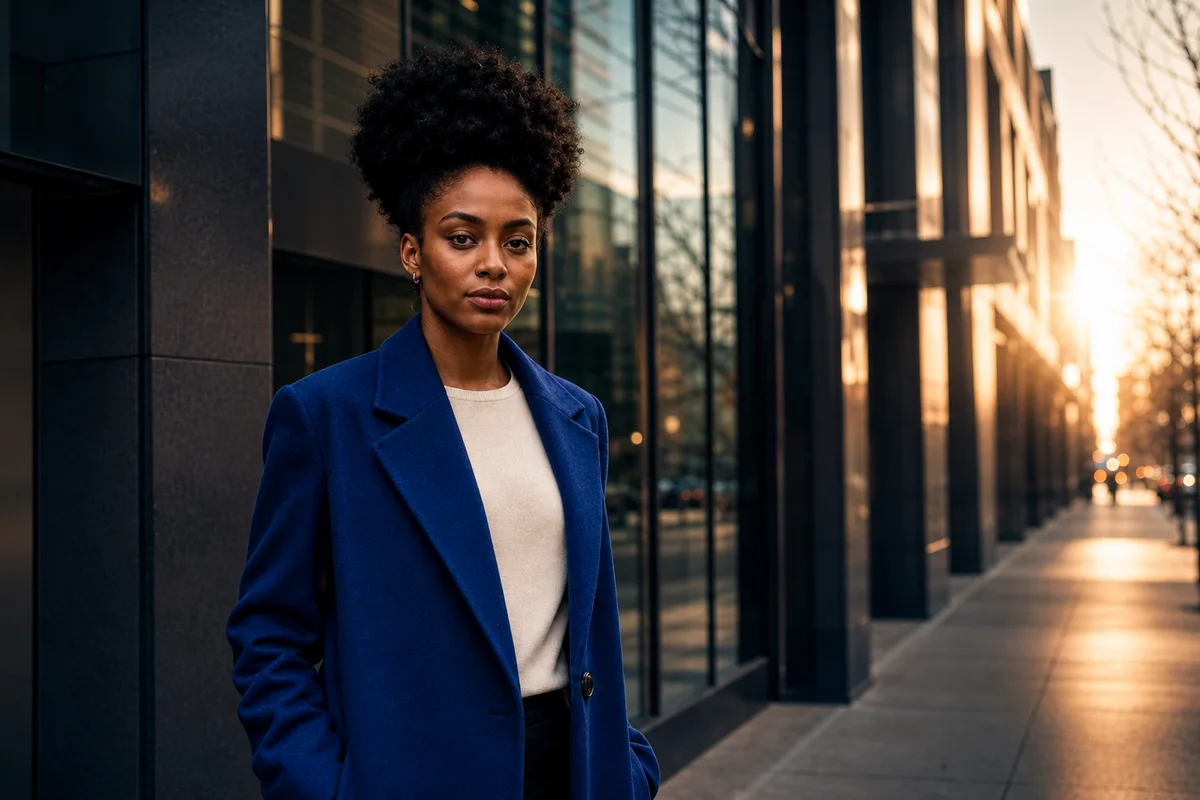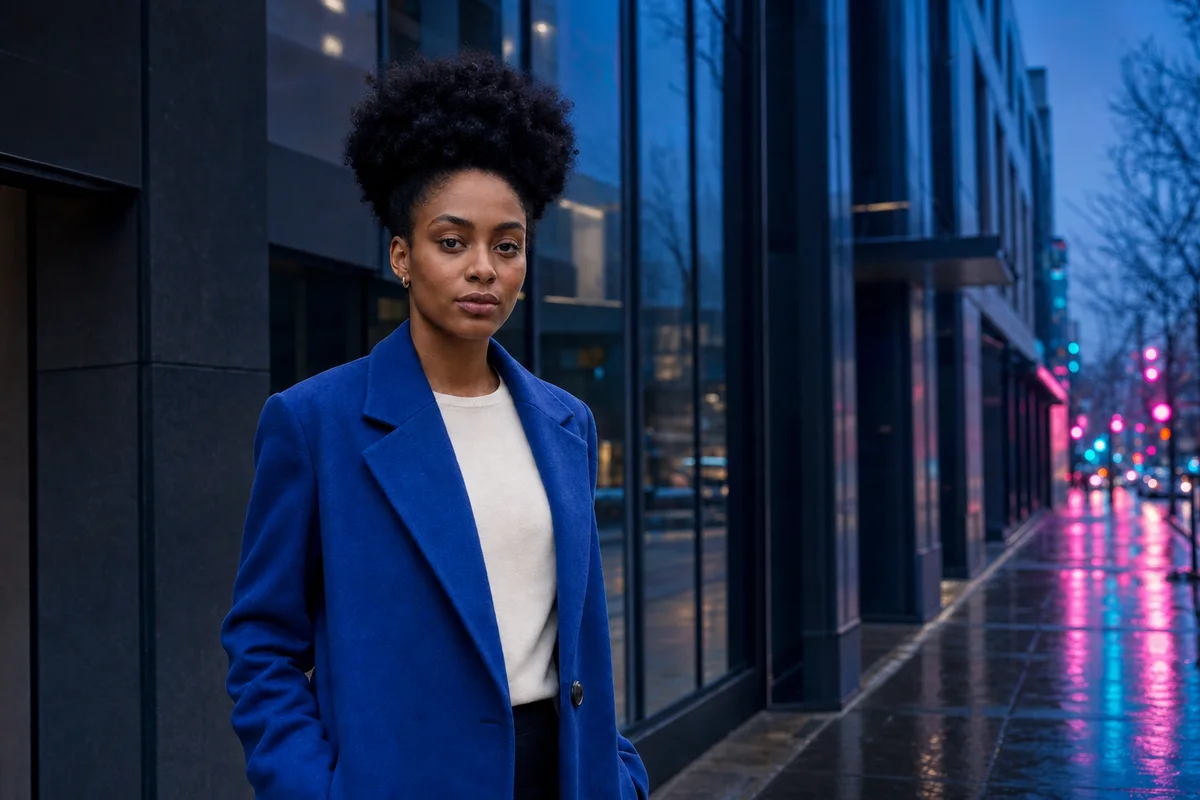
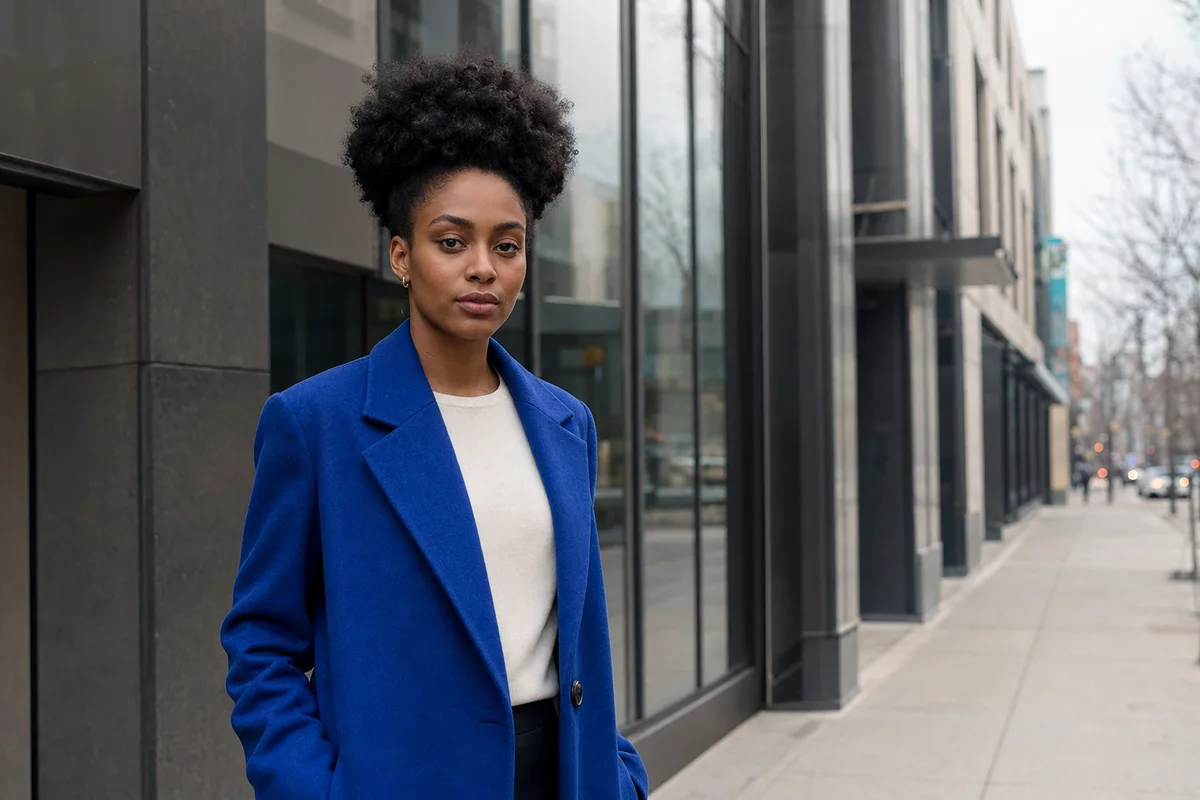
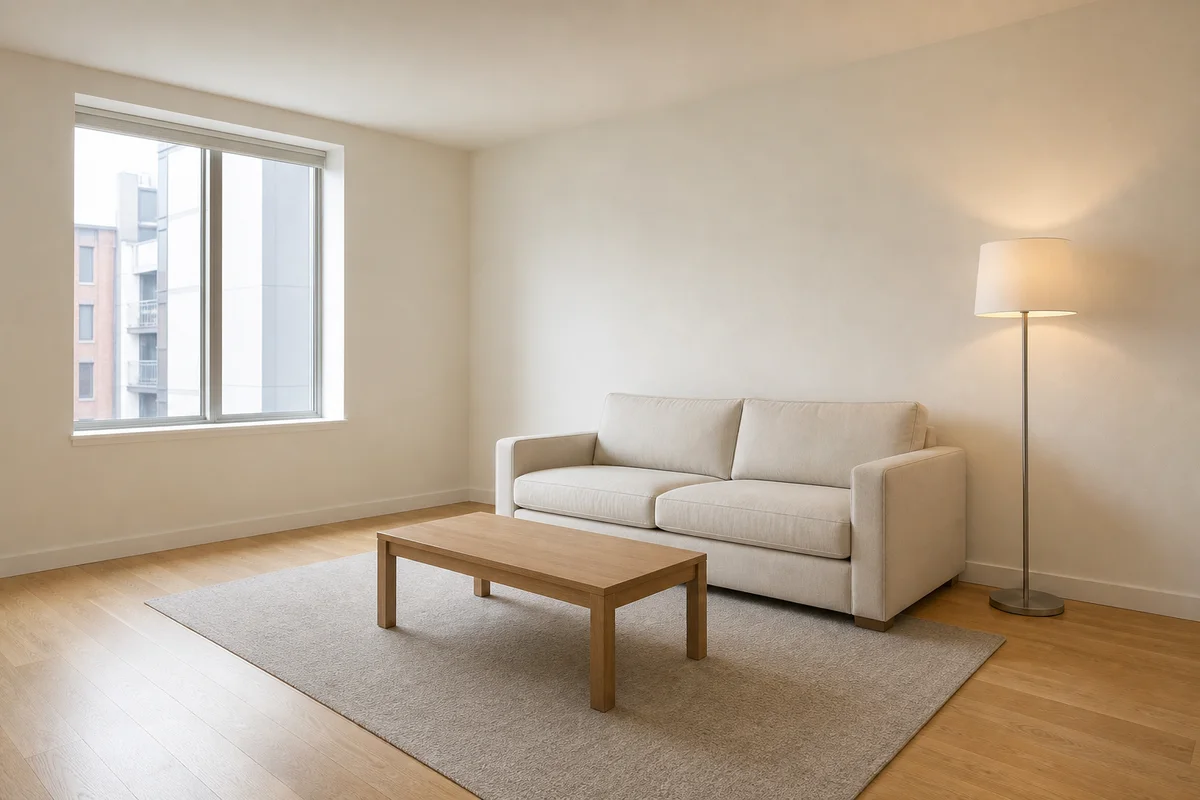
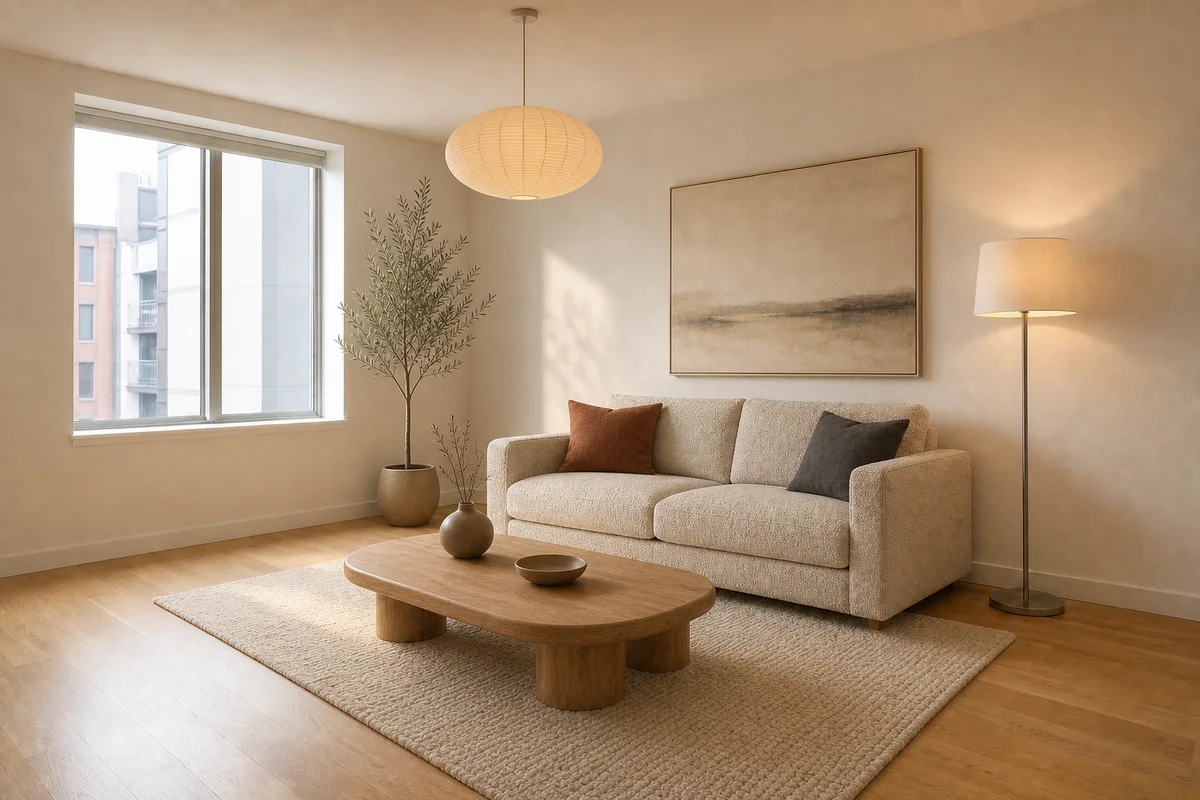
Before
AfterChange the material direction, not the room itself
GPT Image 2
A focused restyle can update surfaces and decor while preserving the window, structure, layout, perspective, and scale needed to judge the space.
Upload an image, describe one focused change, and keep the people, products, architecture, or framing you want to preserve.


Each example makes one deliberate change while retaining the visible details that anchor the source image.
Before
AfterGPT Image 2
A focused restyle can update surfaces and decor while preserving the window, structure, layout, perspective, and scale needed to judge the space.
Before
AfterGPT Image 2
A specific instruction gives the edit a clear target: name the atmosphere to change, then protect the person, clothing, pose, and framing that identify the original photograph.
Open the tool that matches the file or result you need.
Remove a specific unwanted object and rebuild the surrounding scene when cleanup is the only change you need.
ExploreReplace the setting around a product, portrait, or pet when you need a new background rather than a focused edit.
ExploreStart from a written creative brief when there is no existing image you need to preserve.
ExploreContinue to Create, upload the image, describe the focused change, and review the details you asked to preserve before generating.