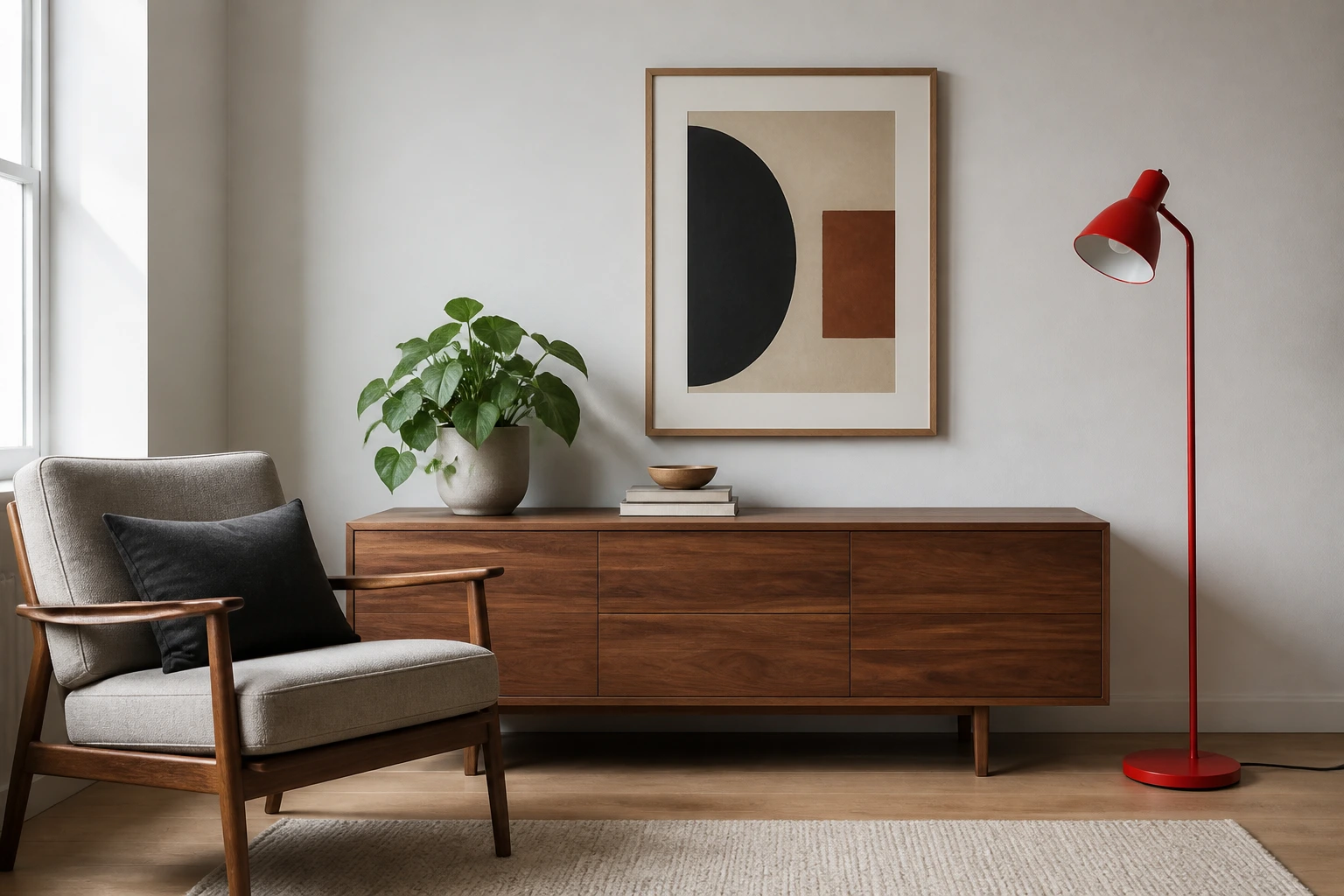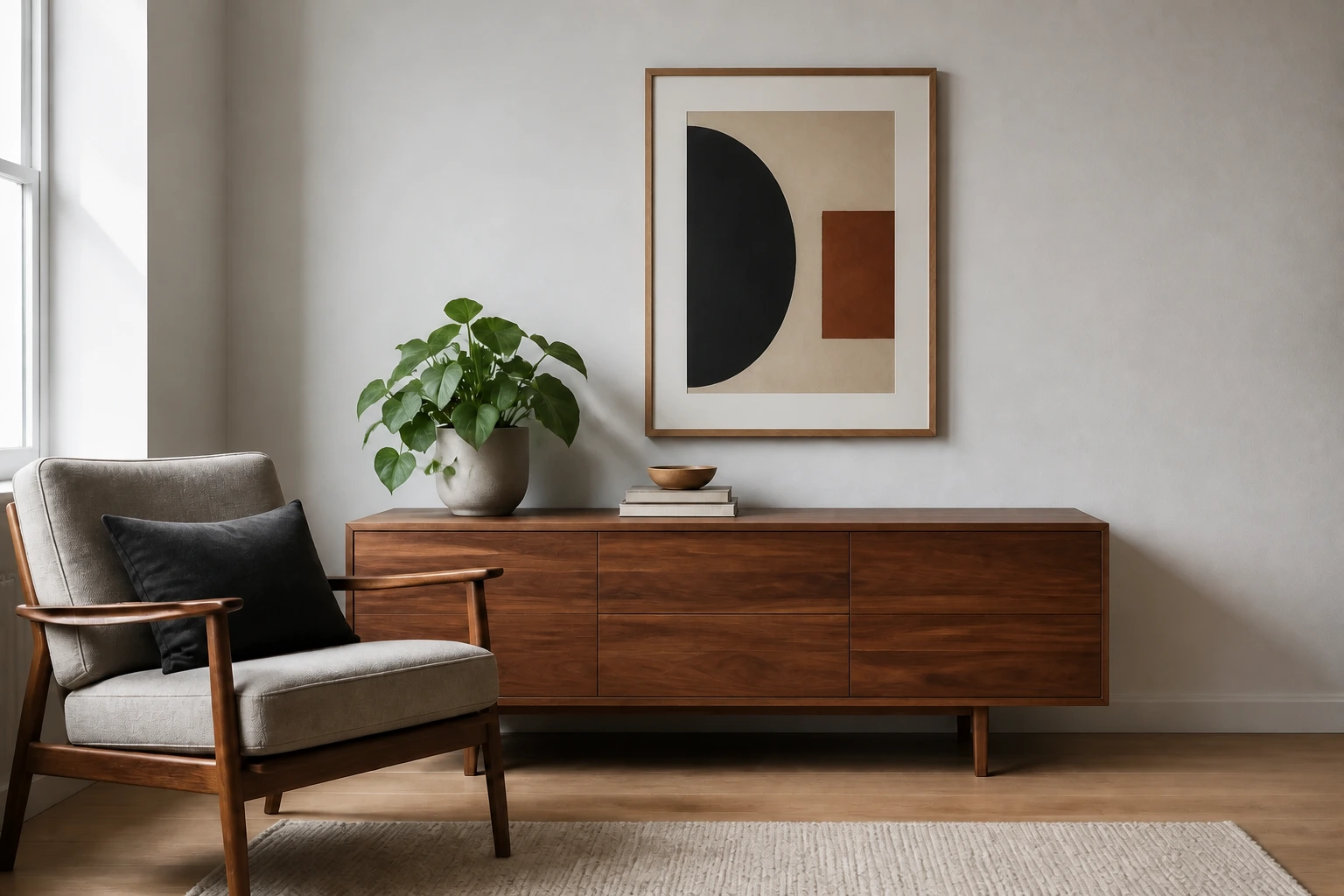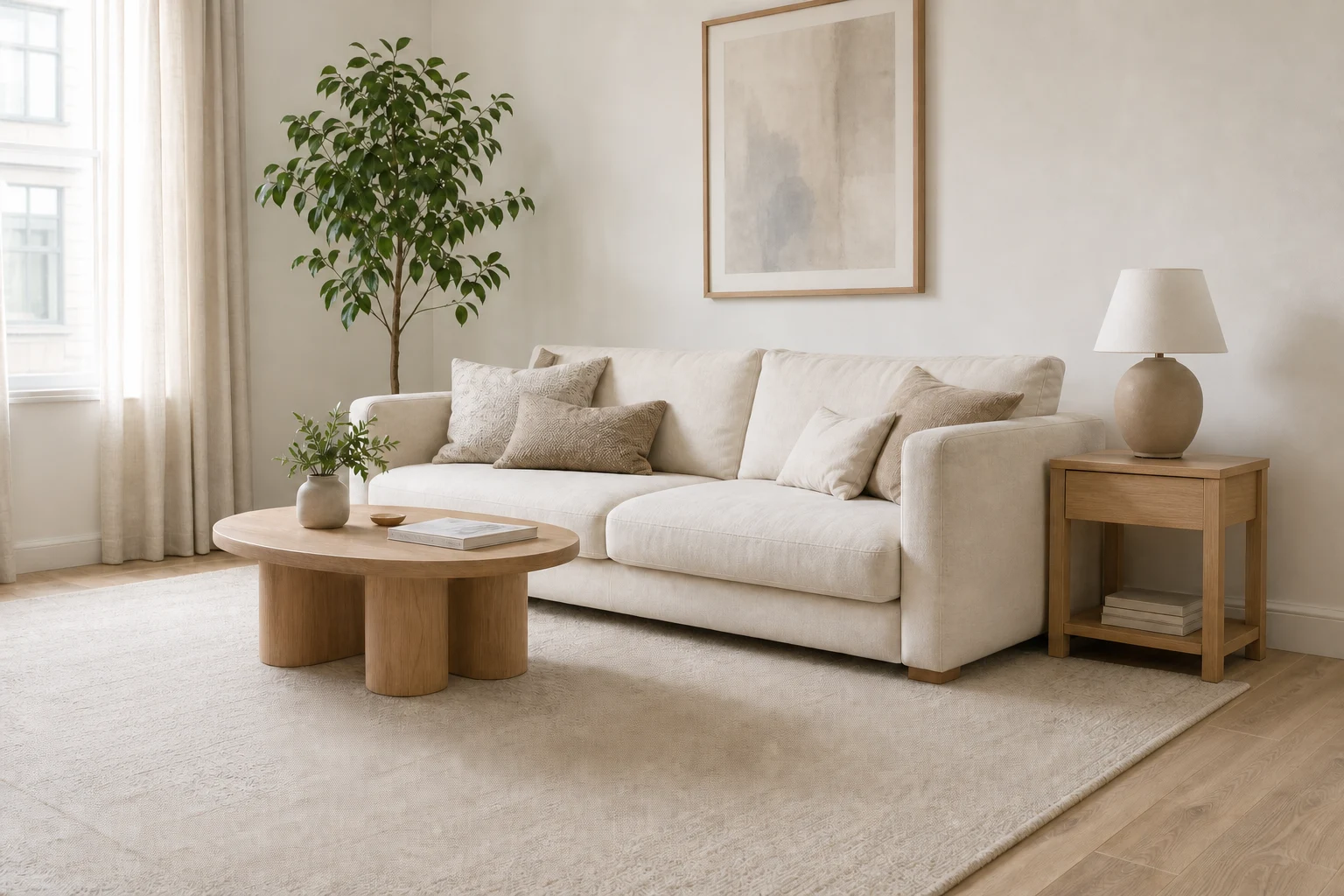
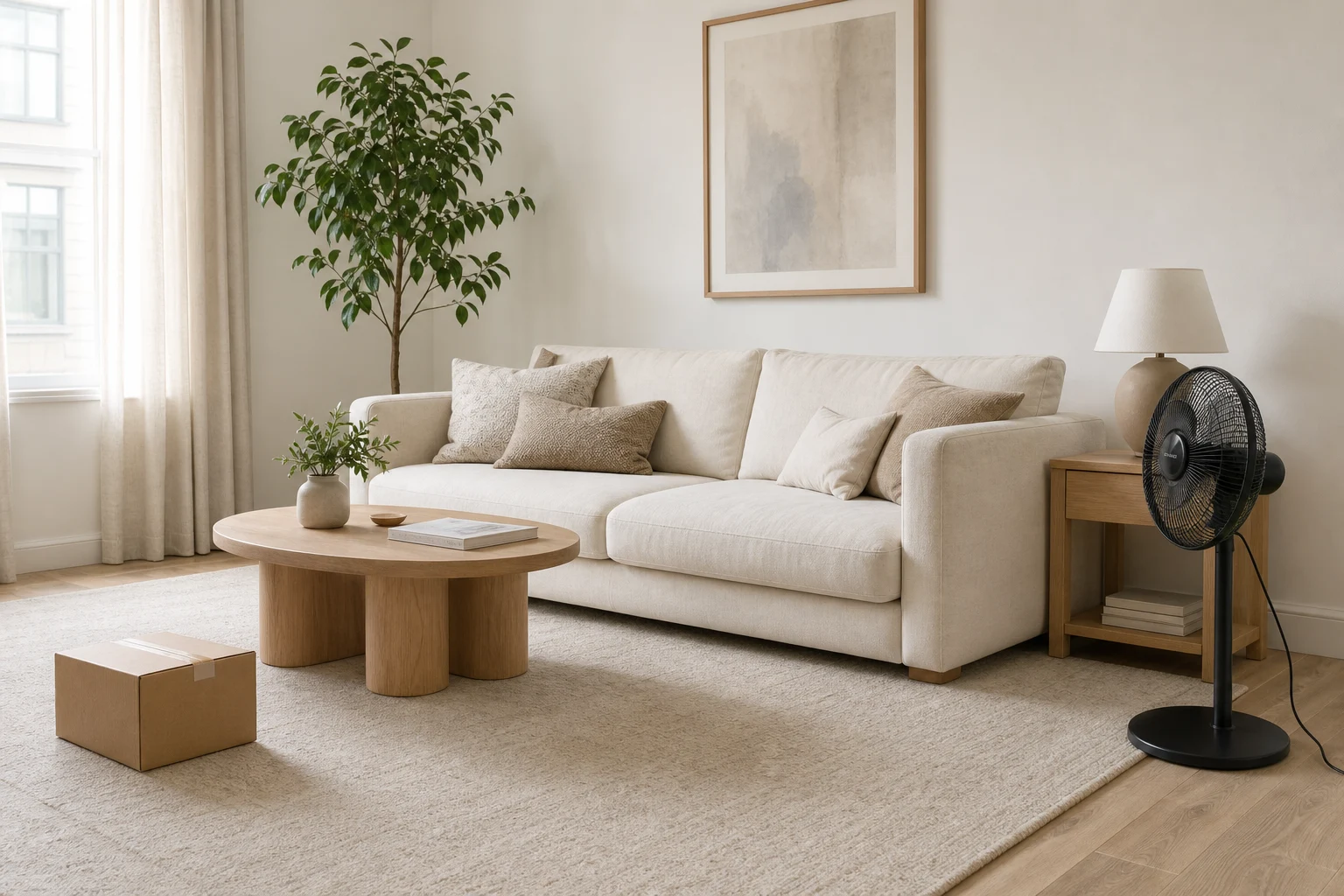
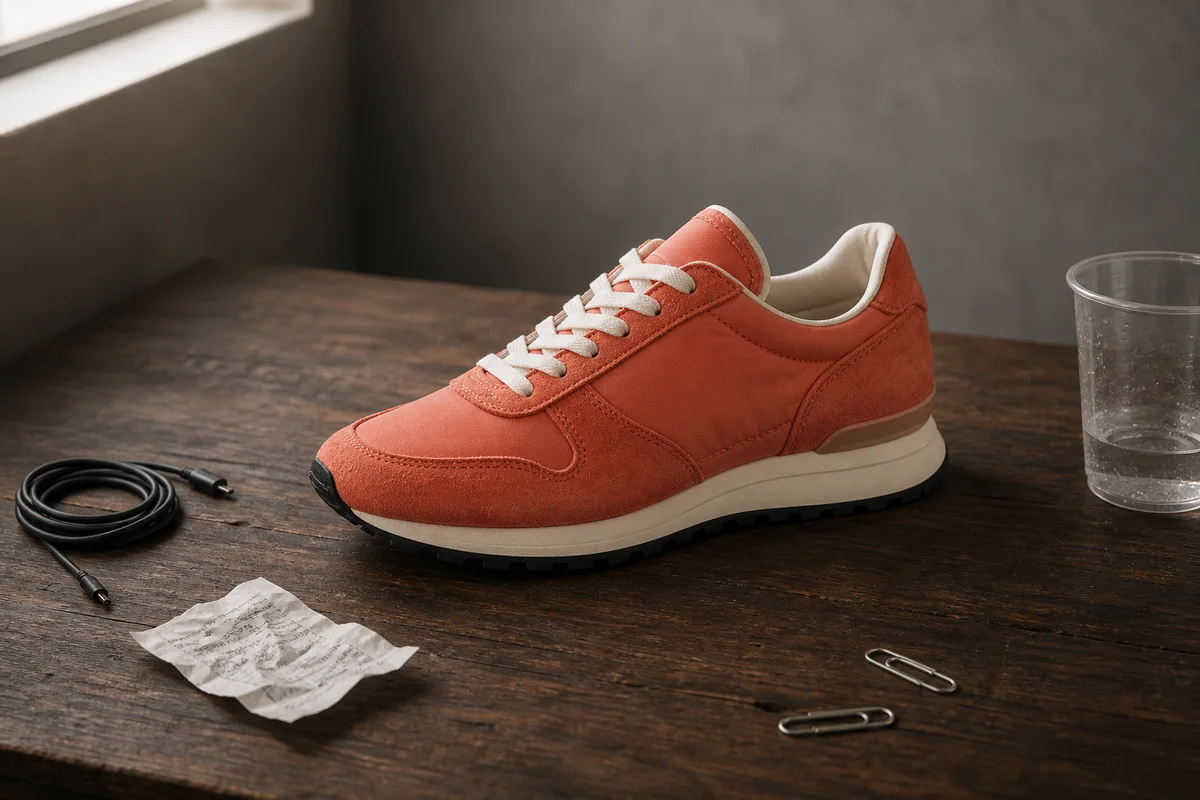
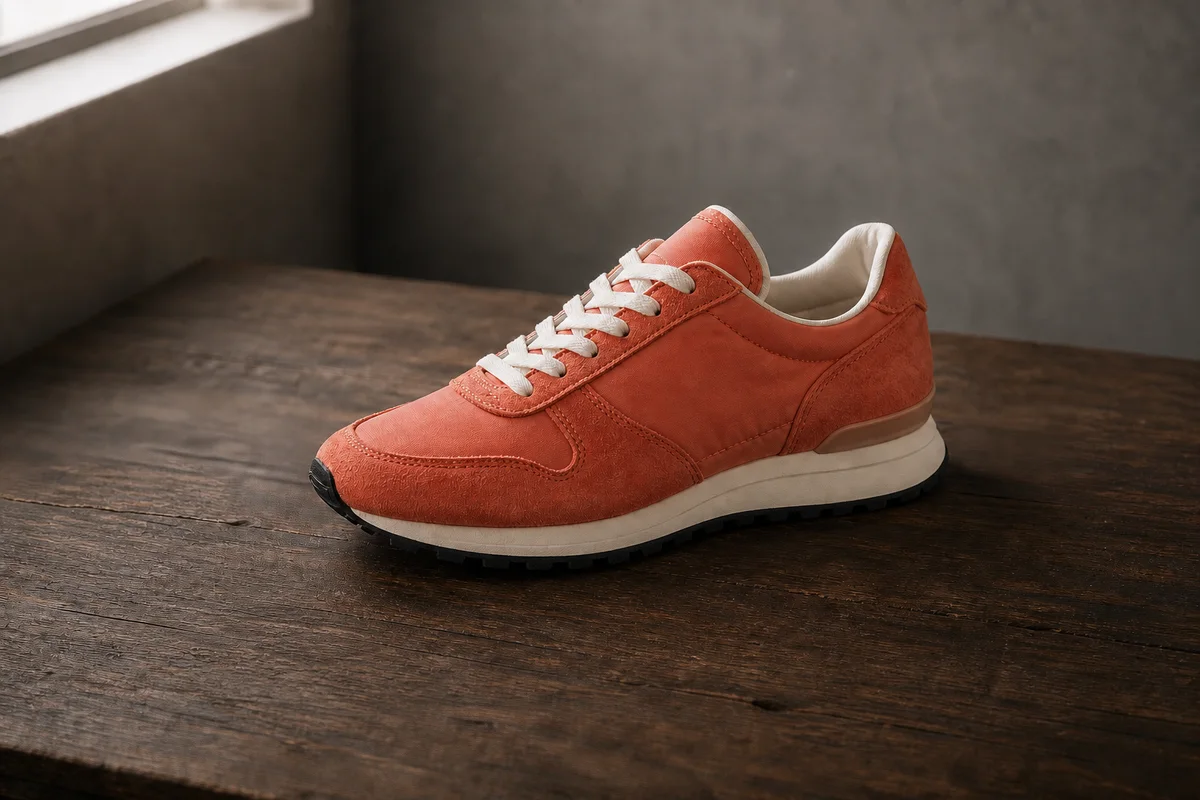
Before
AfterRemove tabletop clutter while keeping the product stable
GPT Image 2
For product imagery, name the cables, cup, note, or clips to remove and review the product edges, surface texture, cast shadow, and original camera angle afterward.
Upload a photo, identify the unwanted object by location or appearance, and review a cleaner scene with the product, person, or room left intact.


Compare a source photo and a cleaned result, then inspect the rebuilt edges, shadows, texture, and perspective around the removed object.
Before
AfterGPT Image 2
For product imagery, name the cables, cup, note, or clips to remove and review the product edges, surface texture, cast shadow, and original camera angle afterward.
Before
AfterGPT Image 2
Name the red floor lamp and its cable, then inspect the rebuilt wall, floor, shadows, and furniture while keeping the room composition unchanged.
Open the tool that matches the file or result you need.
Use a broader image edit when you need to change atmosphere, materials, or a room style instead of removing a specific object.
ExploreClear unwanted pedestrians from a travel or street photo while keeping the destination and intended subject in focus.
ExploreCreate a different setting around a person, product, or pet when you need a new background rather than a local cleanup.
ExploreContinue to Create, upload the photo, name the object to remove, and inspect the reconstructed scene before generating.