Skip to content
Mixany

AI Coloring Page Generator

Describe an animal, character, classroom activity, or original scene. Mixany turns the text brief into black-and-white line art with closed shapes, clear margins, and a coloring level you can choose before generating.
Preserve intent presets
Exact quote in Create
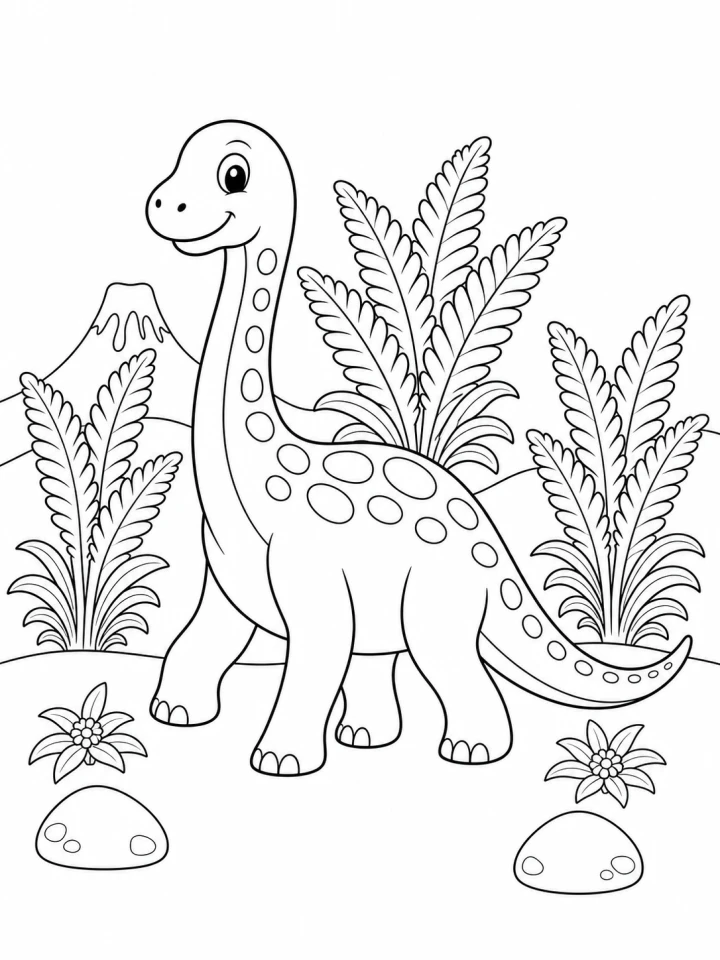
Balanced dinosaur coloring page with clean black outlines and open shapes
A text brief becomes a clean coloring page with one clear subject, closed shapes, and enough white space to color comfortably.

Printable coloring page examples from text

Compare a text-to-coloring workflow across children’s activities, balanced pages, and detailed designs for older colorists.

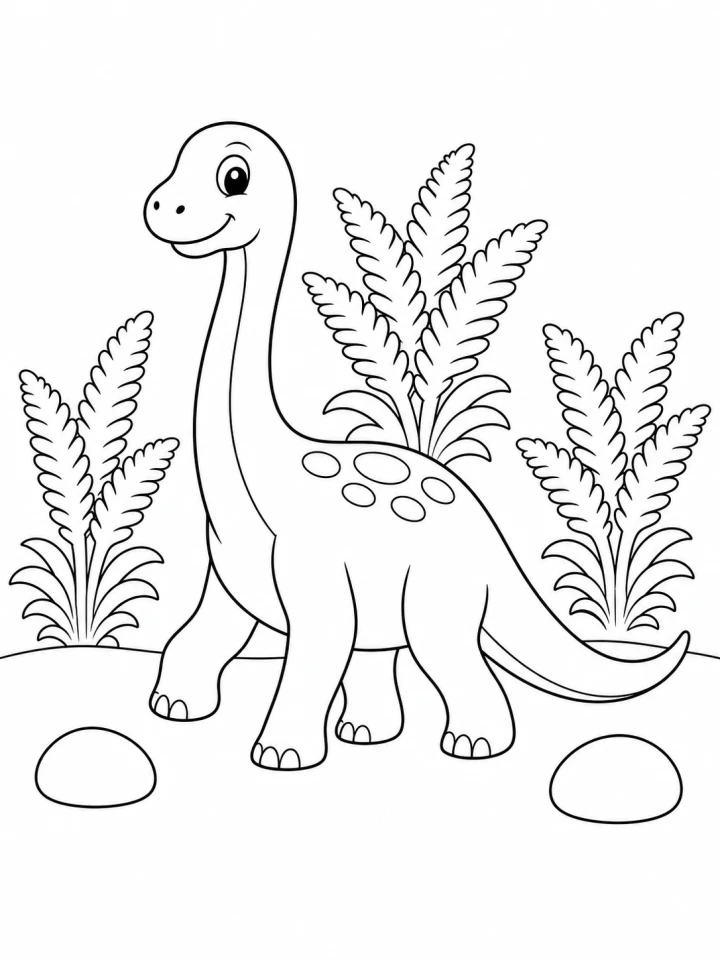
Simple dinosaur coloring page with bold outlines and large open shapes

Keep young colorists in large open shapes

GPT Image 2

A simple dinosaur scene uses bold outlines, generous white space, and only a few supporting forms so small hands can color without visual clutter.
Kids levelBold outlinesOpen shapes
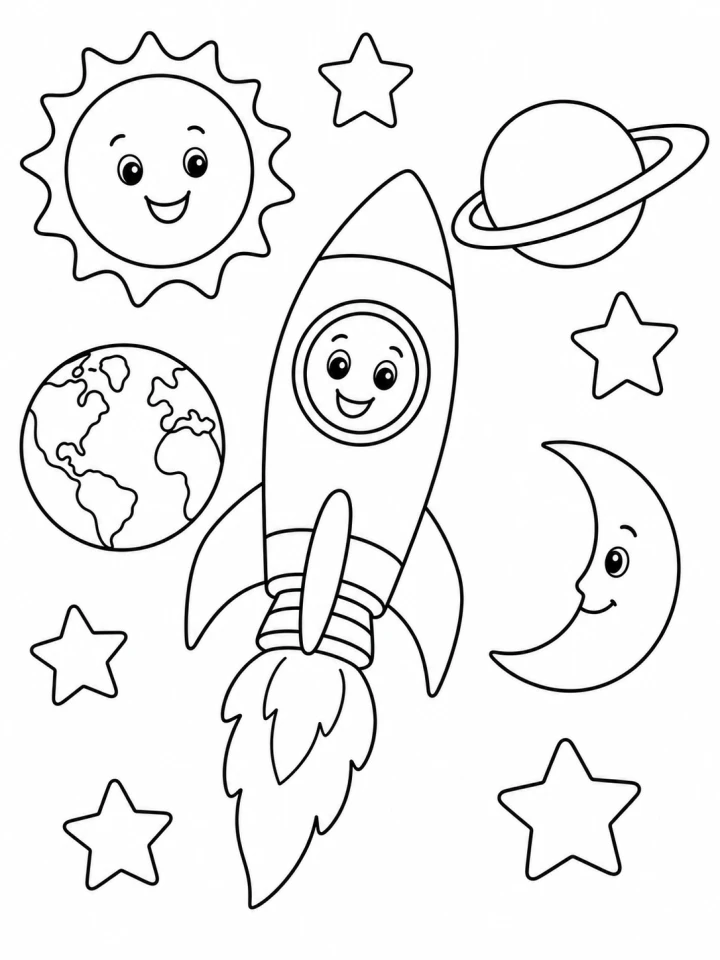
Balanced classroom space coloring page with a rocket and planets

Make a balanced activity sheet

GPT Image 2

A general-level page can carry a little more scene detail while keeping the main subject easy to identify and every area practical to color.
General levelClassroom useClosed shapes
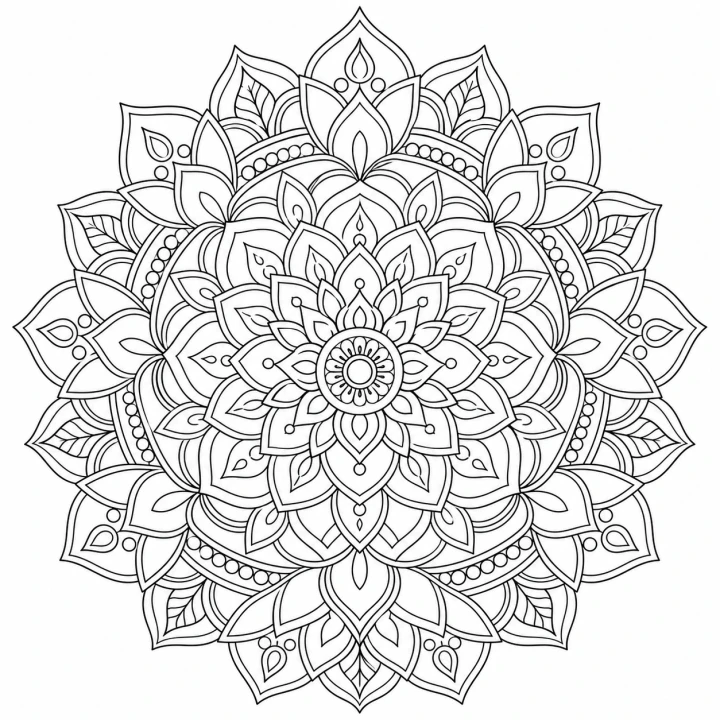
Detailed floral mandala coloring page with fine clean outlines

Add detail without losing colorable structure

GPT Image 2

A detailed mandala uses repeated closed petals and geometric rings for a mindful activity while keeping line weight and boundaries readable.

Adults levelFine detailSquare 1:1

Available image models for AI Coloring Page Generator

Choose an available image model in Create. Mixany shows the supported settings and credit quote before you generate.

01
Hot
GPT Image 2
Precise instructions and carefully controlled image changes
  • Precise instructions and carefully controlled image changes
  • Generate new images or make targeted image changes
  • Use private reference images to guide the result
02
NewBeta
Nano Banana 2
Fast reference-led image generation and editing
  • Fast reference-led image generation and editing
  • Generate new images or make targeted image changes
  • Use private reference images to guide the result
03
New
Seedream 5.0 Pro
High-fidelity image work with reference images
  • High-fidelity image work with reference images
  • Generate new images or make targeted image changes
  • Use private reference images to guide the result

How to make a printable coloring page

    01
    Describe the coloring page in text
    Name one subject or scene, the setting, and any details that should stay recognizable in the finished line art.
    02
    Choose the coloring level
    Select Kids for bold simple forms, General for balanced activity pages, or Adults for finer detail, then choose the page shape.
    03
    Generate and print
    Review the black-and-white result for closed shapes and clear margins, then download it for your activity or home printer.

AI Coloring Page Generator FAQ

Yes. This Product starts with a written idea. Use Photo to Coloring Page when you want to upload a portrait, pet, object, or place.

Make a printable coloring page from text

Describe one subject, choose Kids, General, or Adults, review the current credit quote, and create a private page in Create.